Arui.AI is an AI anime art generator that renders detailed anime-style illustrations from text descriptions and uploaded reference photos. Type a scene, pick a visual style, and download a finished anime illustration at resolutions up to 2048 by 2048 pixels in under ten seconds.

Switch models to compare results
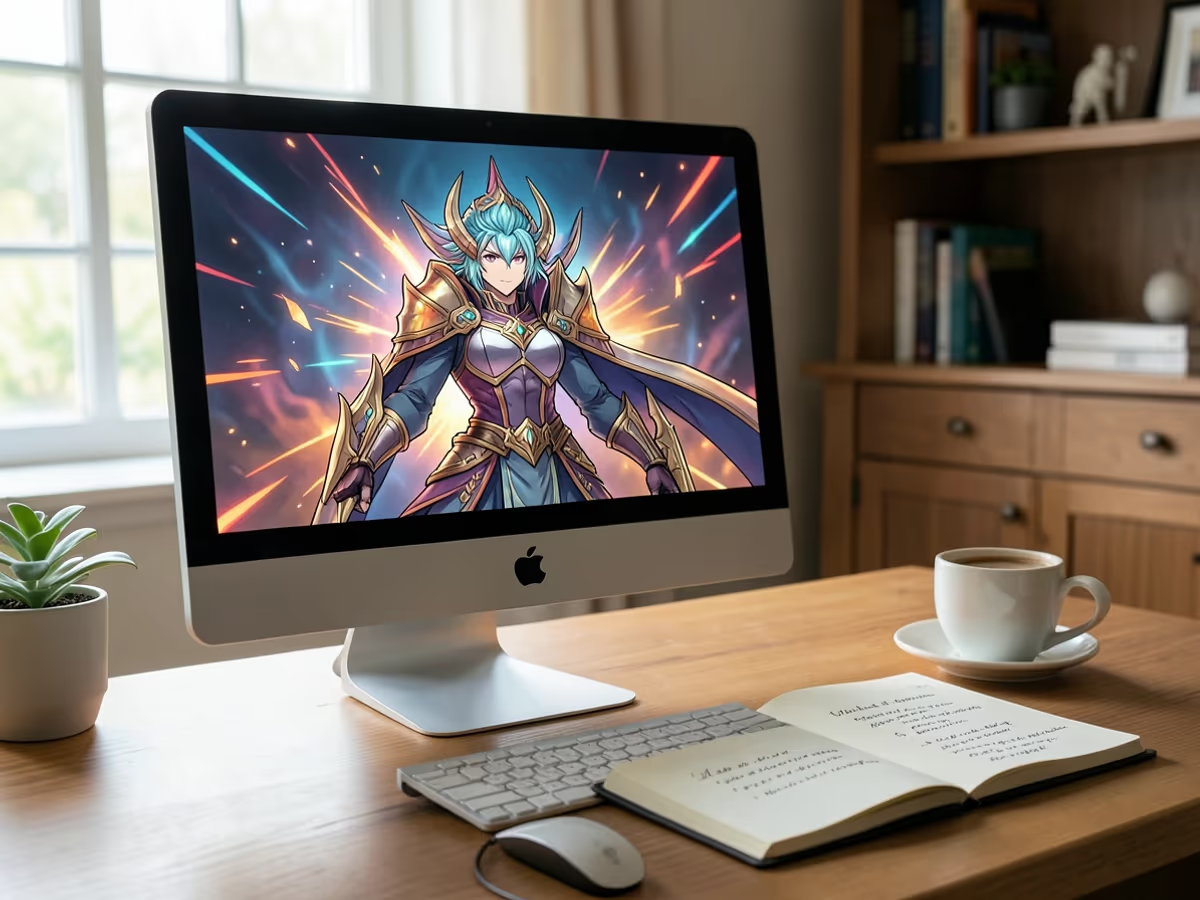
Purpose-built tools for rendering anime-style artwork from text and image inputs.
The ai anime art generator from text mode lets you describe a character or scene in plain language and receive a finished illustration. The ai anime art generator from photo mode takes an uploaded image and redraws it in an anime aesthetic, preserving composition while translating lighting, textures, and proportions into stylized linework and cel shading.
Choose from four distinct style presets — bold shonen with high-contrast shading, soft shoujo with pastel gradients, compact chibi proportions, and semi-realistic painting. The anime art generator applies each style to your input and delivers a fully rendered illustration at 2048 by 2048 pixel resolution.
Every image the tool produces renders at up to 2048 by 2048 pixels, which translates to roughly 7 by 7 inches at 300 dpi — suitable for poster prints, merchandise mockups, and desktop wallpapers. The ai art generator exports files that stay sharp across digital displays and printed materials.
Traditional digital anime illustration takes approximately sixty minutes per piece in software like Clip Studio Paint. The anime ai art generator produces a comparable result in under ten seconds, reducing a multi-hour workflow to the time it takes to type a prompt and click generate.
How Arui.AI compares to commissioning an artist or using desktop illustration software.
| Feature | Arui.AI Anime Art Generator | Traditional Method |
|---|---|---|
| Time to Finished Illustration | Under 10 seconds per generation | 60 minutes in software; 3–7 days for commissions |
| Cost Per Illustration | Included in subscription credits | $30–$150 per commissioned piece; $50+/month for software |
| Required Skill Level | None — describe what you want in plain text | Intermediate to advanced illustration skills |
| Output Resolution | Up to 2048 × 2048 px (7″ × 7″ at 300 dpi) | Varies by artist or canvas setup |
| Style Switching | 4 presets (shonen, shoujo, chibi, semi-realistic) | Requires redrawing or hiring a different artist |
Time to Finished Illustration
Cost Per Illustration
Required Skill Level
Output Resolution
Style Switching
Four groups that benefit from producing anime artwork without drawing skills.
Authors working on light novels, web fiction, or tabletop RPG campaigns use the anime character generator ai to visualize characters, locations, and key scenes. Generating a full-color anime illustration from a paragraph of description takes under ten seconds, compared to spending three hours sketching and coloring the same image manually.
Streamers, bloggers, and community managers use the ai anime art generator to produce eye-catching anime artwork for posts, banners, and thumbnails. Each 2048-pixel illustration reads clearly on mobile feeds and scales down without losing detail, giving content a polished look without a design budget.

Indie creators producing stickers, prints, and apparel designs use the anime digital art tool to generate print-ready anime illustrations. The 2048 by 2048 pixel output at approximately 300 dpi delivers crisp results on phone cases, tote bags, and poster prints up to 7 inches square.

Fans who want to see themselves or original characters rendered in an anime aesthetic use the ai anime art generator from photo to turn portraits into stylized anime artwork. The process finishes in roughly ten seconds and requires no illustration software — upload, pick a style, and download.
From a text prompt or uploaded photo to a finished anime illustration in under thirty seconds.
Type a detailed description of the anime illustration you want — including character appearance, outfit, pose, background, and mood — or upload a photo for the ai anime art generator from photo mode to use as a visual reference. The AI reads both text and image inputs.
Pick from four style presets: bold shonen for action-oriented scenes, soft shoujo for delicate character art, chibi for cute compact proportions, or semi-realistic for detailed painting. The anime creator ai applies your chosen style to every element in the illustration.
Click the generate button and the anime art ai generator renders a completed illustration in under ten seconds. Download the file at up to 2048 by 2048 pixels and use it for social media, prints, wallpapers, or creative projects — no additional editing required.
Answers to common questions about generating anime art with AI.
Describe your scene or upload a photo, choose an anime style, and download a finished illustration at 2048-pixel resolution in under ten seconds.
cta.creditsNote
relatedTools.subtitle
Build complete anime character sheets with consistent proportions, outfits, and expressions from a single description.
Try Now
Convert portraits into stylized anime character avatars optimized for gaming and social media profiles.
Try Now
Generate illustrations across multiple art styles beyond anime — watercolor, oil painting, pencil sketch, and more.
Try Now
