Arui.AI is an AI handwriting generator that converts typed text into natural cursive and print handwriting in about six seconds — ideal for worksheets, practice sheets, and personalized name tracing.

Three handwriting tiers tuned for different sample counts, lettering detail, and budgets — compare credit cost, aspect ratios, and handwriting sample support before you generate.

Five real scenarios — each one removes a specific creative or educational bottleneck.

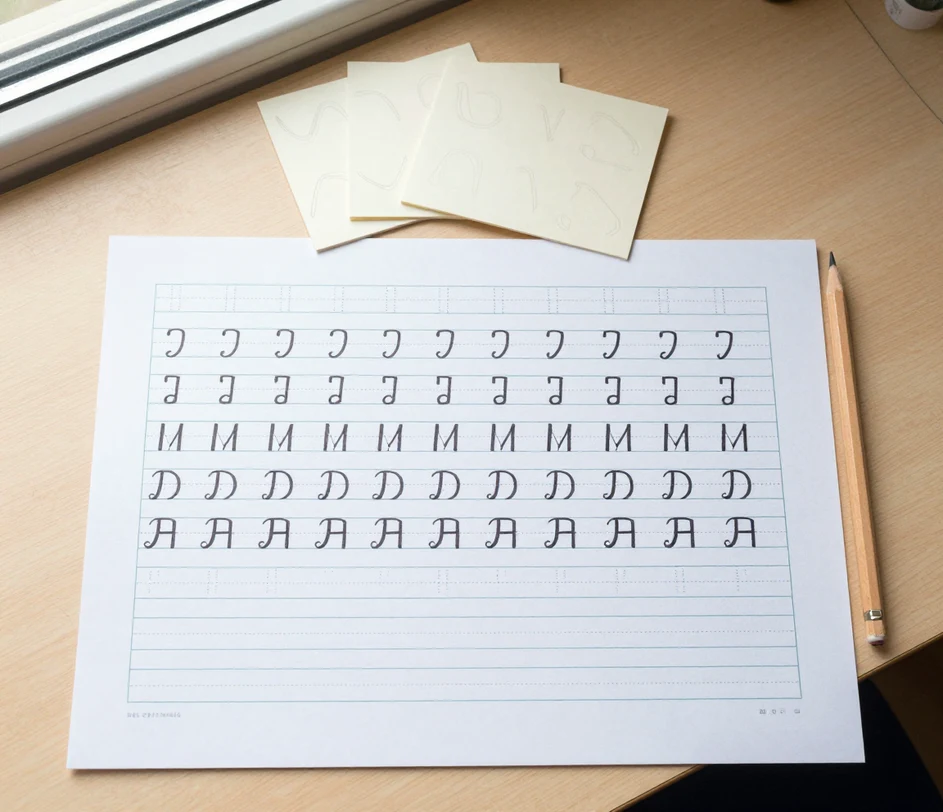
Teachers need differentiated handwriting worksheets for twenty or more students at different skill levels. Instead of handwriting each page or formatting in Word, type the week's vocabulary list and the handwriting worksheet generator renders the full page in natural, cloned handwriting ready to print. What used to take an entire prep period now finishes in under a minute.

Parents teaching preschoolers to write their own name need customized tracing sheets. Type the child's name, pick a portrait ratio, and the tool produces a personalized practice page in large, clear letters cloned from a parent's or teacher's own hand. A handwriting name generator result that would take ten minutes to format manually is ready in seconds.

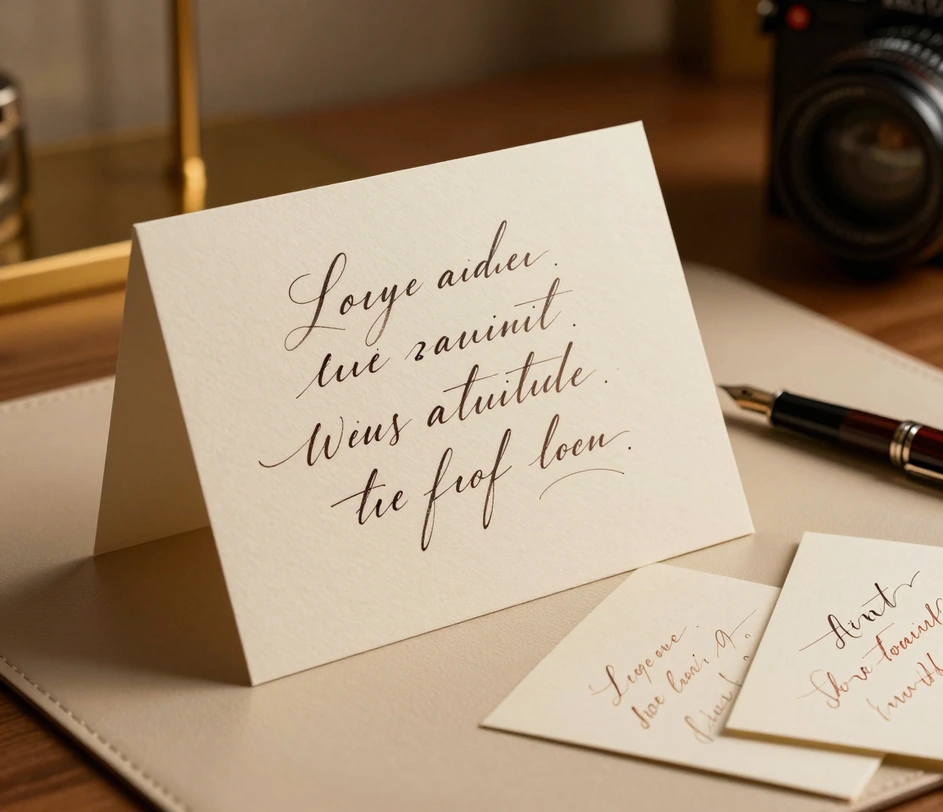
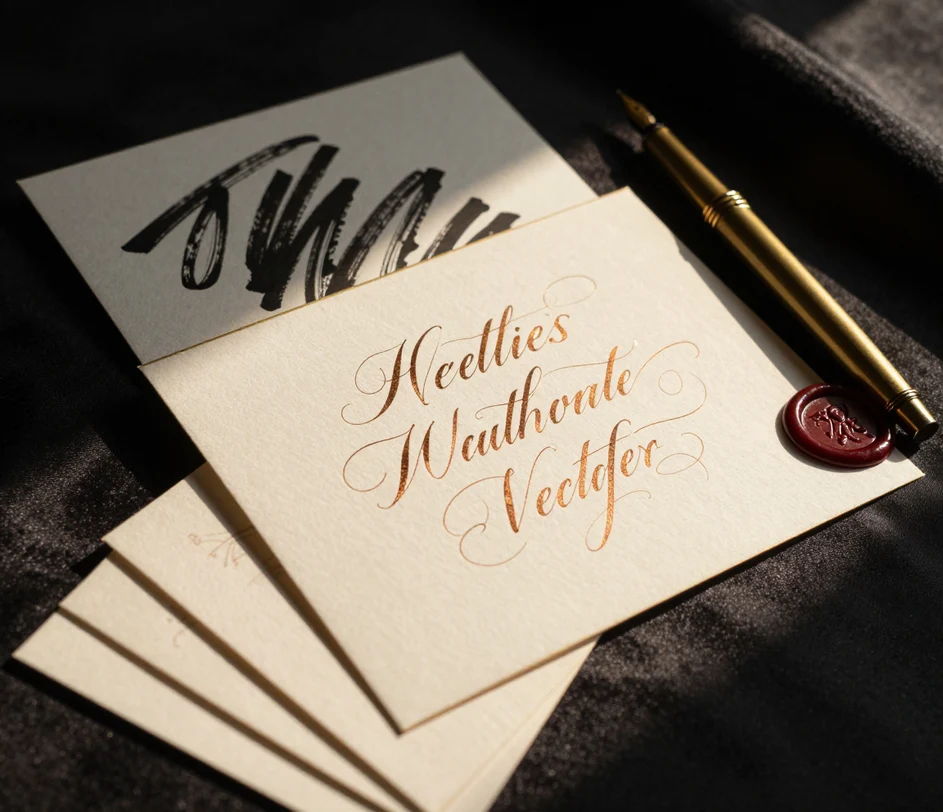
Calligraphy learners study different script styles to understand stroke variation and letter spacing. The ai calligraphy generator produces reference samples cloned from your own calligraphic hand — whether copperplate, brush lettering, or a personal hybrid — at resolutions up to 2048 × 2048 pixels, giving hobbyists a visual library without purchasing individual font packs.
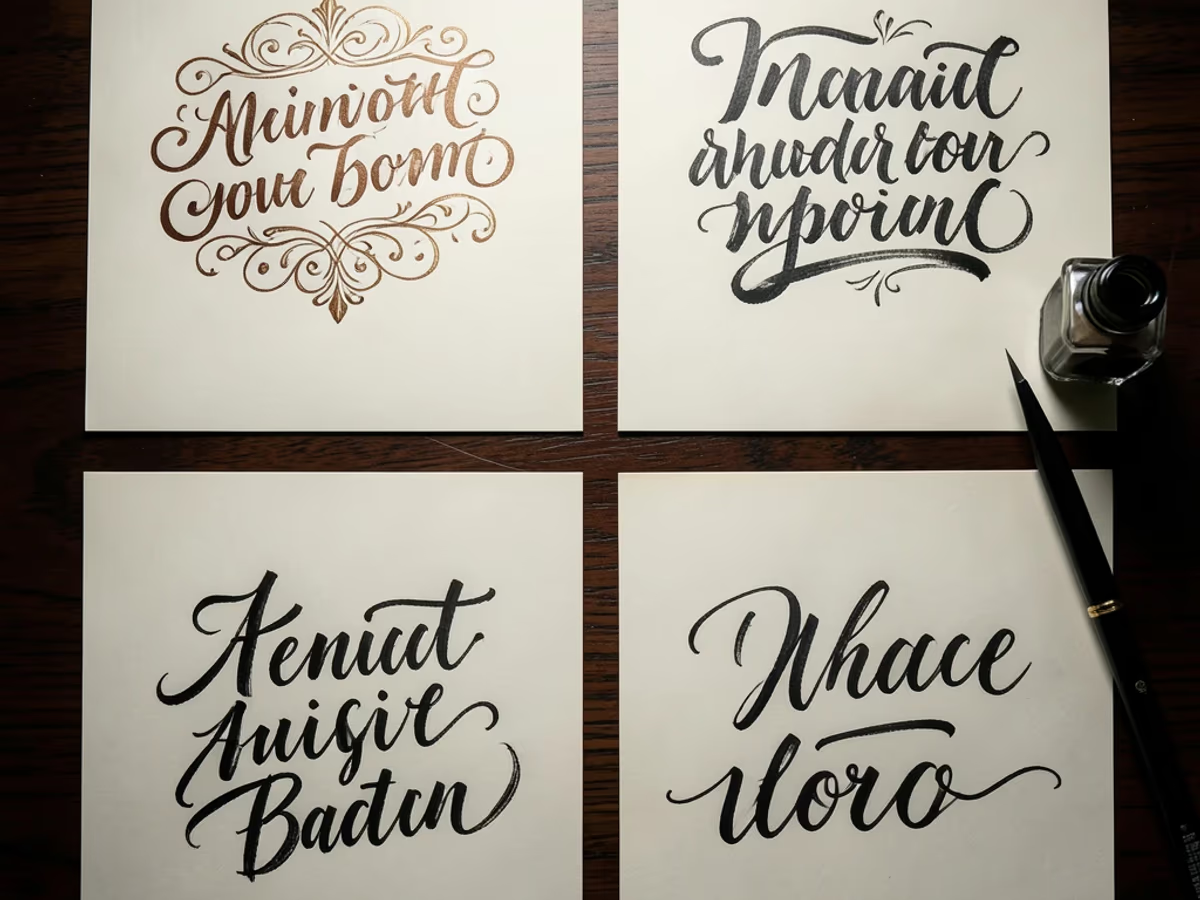
Graphic designers need authentic-looking handwriting for mockups, greeting cards, and social media graphics. Type any message, upload a cursive or print sample, and download a high-resolution image ready to composite into a layout. Designers report cutting their handwriting asset preparation from thirty minutes to under ten seconds per piece.

Adults rediscovering cursive writing need structured practice materials tailored to their level. The cursive handwriting generator produces graduated practice sheets — starting with individual letters, advancing to words, then full sentences. Each sheet keeps the same cloned hand at every stage, with a full page rendered in about six seconds — supporting learners from first stroke to fluent signature.

Direct answers — no jargon, no fine print.
Upload your handwriting samples, describe the text you want written, and download natural handwriting in seconds.
Type your text and watch AI write it by hand.
Other AI-powered creative tools from Arui.AI — worth a look if you found this one useful.

Generate coloring book pages from text descriptions — perfect for educational and creative activities.
Try Now
Turn text prompts into hand-drawn style sketches — pencil, ink, and charcoal effects.
Try Now
Create a natural-looking handwritten signature from your typed name — multiple cursive and print styles.
Try Now
Design a flowing cursive signature from any name — download as transparent PNG.
Try Now
Create seamless patterns and textures from text — export for print, fabric, and digital design.
Try Now
Describe any scene in words and get a polished illustration back — multiple art styles available.
Try Now
