Arui.AI is an AI photo retouching tool that analyzes facial features, skin texture, and lighting in any portrait to deliver studio-quality enhancements automatically. Upload a photo, choose the retouching intensity, and download a polished image ready for social media, professional headshots, or e-commerce listings.

Every tier retouches the same face — identity, expression, and composition stay intact — upgrade for finer skin quality, deeper detail work, and 3K exports.

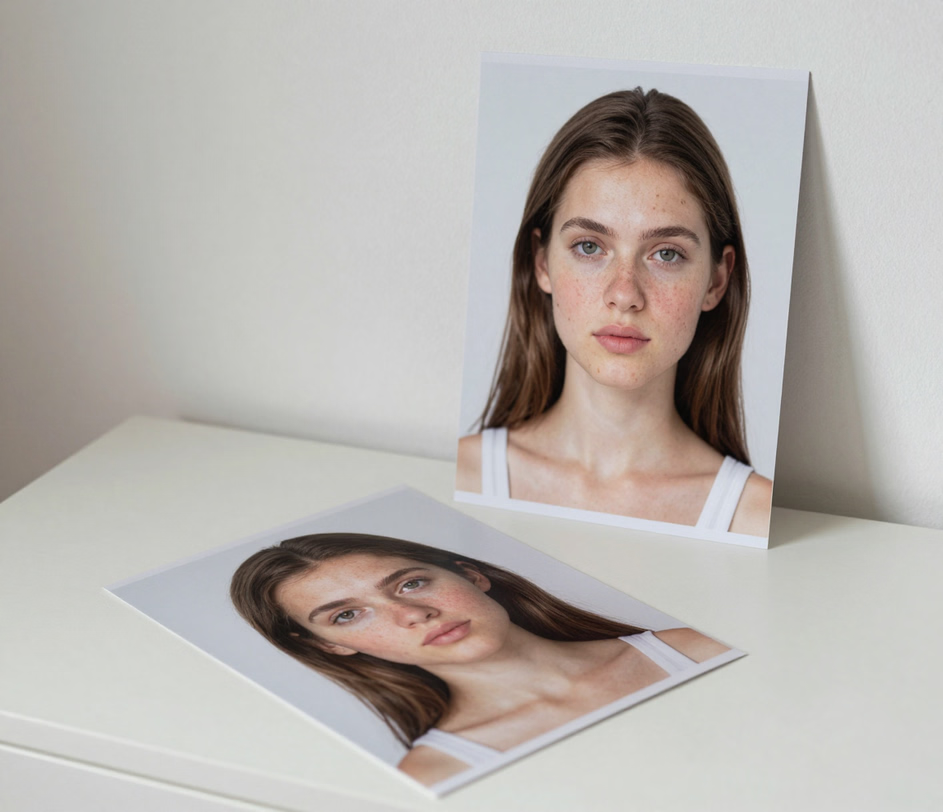
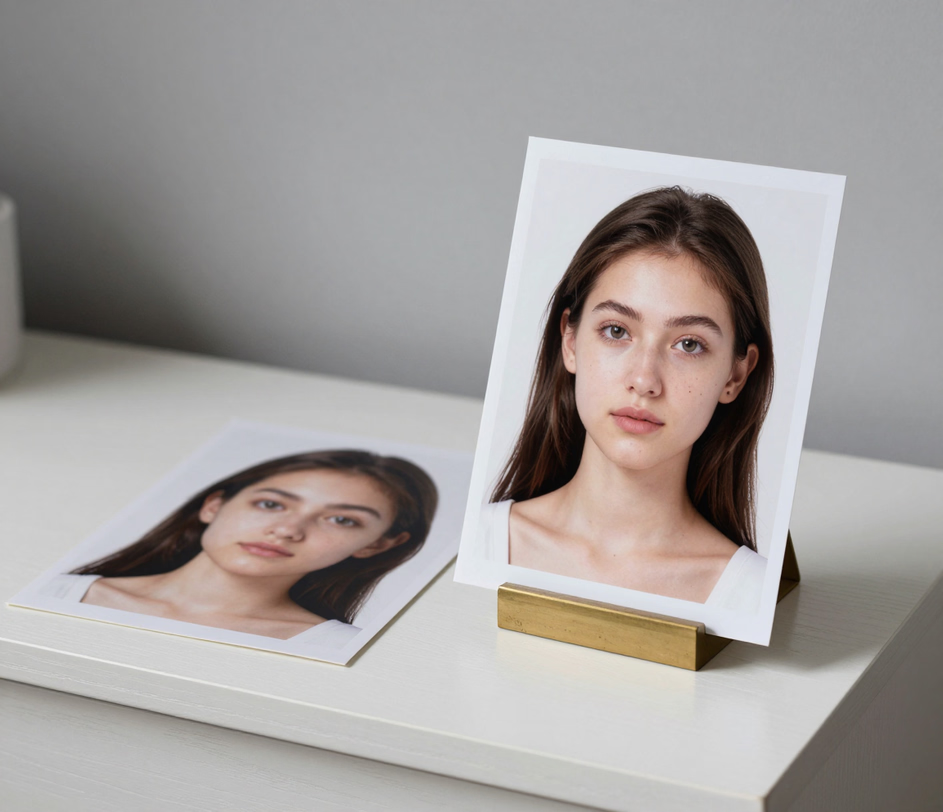
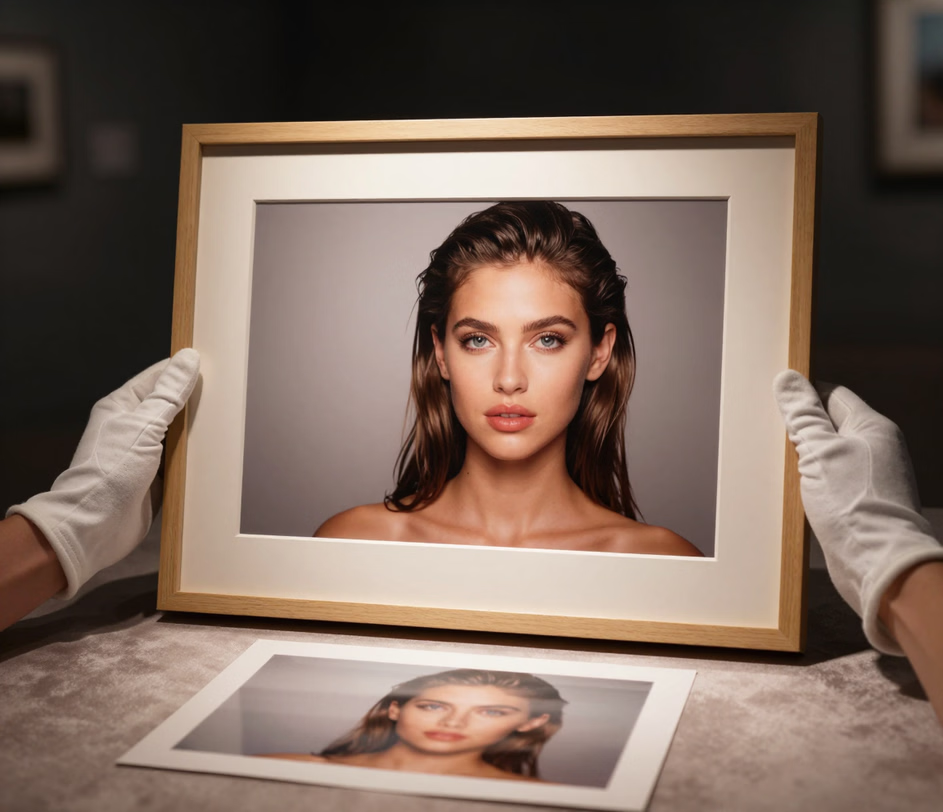
Precision skin smoothing, blemish removal, and color correction — powered by neural networks trained on millions of images.

The ai skin retouching engine distinguishes between natural skin texture and imperfections at the pixel level, preserving pores and fine detail while softening blemishes, uneven tone, and redness. A full portrait retouch completes in seconds, compared to 20 to 30 minutes of manual frequency-separation work in Photoshop.

The face retouch system maps 5 independent facial regions — eyes, nose, mouth, jawline, and brow — and applies targeted adjustments to each region separately. Eye brightening, teeth whitening, and under-eye circle reduction happen simultaneously without affecting surrounding areas, holding up at any head angle or expression.

Pick how strongly to retouch from 3 presets before you upload: Natural removes only temporary blemishes such as spots, redness, and stray hairs while keeping freckles and skin texture untouched, Polished adds the everyday refinement social feeds expect, and Glam delivers full studio-grade polish with luminous skin and a magazine-cover finish. The ai skin retouching presets cover everything from a quick touch up photos pass before posting to headshot-grade glam for profile pictures.

The image retouch engine keeps every person's face, identity, facial features, expression, age, and pose exactly the same, and preserves 100 percent of the original composition, framing, lighting, colors, and background — only the skin and small imperfections change. Your retouched photo stays the same photograph, which matters for profile pictures, company directories, and dating profiles where looking like yourself is the whole point.

The image retouch pipeline delivers output at your tier's resolution — up to 1024 px on Standard, 2048 px on Pro, and 2K or 3K on Master — large enough for marketplace zoom views, printed portfolios, and retina screens. Optional text prompts let you add specific instructions such as whitening teeth, softening under-eye circles, or cleaning up stray hairs on top of the chosen intensity.

Four real scenarios where automated retouching saves hours and raises visual quality.

Corporate teams need consistent headshot retouching across employee photos. The ai portrait retouching pipeline smooths skin and brightens eyes with the same Natural or Polished settings on every photo, so a 20-person company directory gets one cohesive professional look without days of manual Photoshop editing.
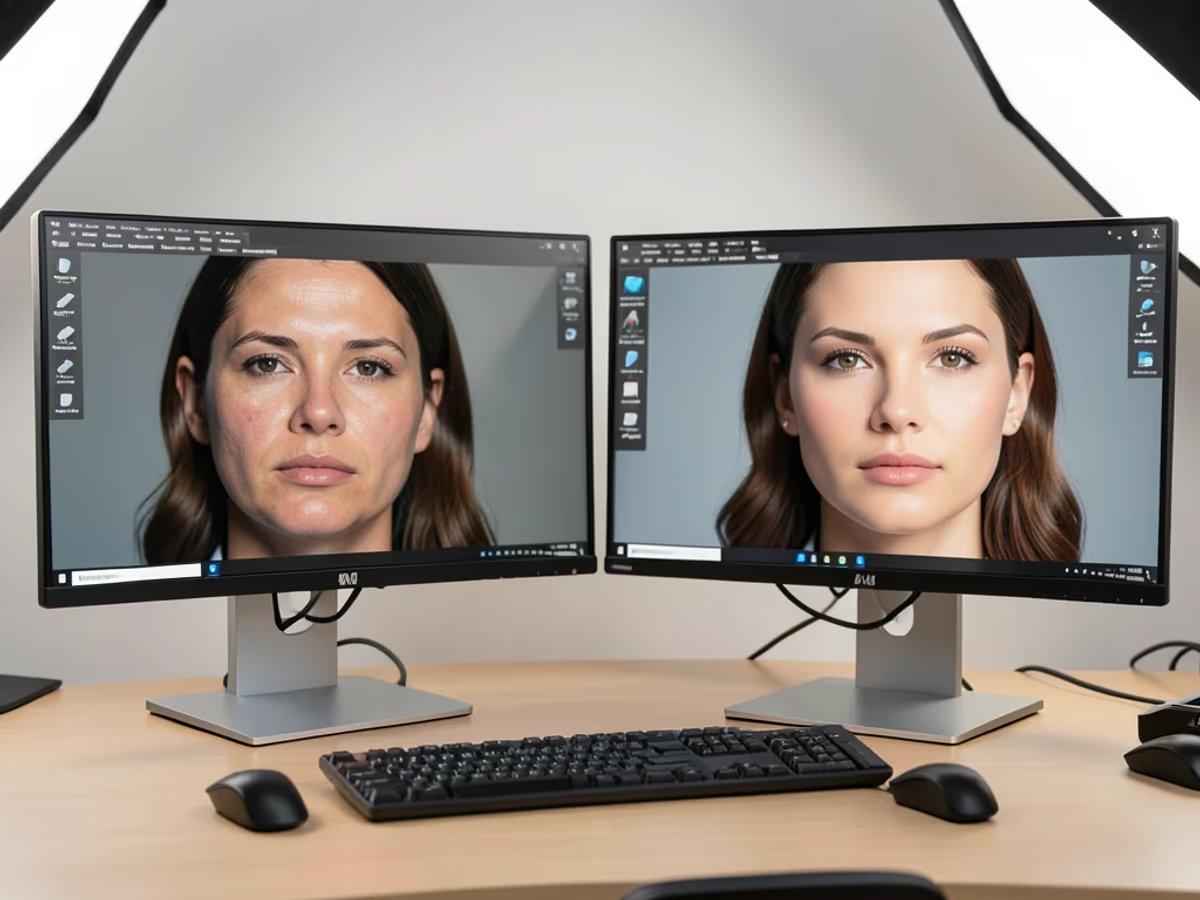
Product listings compete on perceived quality, and raw unedited shots show every speck of dust and surface flaw. The product retouching workflow removes dust and enhances surface detail on items photographed against white or colored backdrops — one consistent Polished pass per photo, with the original packaging, labels, and colors kept exactly as shot and up to 3K output on Master for marketplace zoom views.

Content creators and influencers who post daily need fast, consistent touch up photos editing. The photo retouch online tool applies skin smoothing, teeth whitening, and subtle facial enhancements that maintain a natural look — ideal for Instagram, TikTok, and YouTube thumbnail production where over-edited faces appear artificial and reduce engagement, with 2K or 3K exports on Master keeping thumbnails crisp on retina screens.

Aged photographs often suffer from fading, scratches, and color shifts accumulated over decades. The photo restoration function corrects color degradation, fills in scratched areas, and sharpens blurred facial features, turning a 30-year-old faded print into a clear, vibrant digital file suitable for printing at 8 by 10 inches or larger.

No Photoshop, no plugins. Upload, adjust, download.

Drag and drop a JPEG, PNG, WebP, or GIF file up to 20 megabytes into the upload area. The photo editor to remove blemishes keeps your original framing with no cropping, and the retouched output follows your photo's aspect ratio at your tier's resolution.

Pick one of the three retouching intensity levels — Natural for removing only temporary blemishes while keeping freckles and skin texture, Polished for everyday social refinement, or Glam for full studio-grade polish. Add an optional prompt with a specific instruction such as whitening teeth or softening under-eye circles, and the ai photo retouching engine applies it on top of the intensity you chose.

Click download to save the retouched image at your tier's full resolution — up to 1024 px on Standard, 2048 px on Pro, and 2K or 3K on Master. Polished portraits carry straight into Instagram, LinkedIn, dating profiles, and any other platform where natural-looking skin matters.

Direct answers — no jargon, no fine print.
Upload a portrait, pick your retouching intensity, and download a polished photo — your face stays your own.
Upload a portrait and see the AI enhancement in seconds.

Other creative tools from Arui.AI for your photo editing workflow.

Remove the background from any photo with pixel-level edge detection — no manual masking needed.
Try Now
Upscale and sharpen low-resolution images up to 4x while preserving detail and color accuracy.
Try Now
Apply artistic and cinematic filters to any photo with one click — from film emulations to color grading presets.
Try Now
