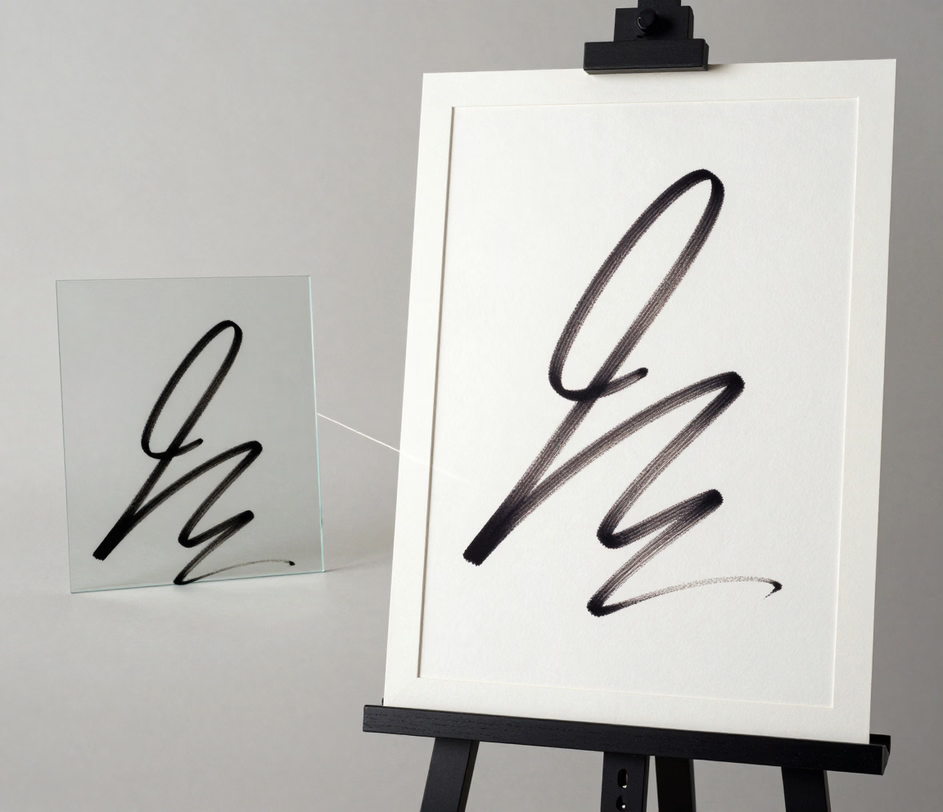
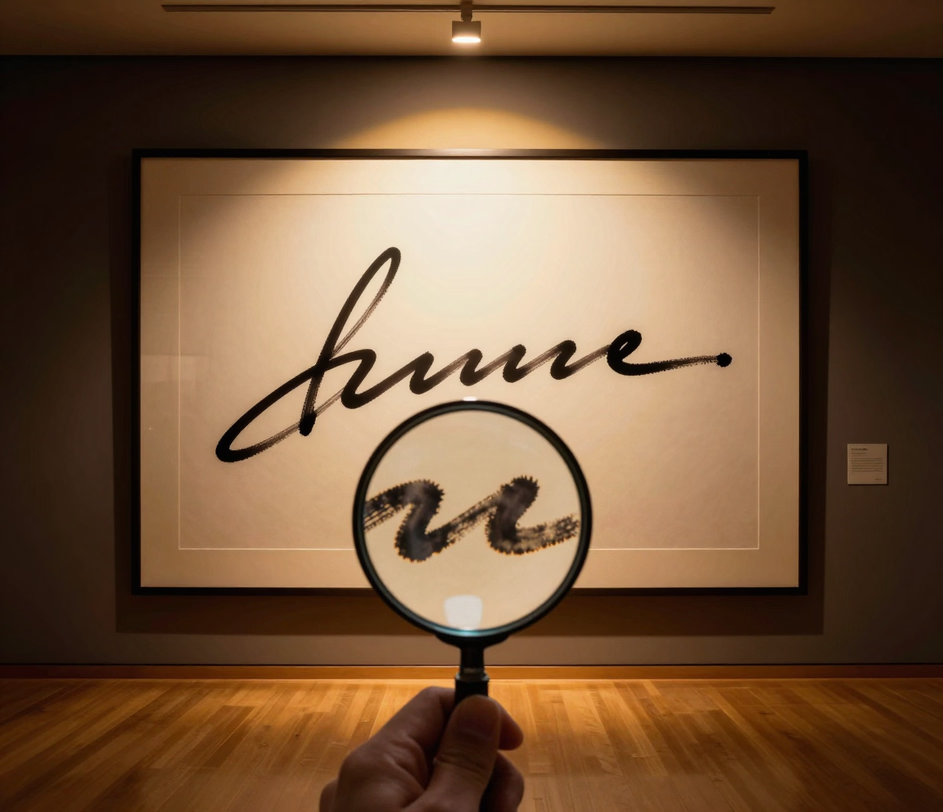
Arui.AI is an electronic signature maker that lets you type, draw, or upload a signature and download a signing-ready image in under 5 seconds. The output works inside PDFs, Word documents, contracts, and web forms — no scanner, no software install, no design skills needed.
Switch models to compare signature styles


Direct answers about how the tool works and where the output is valid.
cta.subtitle
Create a signing-ready electronic signature in under 6 seconds.
Other AI-powered tools from Arui.AI that work alongside your electronic signature.
Turn your typed name into a flowing cursive or printed signature with over thirty style presets — a natural handwriting look for contracts and personal documents.
Try Now
Build a polished Gmail signature block with your name, job title, and contact details — paste directly into Gmail settings in seconds with no HTML coding.
Try Now
Build a polished email signature block with your name, job title, and contact details — ready for Gmail, Outlook, and Apple Mail with no HTML coding.
Try Now
Describe your brand in words and get a clean logo to pair with your signature on business cards, letterheads, and invoices.
Try Now
Three input modes, instant output, and document-ready formats.
Type your name and the AI renders it in a professional font, draw freehand on a trackpad or touchscreen, or upload a photo of your pen-and-paper signature and let the background remover produce a clean cutout. Most users go from blank canvas to downloaded file in under 6 seconds — compared to the 10 minutes it takes to scan, crop, and erase backgrounds in traditional image editors.
Download your signature as a transparent PNG under 200 kilobytes for quick placement in contracts and forms, or as a scalable SVG that stays sharp up to 4K resolution. Both formats export in under 2 seconds and drop into PDFs, Word files, and email templates without white boxes or pixelation — the 2 formats cover over 95% of real-world document signing needs.
Once you generate a signature, the downloaded file is pixel-identical every time. That consistency matters for legal documents and audit trails — a digital signature creator that reproduces the exact same image across 50+ contracts eliminates the variability that hand-drawn signatures carry when pen pressure or surface texture shifts the result.
The signature image inserts directly into Microsoft Word signature lines, Adobe PDF form fields, and Google Docs comment boxes. A signature creator for Word documents needs no plugins or extensions — drag and drop the downloaded PNG, resize it to fit the line, and the document is ready to send. Over 80% of users sign at least 3 documents per week with the same generated image.
The electronic signature maker runs entirely in your browser with no downloads and no plugins. It loads in under 2 seconds on a Windows laptop, a MacBook, or a tablet, and the interface works identically across all 3. You can create a signature, download it, and close the tab without leaving a trace on the device.
When you sign in, every signature you generate is saved to your personal Arui.AI dashboard. Arui.AI does not share your signature content with other users, license it to third parties, or use it for model training. You can delete all stored signatures in under 5 seconds, with zero recovery and zero third-party access — important for sensitive legal and business documents.
How an online signature generator compares to printing, signing, and scanning — or hiring a notary.
| Aspect | Arui.AI | Print, Sign, Scan / Notary |
|---|---|---|
| Time to Finished Signature | Under 6 seconds — type, draw, or upload, then download | 8–15 minutes to print, sign, scan, and email; 24–72 hours for a notary appointment |
| Cost per Signature | Included in subscription plans starting at a few credits per generation | $0 for self-printing but 8+ minutes per document; $25–$75 per notarization |
| Consistency Across Documents | Pixel-identical output on every download — audit-ready across 50+ documents | Hand-drawn signatures vary 10–20% with pen pressure, surface, and mood |
| Device and Software Requirements | Any browser, any device — zero install, loads in under 2 seconds | Printer, scanner, or notary office visit — hardware and travel required |
Time to Finished Signature
Cost per Signature
Consistency Across Documents
Device and Software Requirements
Five scenarios where a digital signature generator saves time and removes friction.

A small business owner signs between 5 and 15 contracts per month — vendor agreements, client proposals, and service terms. Instead of printing each contract, signing by hand, and scanning it back, they insert a pre-generated electronic signature directly into the PDF — cutting per-document signing time from 12 minutes to under 30 seconds.
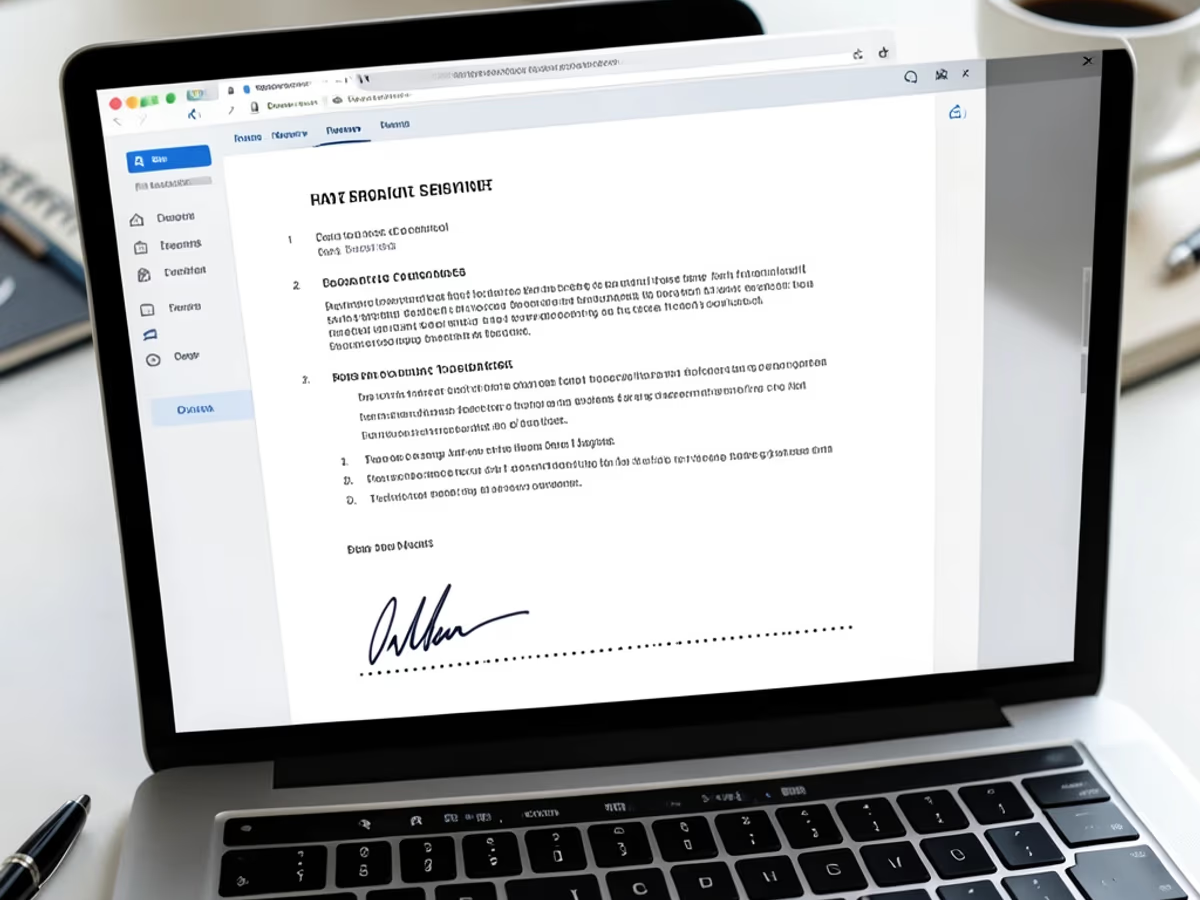
Human resources teams process an average of 40 new-hire documents per quarter — offer letters, tax forms, and policy acknowledgements. A digital signature maker from image lets HR staff upload each new hire's handwritten signature once, then apply it consistently across every form — one HR department of 12 employees cut their onboarding paperwork turnaround from 5 days to under 8 hours.

Independent contractors send invoices to multiple clients each month and need each one signed or acknowledged. An online signature generator gives them a professional, consistent signature that renders identically on every invoice — no more hastily scribbled phone-camera scans that look different on each document. One freelancer reported getting proposals signed 20% faster after switching to a clean electronic signature.

University students sign an average of 20 forms per semester — enrollment declarations, permission slips, and financial aid applications. A signature creator for Word documents lets them generate one signature image and reuse it across every submission, saving repeated trips to a printer and scanner. The transparent PNG drops directly into the Word signature line with no white box or background cleanup.

Distributed teams across multiple time zones cannot collect physical signatures efficiently. An e signature maker lets each team member generate a clean signature image once and use it for expense approvals, internal memos, and HR forms. One remote team of 40 employees cut their document approval cycle from 3 business days to under 4 hours after standardizing on electronic signatures.
Type, draw, or upload. Pick the method that matches your workflow.
Pick from 3 creation modes: type your name and select a font style, draw your signature freehand on a trackpad or touchscreen, or upload a photo of your pen-and-paper signature. The online signature creator accepts JPG, PNG, and HEIC uploads up to 10 megabytes and processes the background removal automatically.
See your signature rendered in real time as you switch between input modes or font styles. The preview updates instantly — adjust stroke thickness for drawn signatures, change font for typed signatures, or re-crop an uploaded image. Most users settle on a final version in under 30 seconds.
Click download to save your signature as a transparent PNG or scalable SVG. Both formats drop cleanly into PDFs, Word documents, email templates, and web forms — no background removal, no manual cropping, no quality loss when resizing. The entire process from input to download takes under 6 seconds.