Arui.AI is an ai vector generator that turns a text description into a clean, vector-style graphic in under 15 seconds. Describe a logo concept, icon set, or sticker idea, pick one of five styles, and download production-ready artwork — a fast 1K raster PNG on Standard, or a high-resolution raster PNG (up to 3K) on Pro and Master.

Three quality tiers for AI vector generation — compare output format, detail and credit cost before you generate.

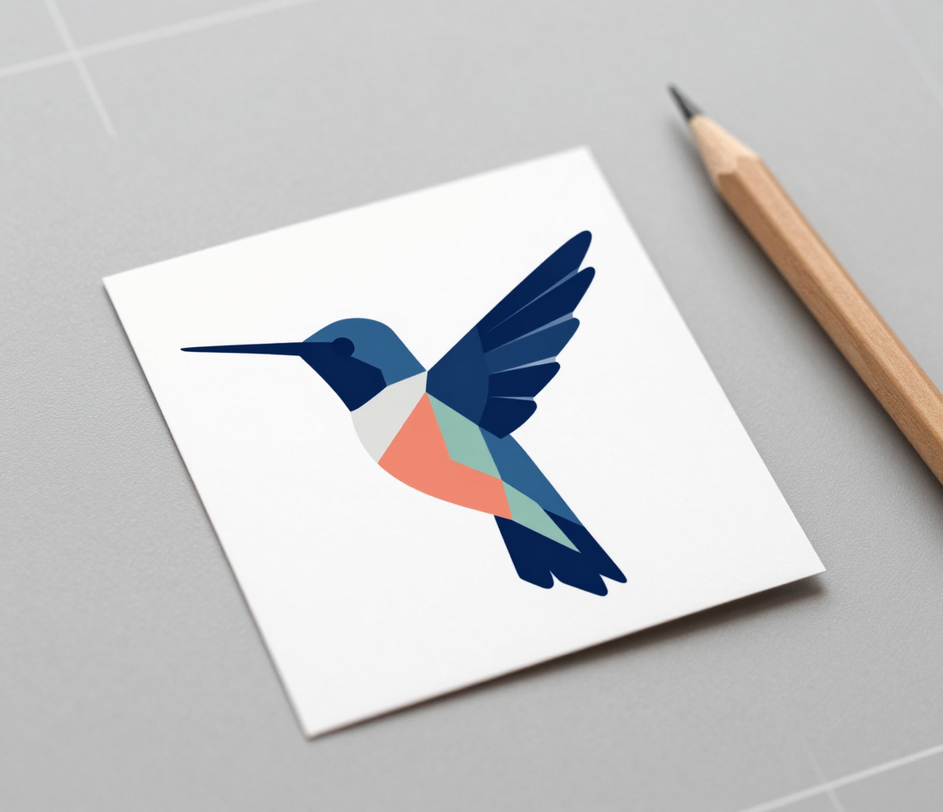
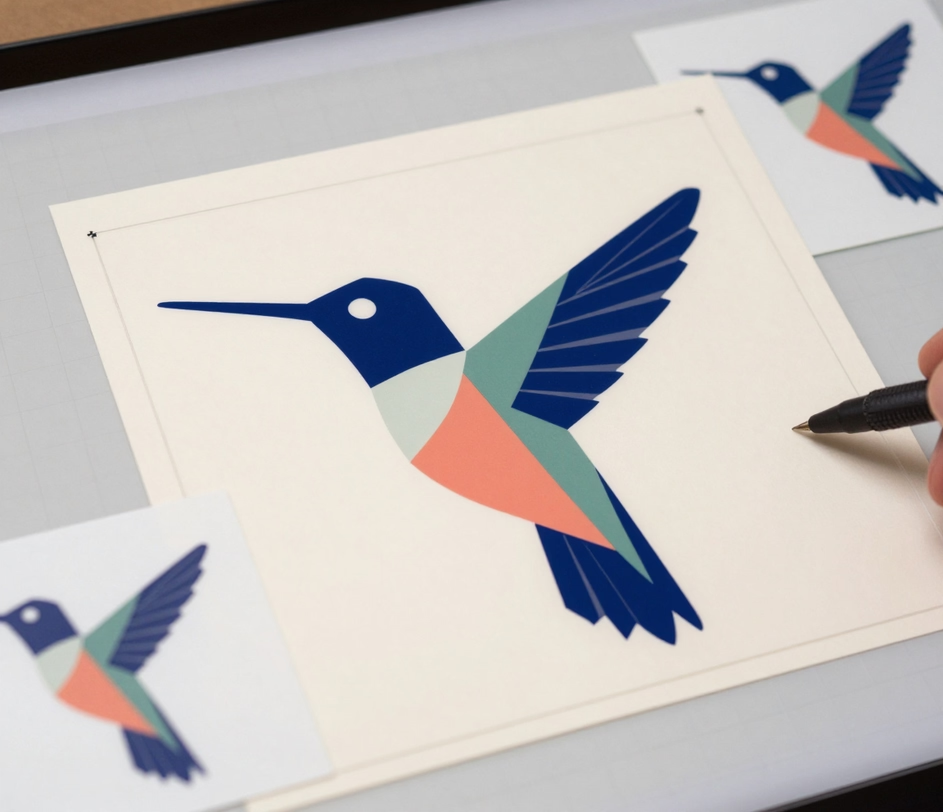
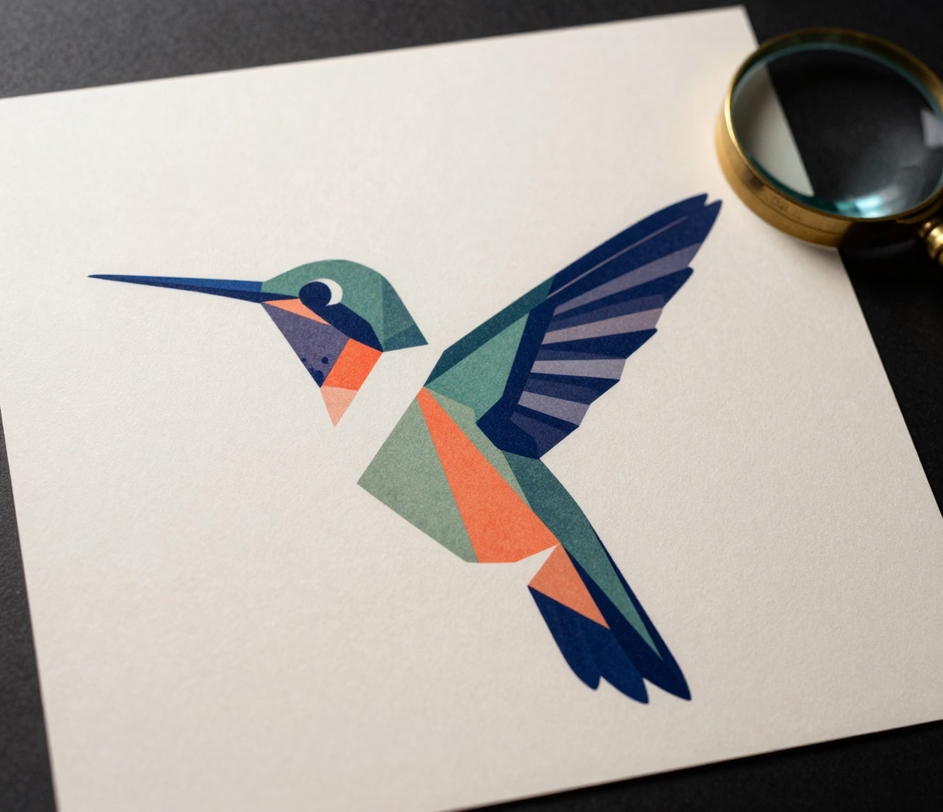
From a one-line idea to a crisp, high-resolution asset — one prompt covers the whole path.

This ai vector generator converts a natural-language prompt into a finished vector graphic in an average of 15 seconds. Designers who previously spent 30 to 90 minutes drawing and cleaning paths in Adobe Illustrator or Inkscape can now reach a review-ready mark in a single pass.

Pro and Master tiers return a high-resolution raster PNG built from clean vector-style shapes, so the artwork holds up from a 16-pixel favicon to a large banner without visible quality loss and drops directly into Figma or Illustrator. Standard returns a fast 1K raster PNG for concept checks at 3 credits.

Choose from 5 styles — flat, line art, icon, sticker, and papercut — on all three tiers. Each preset locks the same stroke logic and color behavior across a set, so 20 icons or 10 stickers still read as one family instead of 20 unrelated drawings.

Generate in 1:1, 16:9, 9:16, or 4:3 to fit app icons, banners, story graphics, and presentation slides. One prompt covers 4 layouts, replacing the usual 10 to 15 minutes of manual canvas resizing and path re-centering per format.

The Master tier runs the flagship vector-style model at up to 3K, producing the highest detail density and the most structured layers in the lineup. Feather, fur, and fine linework stay separated, which cuts the 20 to 40 minutes typically spent cleaning a traced vector before print.

Standard delivers a vector-style preview at 3 credits, Pro upgrades the same prompt to a high-resolution PNG at 12 credits, and Master renders a 3K PNG at 18 credits. Every tier keeps the same 5 styles and 4 aspect ratios, so upgrading changes detail — never the art direction.

From brand marks to laser-cut art — see how teams ship high-resolution artwork every day.

Studios and founders use the ai vector generator to explore logo directions in flat and line-art styles, producing 6 to 10 candidates in under 5 minutes. A branding round that once needed 2 to 3 days of designer back-and-forth can reach a shortlist in one session, with the winning mark exported as a high-resolution PNG.

Product teams use the ai vector generator to build consistent icon sets for navigation bars, toolbars, and empty states. A set of 20 to 30 UI icons that takes 4 to 8 hours to draw by hand can be generated in roughly 15 minutes, with uniform stroke weight and spacing across every glyph.

POD sellers use the sticker style preset to design die-cut decals, labels, and apparel graphics. A run of 10 to 20 sticker designs that normally takes a full day of vector cleanup can be produced in under 10 minutes, and every high-resolution PNG stays crisp from a 3-centimeter laptop sticker to a 1-meter wall decal.

Publishers and educators use the vector graphic generator for diagrams, spot illustrations, and papercut-style art. A 10-page report with 8 to 12 custom graphics can be illustrated in about 30 minutes, versus the 2 to 3 days typically quoted by an illustrator for the same scope.

Three steps from a text idea to a downloadable vector file.

Enter a prompt describing the subject and intended use, for example a flat hummingbird mark in indigo and coral for a coffee brand. Then choose one of five styles — flat, line art, icon, sticker, or papercut.

Pick Standard for a fast raster PNG at 3 credits, Pro for a high-resolution raster PNG at 12 credits, or Master for a 3K raster PNG at 18 credits. The ai vector generator returns the finished graphic in under 15 seconds.

Download the file and drop it into Figma, Illustrator, or any design tool. The high-resolution PNG keeps every detail crisp for logos, icons, stickers, and print layouts.

Straightforward answers about generating vector graphics with AI.
Describe your idea, choose a style, and download a crisp vector-style graphic in seconds.
Standard vectors cost 3 credits, Pro 12 credits, and Master 18 credits.

More Arui.AI tools for turning text into finished design assets.

Turn words into pictures with AI. Type a prompt, choose a style, and download a striking image.
Try Now

Generate custom illustrations from text with AI. Flat, vector, and digital art styles in under 15 seconds.
Try Now
Create eye-catching posters from text prompts for events, marketing, and social media.
Try Now
