Arui.AI is an AI video upscaler that increases footage resolution while preserving natural detail and sharpness. Upload a clip, choose your target resolution, and receive an enhanced video ready to share or edit — no desktop software required.

Three engines of the AI video upscaler, from a fast 1080p neural pass to generative 4K rebuilding — one flat credit price per clip up to 10 seconds.

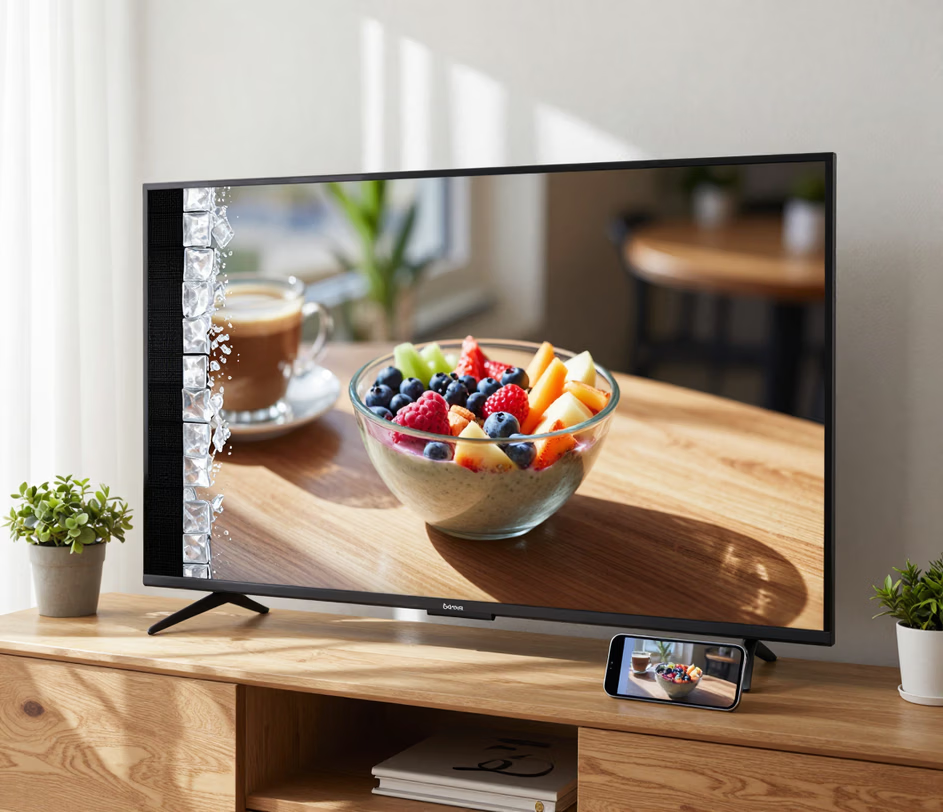
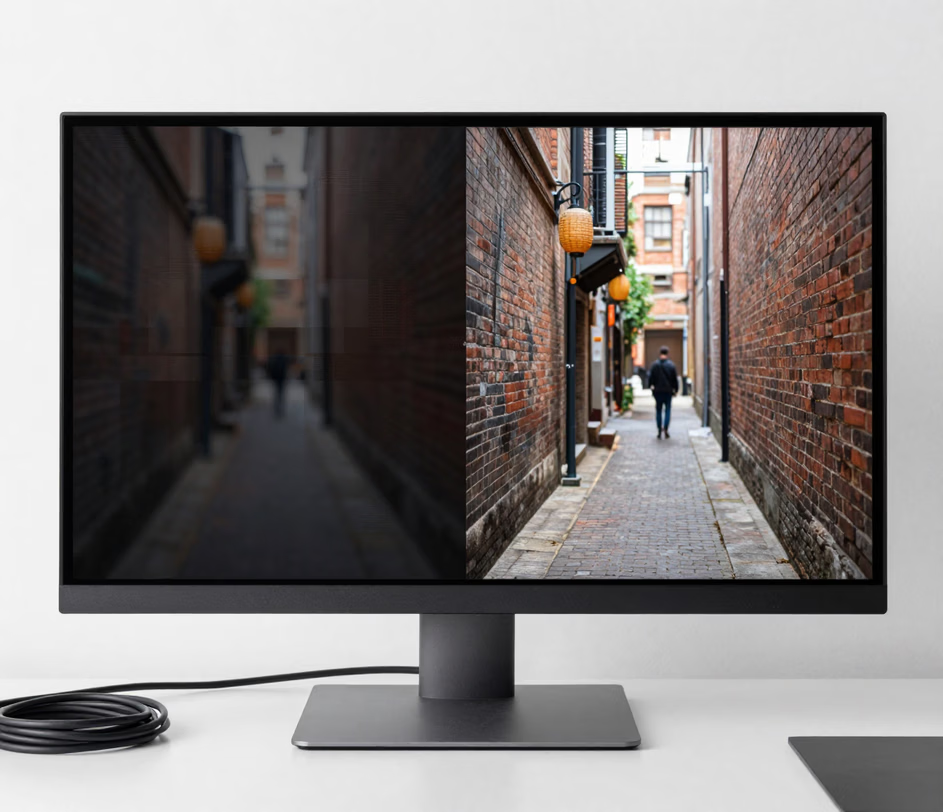
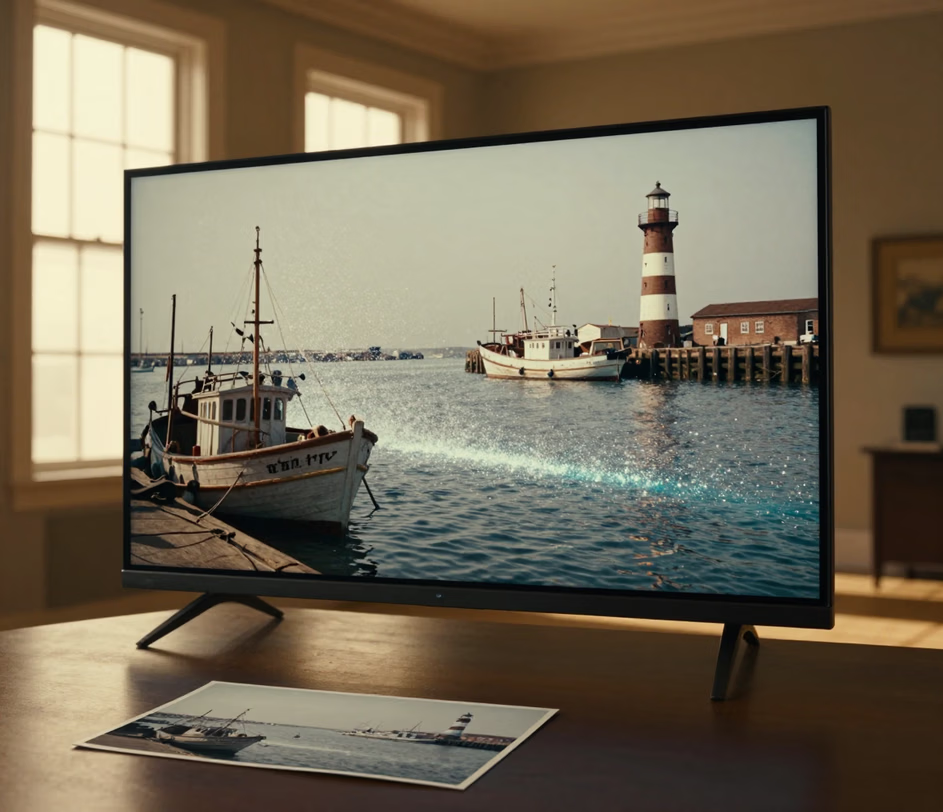
Purpose-built AI models trained to enlarge video without the blur.

The 4k upscaler processes each frame through a neural network that reconstructs fine textures — skin pores, fabric weave, small text — that traditional interpolation smears. Select 4K as your output, and the model delivers a crisp render without visible artifacts or haloing around high-contrast edges.

Low-light footage and aged recordings carry unwanted noise alongside intentional film grain. The best ai video enhancer distinguishes between the two, suppressing sensor noise while retaining the cinematic texture directors intended. The result is a clean frame that still looks like the original — only sharper.

Pick the upscaling engine that fits the job: a fast neural model for clean 1080p output, a signal-level repair engine for compressed footage, or a generative rebuild engine for up to 4K. Every tier costs one flat credit price for any clip up to ten seconds, so the price never changes mid-render.

Faces and on-screen text are the first things viewers notice when resolution drops. The video ai upscale model applies targeted sharpening to detected faces and letterforms, keeping expressions readable and titles legible even when the source is a compressed social-media export at 480p.

Upload from any device, watch the render finish on the canvas, and download a 1080p or 4K MP4 that drops straight into YouTube, Premiere, or a client review. There is no desktop software to buy, no plugin to configure, and no watermark on the finished clip.

Five scenarios where higher resolution directly improves results.

Museum collections and historical archives hold thousands of hours recorded on tape. A video upscaler converts SD material into HD or 4K output that looks right on today's displays, making decades-old footage presentable in documentaries, exhibitions, and digital collections without manual frame-by-frame restoration.

Short-form videos shot on phones often land on Instagram or TikTok at 720p or lower. When those same clips appear on desktop feeds or connected TVs, the quality drop is obvious. Using ai video upscaling before publishing ensures every frame holds up regardless of the viewer's screen size.

Buyers scroll through property videos on tablets, laptops, and phones simultaneously. A video resolution enhancer upscales each walkthrough to crisp 1080p, sharpening interior details — tile patterns, countertop textures, fixture finishes — so each viewing surface presents the property at its best, reducing the number of in-person visits needed before an offer.

Corporate training videos are often recorded at whatever resolution the webcam provides. When projected onto a boardroom screen, small text and diagrams become illegible. An ai video enhancer upscales the source material so on-screen instructions remain readable even at ten-foot diagonal projection sizes.

Independent filmmakers shooting in 1080p sometimes need a 4K deliverable for festival submissions or streaming platform requirements. Rather than investing in desktop plugins with steep learning curves, they can upscale video to 4k through the browser and receive a render that holds up under close inspection.

Browser-based. No installs needed.

Drag and drop a clip or select a file from your device. The video upscaler accepts MP4, MOV, WebM, and M4V containers up to 10 seconds and 95 MB. Source files from 480p to 1080p are supported — the AI model reconstructs detail regardless of how low the starting resolution is.

Pick Standard for a fast neural 1080p pass, Pro for signal-level repair at 1080p, or Master for generative rebuilding up to 4K. Click enhance. The ai video upscaler processes every frame, reconstructing textures and reducing noise in a single pass.

Watch a side-by-side comparison of the original and enhanced frames directly on the canvas. If the output meets your expectations, download the full video as an MP4. The video resolution enhancer keeps your source and output separate, so you always have the original to fall back on.

Direct answers to the most common questions — no jargon.
cta.subtitle
Upload a clip and let AI handle the resolution boost.

Other creative tools from Arui.AI — useful if you work with video regularly.

Type a description and receive a short video clip generated from scratch — no footage needed.
Try Now
Upload a still photo and let AI add natural motion, turning any image into a shareable video clip.
Try Now
Transcribe spoken audio into timed captions for any clip — supports over thirty languages.
Try Now
