Arui.AI is an ai illustration generator that turns any text prompt into polished, commercial-ready artwork in under 15 seconds. Describe a scene — a blog header, a product scene, a story moment — pick one of six illustration styles, and download artwork sized for web, social media, or print.

Three illustration tiers tuned for different output quality, prompt adherence, and resolution needs — compare resolution, credit cost, and best use before you generate.

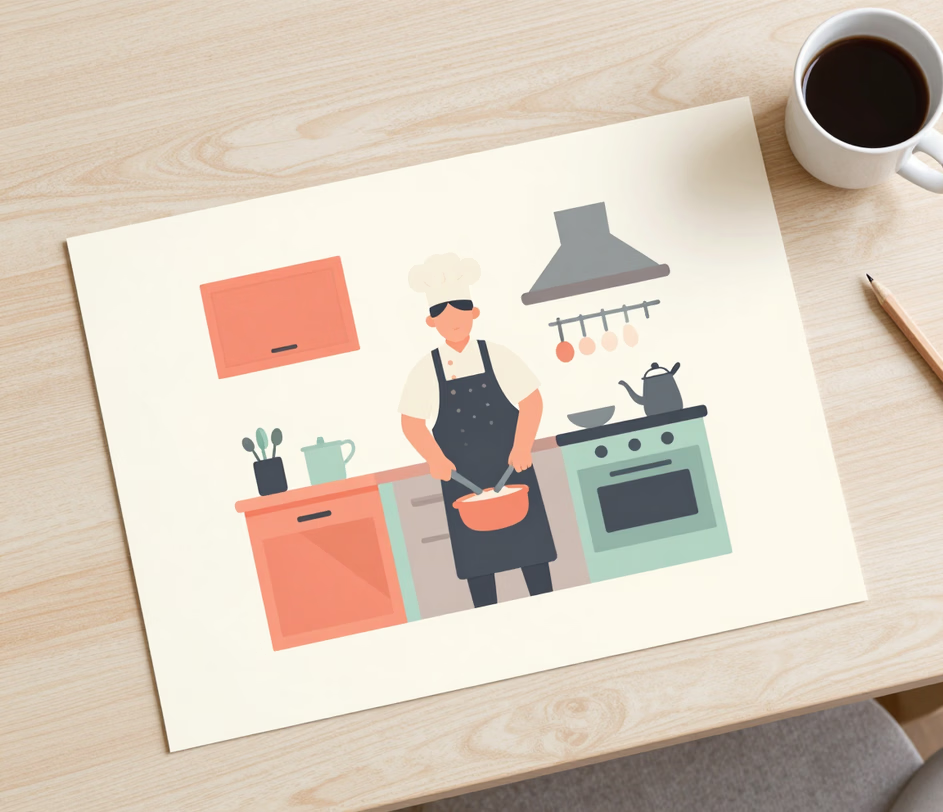
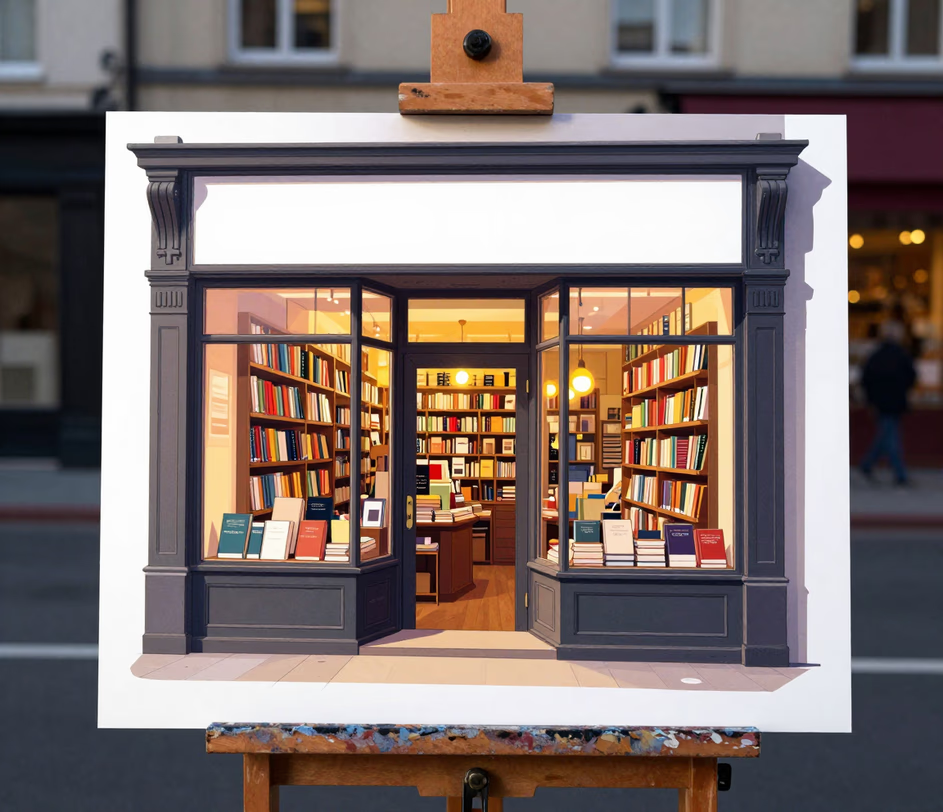
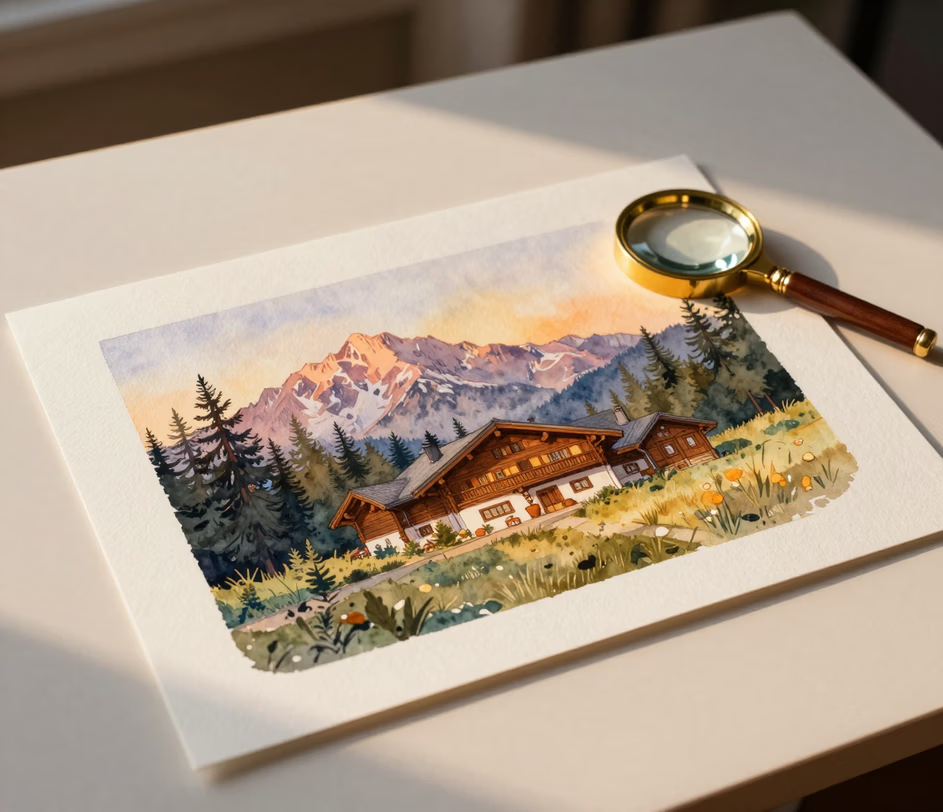
From prompt to publish-ready artwork in seconds — no drawing skills required.

Type a description like 'a flat illustration of a dog walking through a city park at sunset' and the ai illustration generator returns finished artwork in under 15 seconds. Output spans up to 1024px on Standard, 1K or 2K on Pro, and up to 3K on Master — with a 16:9 default format that fits blog headers and social banners without cropping.

Choose from six illustration styles — Flat (the default for brand and blog work), Hand-drawn, Watercolor, Line Art, Isometric, and 3D. The custom illustration generator keeps stroke weight, palette, and lighting consistent within each style, so a set of 10–20 pieces looks like it came from one artist instead of a mixed batch of stock.

Describe the same subject or theme across multiple prompts and the ai illustration maker holds a stable look from piece to piece. The Pro and Master tiers follow detailed prompts more closely — keeping character proportions and palette on-track across a full article series or campaign kit, work that traditionally takes a designer 2–4 hours of manual style-matching.

Signage, labels, and headline words inside an illustration render letter-for-letter on the Pro and Master tiers. The ai illustration tool renders phrases like a storefront sign or a poster headline exactly as written — sparing the 20–30 minutes per image usually spent fixing garbled text in a traditional design tool.

Download finished artwork as high-resolution PNG — 1K or 2K on Pro and up to 3072px on Master, sharp enough for retina displays and 300 DPI print at large sizes. The ai digital art generator preserves edge crispness and color fidelity on export, so the same file works for a social post, a website hero, and a printed flyer without re-upscaling.

Bloggers, marketers, and small teams creating custom artwork every day.

Publishers use the flat illustration generator to produce unique header images for 20–30 articles per week, replacing generic stock photos and lifting click-through rates by an estimated 15–25%. Each image takes under 15 seconds at a 16:9 ratio, versus 30–60 minutes of searching stock libraries for a close-enough match.

Marketing teams create illustration assets for email banners, Instagram stories, and ad creatives in batch. A typical campaign requiring 8–12 visuals completes in under 5 minutes with the ai illustration generator, versus 2–3 hours of briefing and revision with a designer — and the 9:16 format drops straight into stories and reels.

Product designers use the isometric style to create onboarding graphics, empty-state visuals, and feature-spotlight scenes. Teams report generating a full set of 6–8 UI graphics for a new feature in about 10 minutes — a task that previously took 1–2 days with an in-house illustrator.

Authors and editors create illustrations with ai to prototype children's book pages, chapter headers, and editorial spot art. Using the watercolor and hand-drawn styles with consistent prompts, a 32-page picture book can be fully prototyped in roughly 2 hours — compared to 4–6 weeks with a traditional artist at $50–$500 per illustration.

Small business owners build cohesive illustration kits — website heroes, packaging accents, and presentation covers — without hiring a designer. Locking one style across a dozen prompts produces a matched set in under 10 minutes, work that costs $300–$800 from a freelance illustrator and typically takes 1–2 weeks per round.

Describe, style, download — three steps to finished artwork.

Enter a text prompt describing the subject, scene, and mood — for example, 'a flat illustration of a dog walking through a city park at sunset.' The ai illustration generator accepts prompts of up to 2,000 characters, from single objects to detailed scenes.

Select one of six styles — Flat, Hand-drawn, Watercolor, Line Art, Isometric, or 3D — and an aspect ratio: 16:9 for blog headers and banners, 4:3 for layouts, 1:1 for square posts, or 9:16 for stories. On the Master tier, also choose 2K or 3K resolution for print-grade output.

Click download to save the finished illustration as a high-resolution PNG — 1K or 2K on Pro and up to 3072px on Master. Drop it straight into your website, presentation, social post, or print layout; no post-processing needed.

Answers to the most searched questions about creating illustrations with AI.
Describe your idea, choose a style, and download polished artwork in seconds.
Describe a scene and pick a style to generate your first commercial-ready illustration.

Other tools from Arui.AI for your design workflow.

Turn words into pictures with AI. Type a prompt, choose a style, and download a striking image.
Try Now

Create eye-catching posters from text prompts for events, marketing, and social media.
Try Now
