Arui.AI is a circuit diagram generator that turns a hand-drawn sketch, a breadboard photo, or a reference schematic into a labeled electrical schematic illustration in roughly 6 seconds per output. Pair the image with a written prompt covering your resistor-capacitor network, 555 timer pin assignments, or logic circuit, and the platform returns a formatted circuit diagram ready for refinement, export, and circulation.

Three schematic tiers tuned for different detail needs, output sizes, and budgets — compare resolution, credit cost, and style support before you generate.

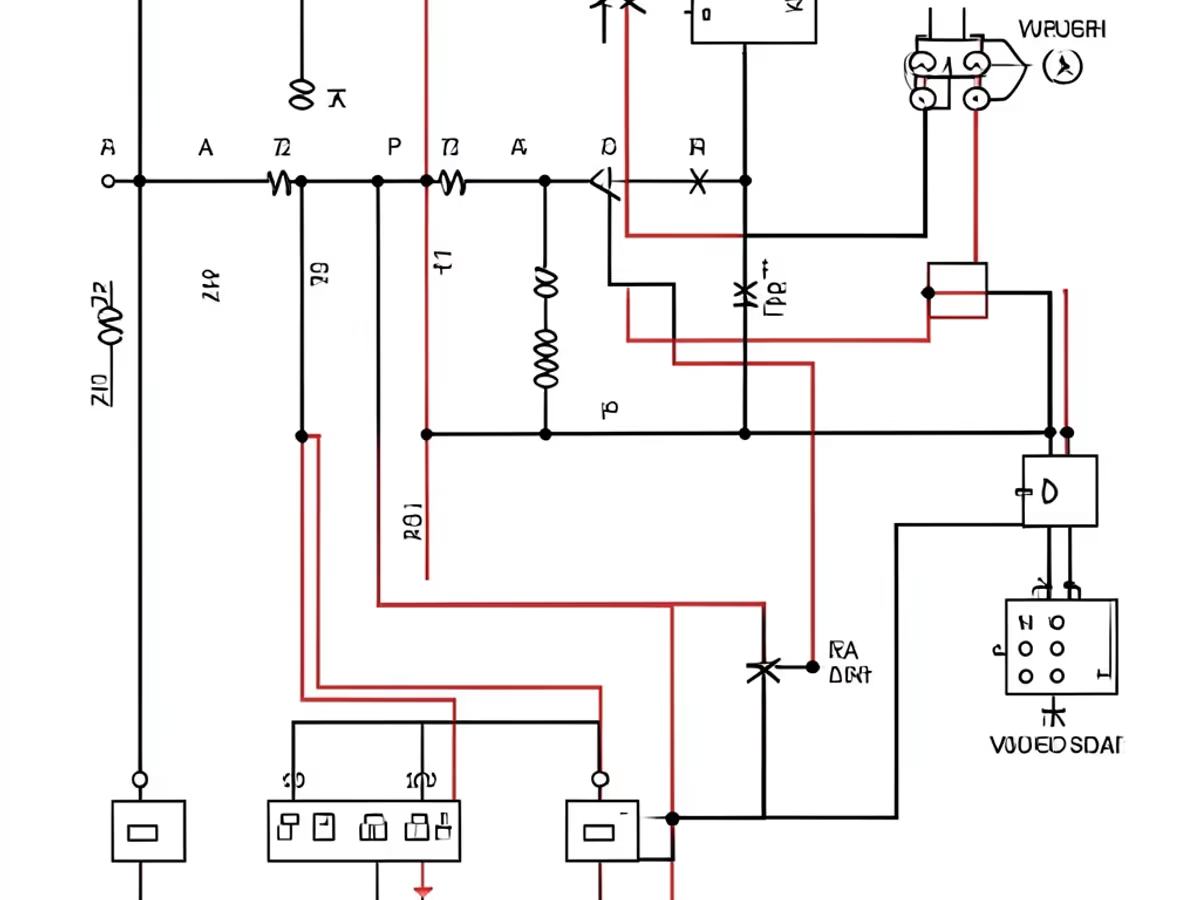
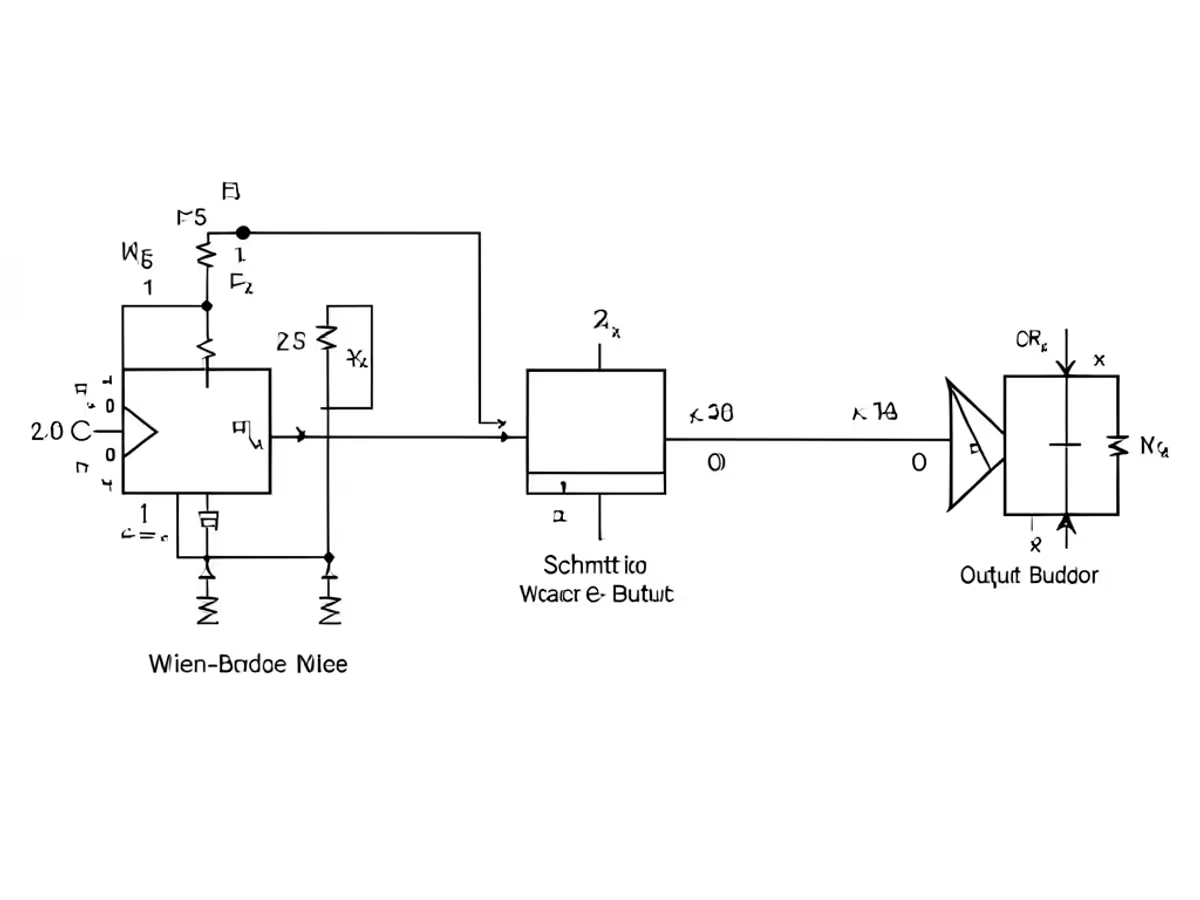
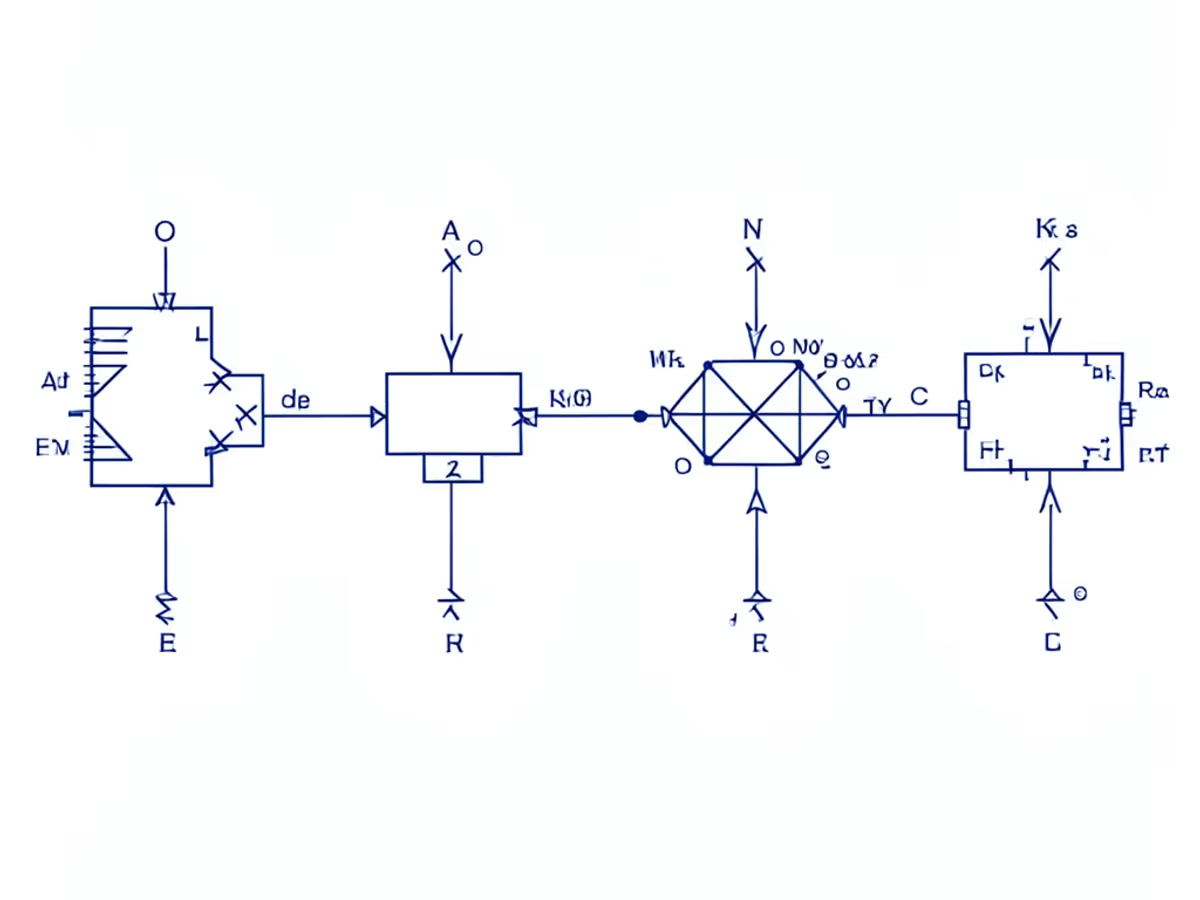
Describe the circuit in everyday language. Get a clean, labeled schematic back — no dragging symbols required.

Upload a hand-drawn sketch or breadboard photo alongside a written prompt of up to 500 words, and the ai circuit diagram generator returns a fully labeled schematic illustration roughly 6 seconds later. Engineers moving over from hand-drawn tooling watch per-chart effort collapse by up to 92 percent — what used to eat 25 to 45 minutes inside a legacy schematics drawing software now finishes in single-digit seconds.

Feed the circuit diagram generator ai a wiring sketch and your notes, and it redraws every part — power, ground, signal, and control — as a tidy schematic illustration with voltage rails on top and return paths along the bottom. Achieving that neatness inside a conventional drag-and-drop editor typically burns 18 to 30 minutes of pixel nudging; the ai alternative regenerates the whole chart in one pass.

The circuit schematic generator keeps reference designators — R1, C2, Q3, U1, D5 — labeled in standard schematic style with neat connecting wires, laid out the way your sketch arranges them. Labeling a bus-heavy page by click-by-click placement inside traditional electrical circuit drawing software eats 12 to 22 minutes; the generator redraws it in seconds.

Pick clean engineering lines for project documentation, a deep-blue blueprint look for posters and covers, a friendly hand-drawn style for tutorials, or a glowing dark mode for Reddit and Discord posts. The circuit diagram generator renders the same sketch in all four styles in roughly 6 seconds each — sparing the 15 to 25 minutes per chart that a manual find-and-drop routine inside conventional schematic drawing tools demands.

Download the finished artifact as a crisp PNG — up to 2048px on Standard, 1536px on Pro, and up to 4096-by-4096 on Master at the 4K setting — large enough for lab handouts, posters, and slide decks. Labels stay sharp and reference designators stay readable at full size, removing the 8 to 15 minutes of reformatting that follows most export-to-deck handoffs.

Attach one hand sketch on Standard, add a second reference schematic on Pro, or load three inputs — sketch, photo, and reference diagram — on Master. Each extra reference gives the circuit diagram generator more context to match your intended layout, and regenerating a variation still takes roughly 6 seconds instead of the 15 to 25 minutes a manual redraw loop demands.

Lab handouts, design reviews, wiring documentation — the moments that justify automation.

Maintenance engineers hand the circuit diagram generator a wiring sketch plus a 200-to-500-word brief and receive a labeled generator wiring diagram roughly 6 seconds later. Teams report a 90 percent drop in documentation labor — what consumed 30 to 50 minutes of manual illustration now takes under 5 minutes of quick review. Matching that clarity inside a legacy schematics drawing software generally eats 25 minutes or more per asset.

Electronics technicians photograph their oscillator notes or bench sketches and let the tool produce a labeled signal generator circuit diagram for each waveform type. A standard sine, square, and triangle output stage across 3 signal branches renders in roughly 7 seconds apiece, wiping out 45 to 75 minutes versus manual rebuilding inside a traditional editor.

Embedded engineers sketch their gate-level designs on paper and let the logic circuit diagram generator emit charts for each functional block. A typical combinational and sequential logic set across 3 to 5 modules renders in roughly 8 seconds per chart, wiping out 40 to 60 minutes of redraw work. Reviewers line the variants up to weigh propagation delay, gate count, and reset strategy without redrawing a single symbol.

Hardware groups feed stage sketches and frequency ranges into the tool and receive a clean function generator diagram that calls out integrators, comparators, and output amplifiers. A 4-stage function generator schematic maps in roughly 7 seconds, against 35 to 55 minutes of manual drawing. The engine untangles feedback loops and reference voltage paths on its own — work that regularly stalls users of legacy drawing apps.

Upload the sketch, describe the circuit, ship the file — no manual redrawing required.

Snap a photo of your hand-drawn draft, a breadboard build, or an existing reference schematic and attach it as your reference image. Standard takes one, Pro up to two, and Master up to three — more references give the generator more context for your intended layout.

Add a written prompt covering components, values, and pin assignments — reference designators like R1, C2, Q3 and net names help. Hit the generate button and the circuit diagram generator turns your sketch into a labeled schematic illustration with auto-placed symbols and routed wires in roughly 6 seconds. Need a different layout or one of the four styles? Revise the prompt and regenerate — no dragging, no reconnecting, no manual cleanup.

Review the output, adjust labels or move components if needed, then download the finished PNG — up to 4096-by-4096 on Master at the 4K setting. Forward the shareable link to reviewers or drop the file straight into your lab report. The full sequence — from sketch upload to shipped artifact — wraps in under 60 seconds.

faq.subtitle
Upload your sketch, describe the circuit, and ship a polished schematic illustration in seconds.
Upload a sketch and describe the circuit to build your first diagram.

Other AI-powered diagram tools from Arui.AI — worth a look if you found this one useful.

Turn plain-text service and infrastructure descriptions into polished architecture diagrams with cloud-provider glyphs.
Try Now
Turn process descriptions into structured flowcharts with AI-powered connector routing and decision diamonds.
Try Now
Turn software design specs into UML class, sequence, and use case diagrams with proper notation.
Try Now
Turn database schemas and SQL into entity relationship diagrams with AI-powered notation and automatic relationship mapping.
Try Now
