Arui.AI is an AI photo filter that applies film, retro, anime, cinematic, dreamy, and black-and-white styles to a photo you already have. Upload one image, pick a look, and download the finished grade — no layers, curves, or editing experience required.

All three tiers apply the same six styles to the same photo. Upgrade for finer grain, truer skin tones, and a higher output resolution.

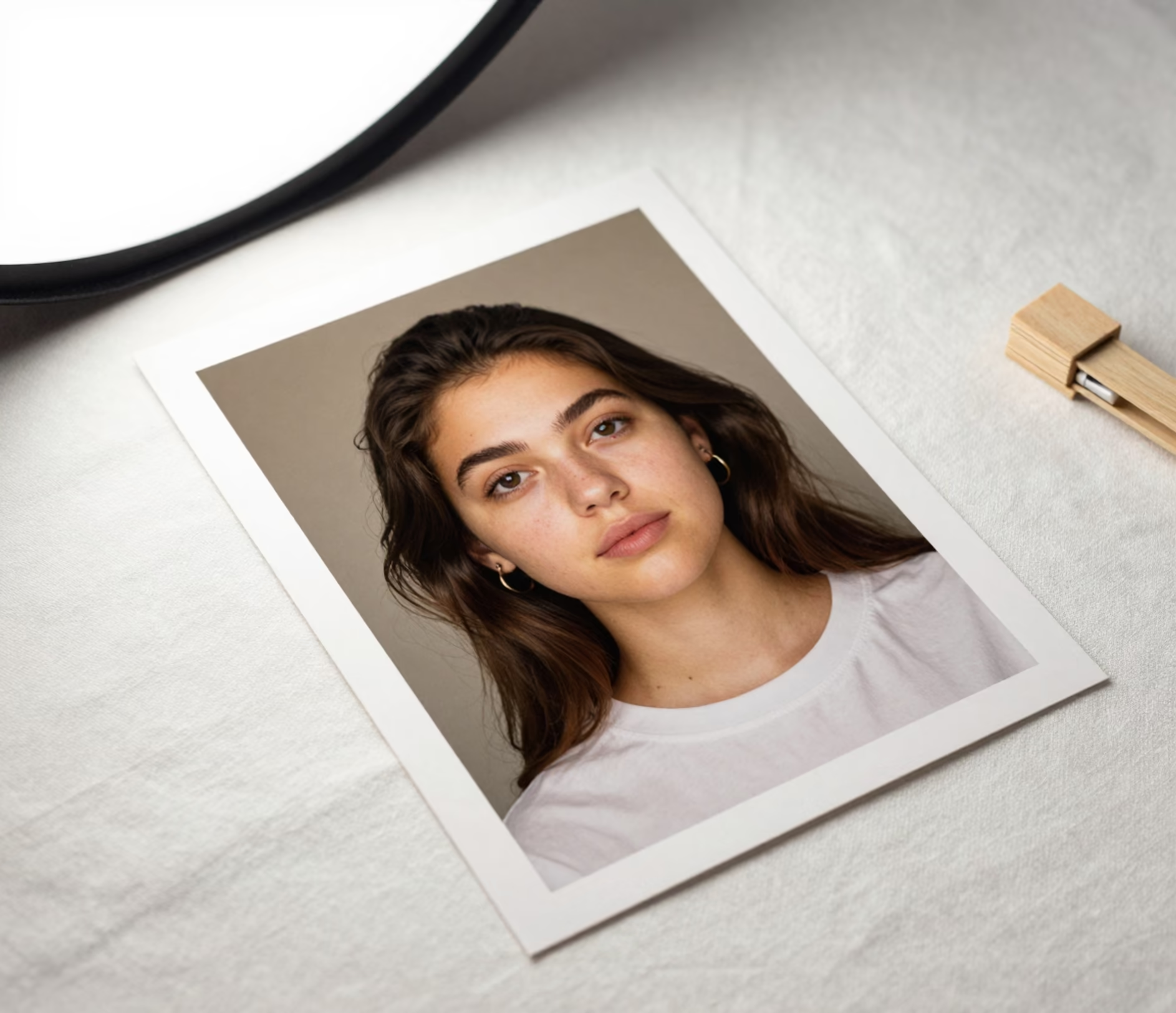
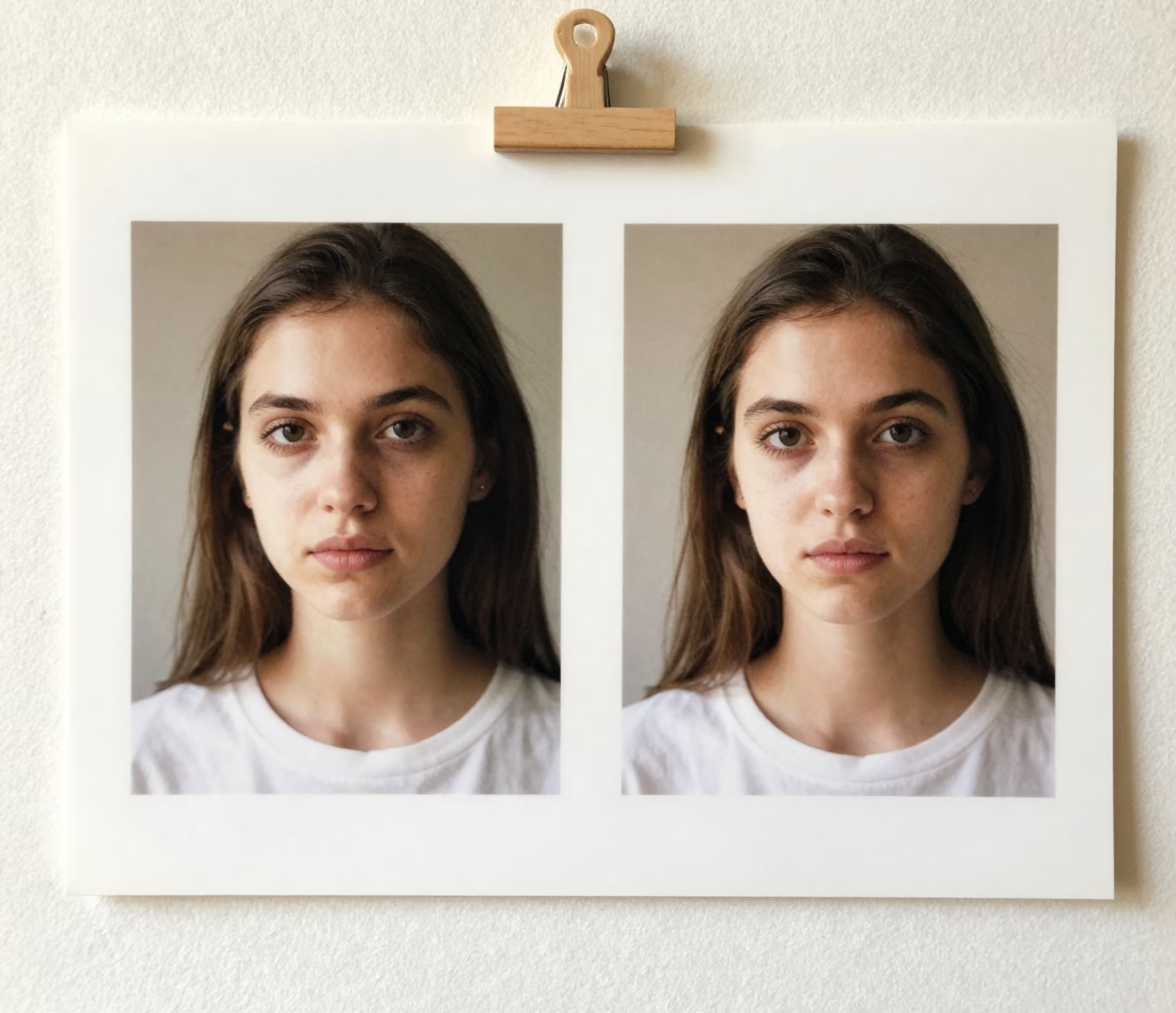
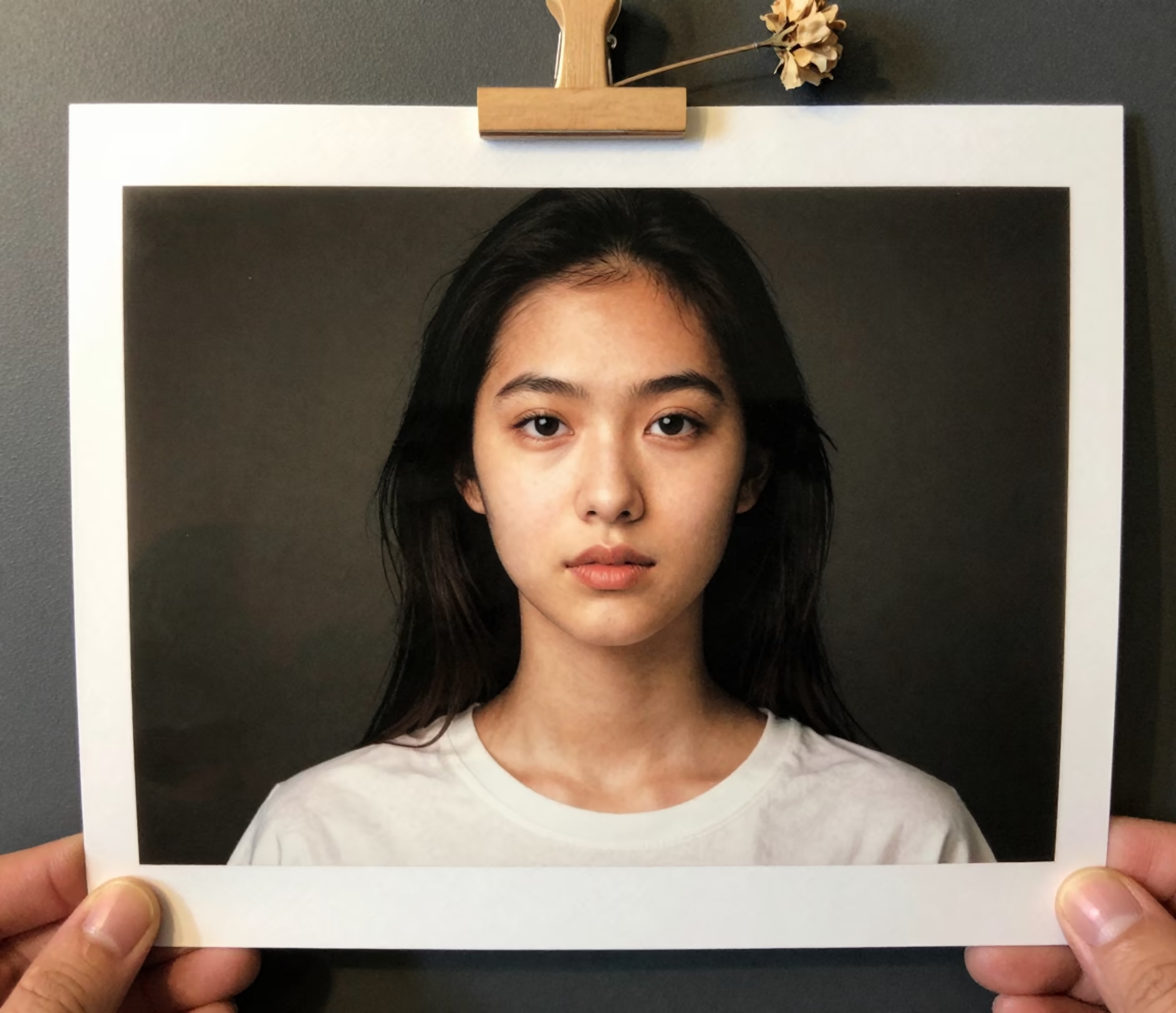
One photo in, one graded photo out — no layer stacks, presets to install, or curves to learn.

Choose from six picture filters built for a single photo — film, retro, anime, cinematic, dreamy, or black and white — instead of forty presets to scroll. Each look applies as one complete pass, so a portrait picks up grain, color shift, and contrast together instead of a flat tint laid over the file.

The film photo filter recreates analog warmth — natural grain, faded shadows, and gentle highlight roll-off — while the retro photo filter leans into 2016 social nostalgia with pink highlights and a soft light leak. Most image filters online only shift hue; this one rebuilds the mood of the frame, and a vintage photo filter or polaroid effect is one more pick from the same row.

The cinematic photo filter pushes teal shadows against amber highlights and deepens contrast the way a colorist would, while skin stays neutral instead of turning orange. It is a real grade applied to the whole frame in one pass, which is why a snapshot gains depth without the tell-tale haze of a cheap preset.

The black and white picture filter maps tones with rich monochrome contrast and deep blacks, separating a pale sky from a bright shirt instead of flattening both into the same gray. Textures such as knitwear, hair, and stone keep their structure, so the result holds up as a print rather than a desaturated phone snapshot.

Upload one photo and keep the composition you shot: pick 3:4, 1:1, 4:5, 2:3, 16:9, or 9:16, add an optional line of direction, and let the tier handle the rendering. Standard returns up to 1024 px for 3 credits, Pro up to 2048 px for 12, and Master reaches 3072 px for 18 credits.

Four everyday situations where you filter your photos before publishing.

Instagram, TikTok, and Pinterest creators treat the aesthetic photo editor as part of the posting routine: applying the same film photo filter to each upload keeps warmth and contrast aligned across a nine-image grid, so the profile reads as a planned feed rather than nine unrelated snapshots — and each tile still renders in seconds at 3 credits on Standard.

Phone cameras flatten skin and sky under mixed light. A dreamy or film grade lifts the mood of a travel selfie while the 3:4 default keeps the vertical framing social apps prefer, and a one-line prompt can add direction such as sunset warmth without changing the chosen style.

A twelve-image catalog shot on a phone still needs a unified look. The cinematic photo filter gives every product the same teal-and-amber treatment at up to 2048 px on Pro for 12 credits per image, or 3072 px on Master for print-ready packaging and lookbooks.

Clients want a look before the full gallery is ready. Grading ten selects with a vintage photo filter at 2K takes a fraction of a manual color session, and the preview already matches the album aesthetic — one photo and one style per job, 12 credits each on Pro.

Upload, pick a look, download. No editing timeline required.

Add a JPEG, PNG, or WebP file up to 20 MB. The photo filter works on one image per job and keeps the scene you framed, so the next step is simply choosing the ratio that matches where the photo will be posted.

Choose one of six styles — film, retro, anime, cinematic, dreamy, or black and white — then set 3:4, 1:1, 4:5, 2:3, 16:9, or 9:16. Add an optional line of direction, and on Master pick 2K or 3K output.

The result arrives at your tier's resolution — up to 1024 px on Standard, 2048 px on Pro, or 3072 px on Master — ready to post, send to a client, or drop into a print layout without another conversion step.

Direct answers to the searches that bring people here.
Upload one photo, choose a style, and download the graded image — same framing, new mood.
Upload a photo and see the filtered result.

Other Arui.AI tools for the rest of your photo workflow.

Restore blurry or faded photos and upscale detail up to 3K with one automated pass.
Try Now
Smooth skin, remove blemishes, and polish a portrait while keeping identity and framing unchanged.
Try Now
Turn a portrait into an anime illustration with clean line work and vibrant cel shading.
Try Now
Convert a photograph into a hand-drawn pencil sketch with realistic shading and line detail.
Try Now
