Arui.AI is an AI image to video tool that turns any photo into a shareable video clip. Upload a picture, describe how it should move, and download the result in under three minutes.

Two tiers of the image to video tool, from quick silent product clips to 1080p renders with optional AI audio.

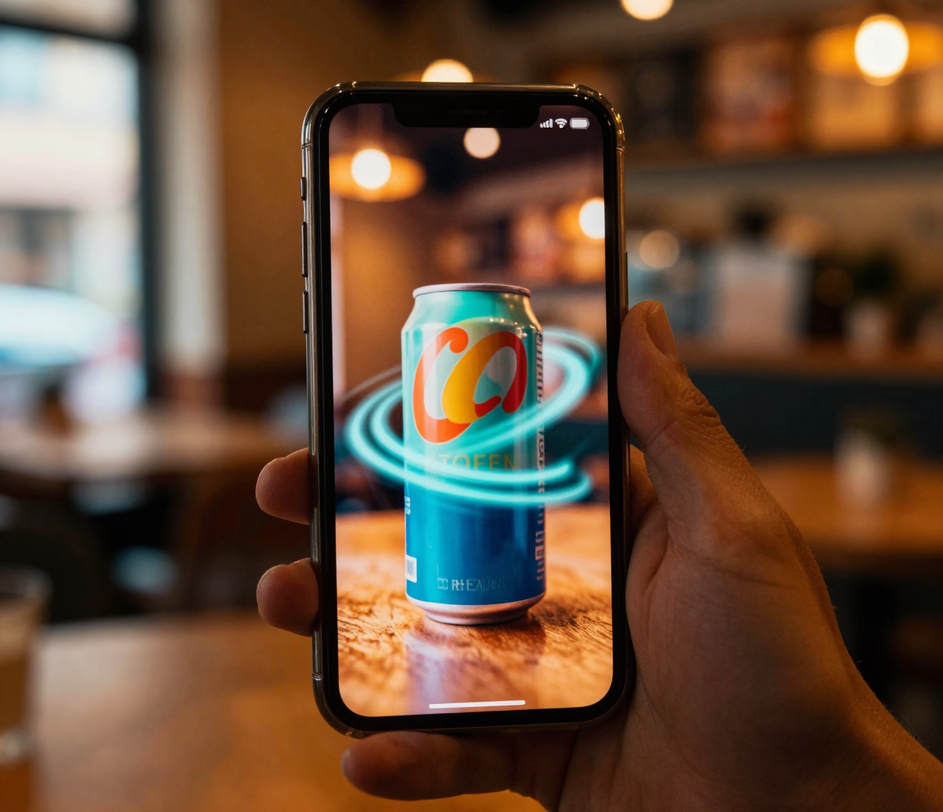
Built for people who have great photos — not animation expertise.

Your account receives 20 fresh credits every 24 hours. That daily refill lets you test multiple motion prompts on the same photo, refine camera movements across generations, and settle on the strongest result before committing to a paid plan. Subscription tiers unlock additional credits and remove watermarks for heavier production schedules.

When turning a photo to video takes less time than writing the brief for an animator, you stop outsourcing motion work and start shipping it. Most generations complete within roughly two minutes, depending on prompt complexity and output length.

The output keeps the framing of the image you upload. A vertical product shot becomes a vertical clip for TikTok and Reels; a horizontal banner photo becomes a widescreen one for YouTube. There is no separate aspect-ratio setting to manage — shoot the photo for the channel you target, and the five-second Standard render or six-second Pro render at 1080p matches it.

Describe the movement you want in German, Portuguese, Japanese, or any of thirty-two supported languages. An automatic translation layer processes your input before the model runs, so the quality of the video from image stays consistent no matter which language you write in.

Every image you upload and every video you generate lives inside your personal dashboard. Arui.AI does not share your content with other users, license it to third parties, or use it to train future models. You can delete any file with one click, at any time.

Five real scenarios — each one removes a specific creative roadblock.

Static product shots serve a purpose, but moving ones convert better. Upload your catalog photo, describe a slow rotation or a detail zoom, and the AI generates a video from image that shows dimensions and texture in ways a JPEG never could. In about two minutes you can swap a static hero image for a five-second loop and test all five camera motions on the same product photo.
Feeds punish sameness. A still photo gets scrolled past; a gently moving version earns a second look. Take any picture from your camera roll, type a motion prompt — waves rolling, hair blowing, lights flickering — and the photo to video AI delivers a vertical clip ready for Reels or TikTok. daily credits mean you can prototype five variations before lunch and post the strongest one.
Vacation photos capture a fraction of a second. Turn image into video by describing the atmosphere you remember — clouds drifting across a mountain ridge, sunlight shifting through a forest canopy, water lapping against a dock — and receive a short video that re-creates the feeling of being there. Share the clip in a group chat, embed it in a blog post, or save it as a living photo album.

Buyers scroll past flat interior photos. Upload a room shot, prompt a slow camera pan or a focus shift from foreground to window, and the AI produces a walkthrough-style video from photo that adds dimension without hiring a videographer. In about two minutes per room, a still-heavy listing becomes a set of walkthrough-style clips — an afternoon task instead of a scheduled shoot.

Designers often have a single frame that represents an entire scene. Describe the camera movement or character action that should follow, and the ai image to video generator extrapolates motion from that single frame — turning a static storyboard panel into a presentable proof-of-concept clip. One frame becomes a presentable proof-of-concept clip in about two minutes, so an entire storyboard panel set animates within a single working session.

No animation timeline, no keyframe editor, no rendering software. Just upload, describe, and download.

Drag and drop or select any photo from your device. The tool accepts common formats including JPEG, PNG, and WebP. For best results, use a high-resolution source — the model works with the detail you give it.

Type a sentence explaining how the image should move. Be specific: a slow zoom into the subject, leaves rustling from left to right, or a camera pan across the scene. The more precise your description, the closer the output matches your intention.

Hit the generate button and wait roughly two minutes. Preview the result directly in your browser. If the motion feels off, tweak your description and regenerate — daily credits let you refine without extra cost. Download the final clip in your preferred format.

Straight answers — no jargon, no fine print.
Daily credits land in your account every morning. Upload an image, describe the motion, and see what AI creates.
Upload an image and turn it into a video in seconds.

Arui.AI offers multiple ways to create video. Check out these related tools.

Skip the image entirely — type a sentence describing the scene you want, and the AI generates a complete video clip from scratch.
Try Now
Turn a text prompt into a high-quality image — perfect for mockups, blog headers, and social graphics.
Try Now
Describe a mood or genre and get back a complete audio track, ready to layer over any video project.
Try Now
