Arui.AI is a video quality enhancer that upscales footage, sharpens blurry frames, and restores detail to any clip. Upload a video, choose a resolution target, and the ai video enhancer produces a clearer, higher-resolution version — ready for playback on any screen.

No editing timeline. Upload, configure, download.

Select an MP4, MOV, WebM, or M4V file from your device. The video quality enhancer accepts clips up to ten seconds long and up to 95 MB, and checks the container, duration, and source resolution before processing begins.

Pick a quality tier — Standard for 1080p, Pro for 4K, or Master for generative restoration. The credit price for the clip is shown before you submit, and the ai video enhancer handles sharpening, noise reduction, and detail recovery in one pass.

Once processing finishes, watch the enhanced clip in-browser with a side-by-side comparison. When the result looks right, download the MP4 and upload it to your channel or share it on any platform.

Straight answers — no technical jargon.
cta.subtitle
Upload a clip, choose a resolution target, and let AI handle the rest.

Other tools from Arui.AI for your video production workflow.

Increase resolution on any video clip with AI-powered upscaling — from standard definition to HD or 4K.
Try Now
Add accurate, timed subtitles to any video in over fifty languages — powered by AI speech recognition.
Try Now
Turn a product description into a polished video advertisement formatted for YouTube, Facebook, or TikTok.
Try Now
Three tiers of the AI video quality enhancer, from quick 1080p upscales to generative 4K restoration — one flat credit price per clip up to 10 seconds.


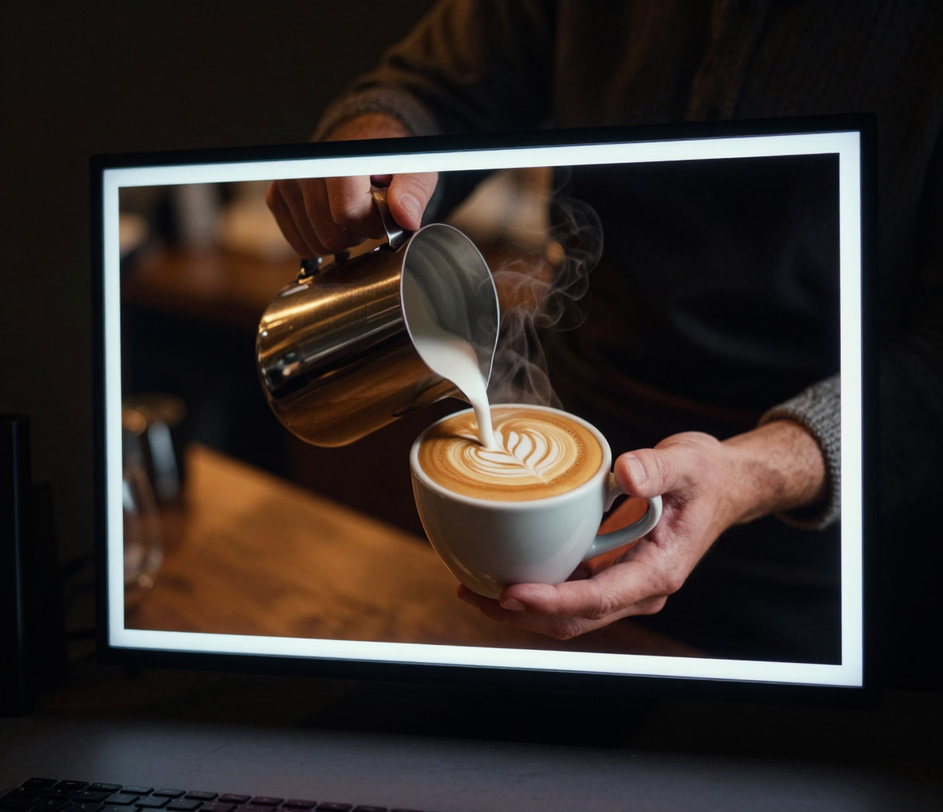
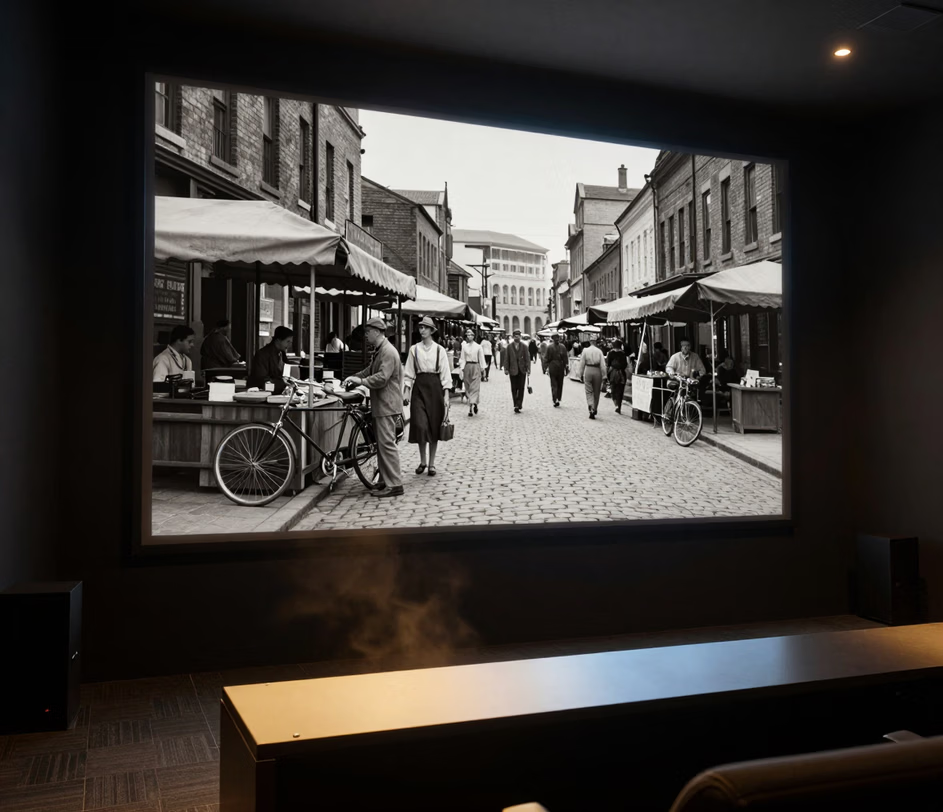
No manual color grading or sharpening filters. Get a better-looking video from one upload.

Drop in a 480p or 720p clip and the 4k video enhancer scales it up to 1080p or 4K resolution. The tool reconstructs missing detail using AI-trained models, delivering a sharper image without the pixelation that comes from traditional upscaling methods.

Camera shake, motion blur, and soft focus all reduce clarity. The blurry video enhancer analyzes each frame, identifies blur patterns, and reconstructs sharp edges in a single pass — turning unusable footage into a clean, watchable clip.

Low-light recordings and high-ISO settings introduce grain and noise. The ai video enhancer separates detail from noise on a per-frame basis, keeping textures crisp up to 4K while removing visual artifacts that distract from the content.

Enhance a series of videos one after another in a single session. Every clip — up to ten seconds and 95 MB each — runs through the same engine settings, so a set of uploads stays consistent, ideal for a series that needs to look uniform on a channel or playlist.

GenAI clips often render soft, noisy, or below a platform's resolution threshold. The ai video enhancer runs a dedicated preset tuned for AI-generated source footage, cleaning artifacts and reconstructing detail up to 4K so generated scenes meet the same quality bar as filmed material.

Five types of creators who improve video quality before publishing.

Creators with an archive of 720p or lower-resolution videos use the video enhancer to upscale and sharpen older content. The result: higher-resolution versions that look current on modern screens without re-recording.

Property walkthrough videos shot on phones often lack sharpness. Agents use the ai video enhancer to increase video resolution to 1080p or 4K before uploading listing videos to platforms that favor high-definition content.

Documentary and indie filmmakers deal with legacy footage that looks soft or grainy. The ai video restoration feature reconstructs detail and removes noise at up to 4K, making decades-old clips usable alongside newly shot material.

Compression from messaging apps and screen recordings reduces video clarity. Social teams use the sharpen video ai tool to restore sharpness in 1080p or 4K before posting to Instagram, TikTok, or LinkedIn — ensuring brand content looks professional in every feed.

Teachers recording lectures on webcams or tablets often get soft, low-resolution output. The video resolution enhancer cleans up the footage to crisp 1080p so slides, diagrams, and handwriting stay legible for students watching on any device.

