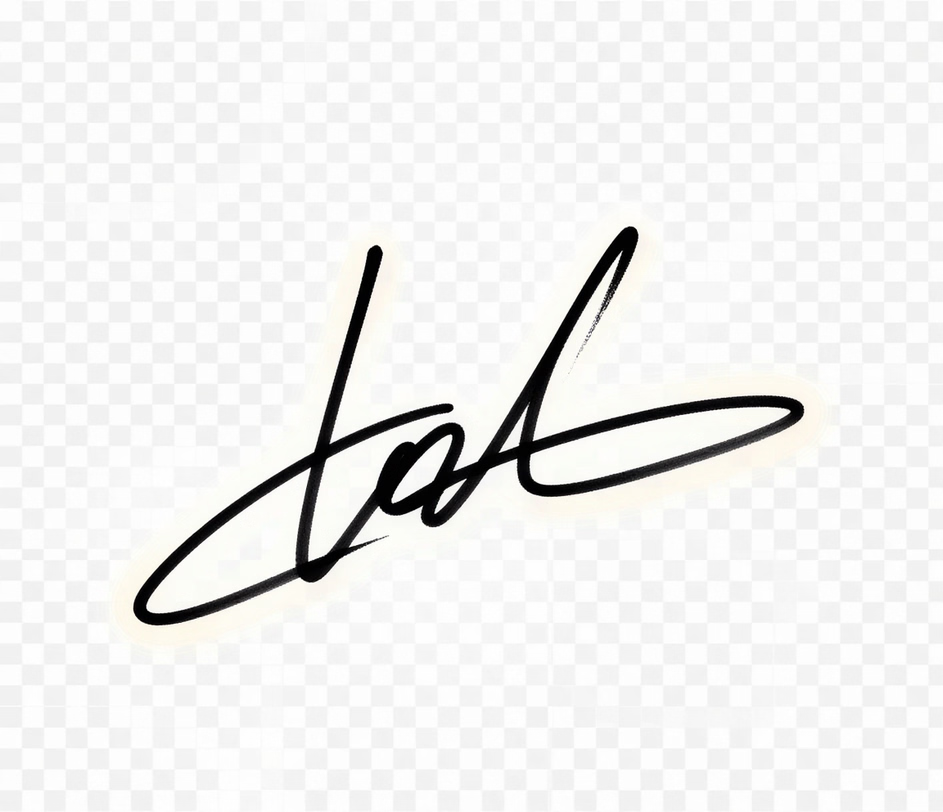
Arui.AI is a signature png maker that converts a typed name into a polished, transparent-background signature image for contracts, forms, and digital documents. Pick a style, enter a name, and download a finished PNG file in under five seconds — no scanner, no design software, no pen required.

Type, customize, and download. No scanner or design software required.

Enter the name that should appear as the signature. The prompt accepts full names, initials, or a short style description — most users enter their full legal name or the version they use for daily signing.

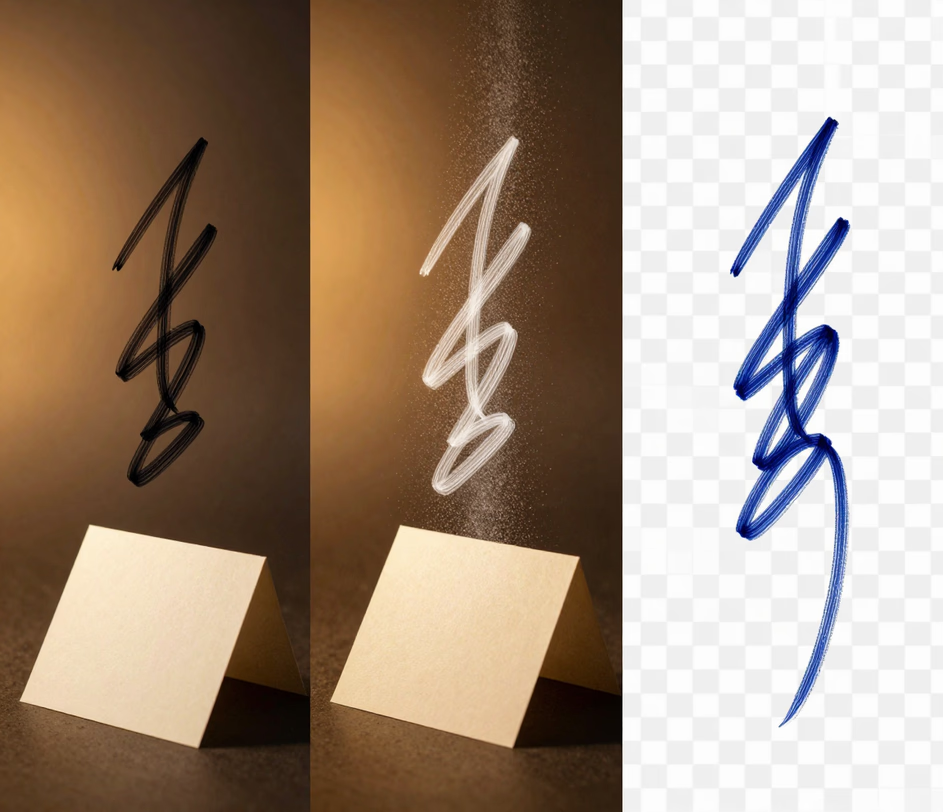
Browse four brush styles crossed with three ink colors for twelve signature combinations. Switch brush style and ink color to fine-tune the look — every adjustment updates the preview instantly, so options can be compared side by side before committing.

Click download and the signature png maker exports a transparent PNG file with a clean alpha channel. Drop it into any document — the signature overlays cleanly without white background boxes, and the file inserts into PDFs, Word, Google Docs, and web forms in under two seconds.

Direct answers about output format, file size, compatibility, and privacy.
Generate a transparent signature PNG in seconds — no scanner, no design software, no pen.
Generate a transparent signature PNG in under five seconds.
Other AI-powered tools from Arui.AI that complement a transparent signature PNG.

Turn a typed name into a flowing cursive or printed signature image for contracts, PDFs, and personal documents.
Try Now
Build a polished signature block with name, job title, company, and contact details for Gmail, Outlook, and Apple Mail.
Try Now
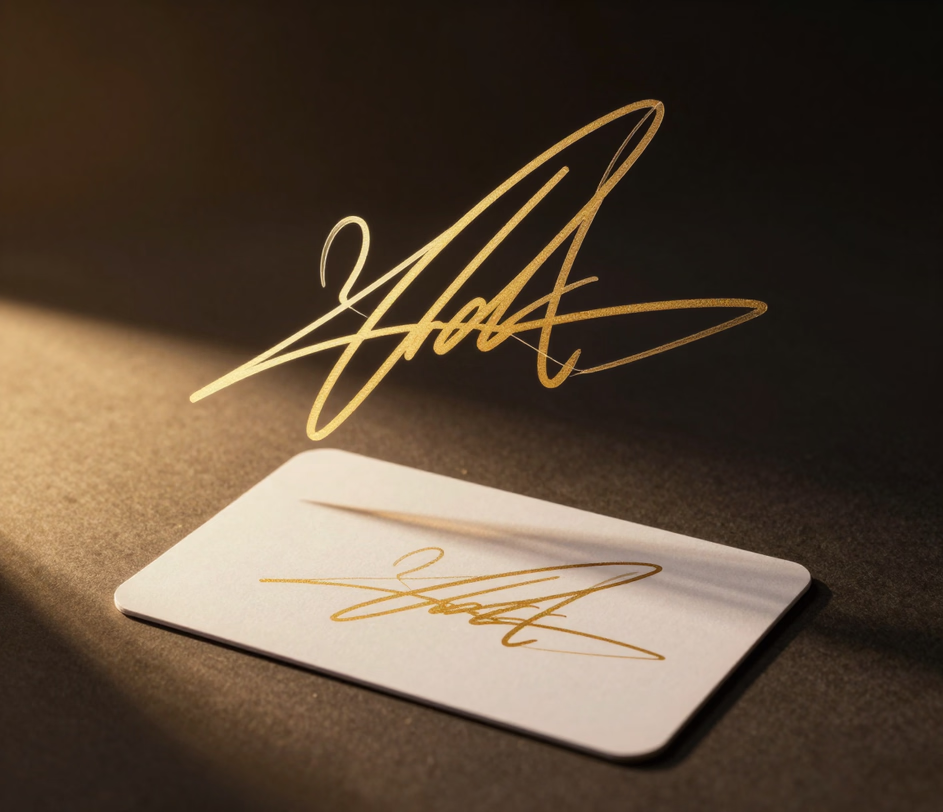
Render a typed name as a flowing connected-letter signature in twelve cursive style combinations — export as PNG for contracts, forms, and PDFs.
Try Now
Upload a selfie and get a studio-quality headshot to pair with a signature on contracts, LinkedIn, or company directories.
Try Now
Three tiers tuned for different signature asset needs — compare engines, digitized handwriting input, and resolution to find your fit.

Five scenarios where a transparent signature PNG saves time and looks professional.

An independent designer handling thirty or more contracts per month needs a consistent signature image that drops into every agreement. A signature png creator produces a polished PNG that pastes cleanly into DocuSign, PandaDoc, and Adobe Acrobat — one freelancer reported saving two hours per week after switching from scanning each signature by hand and removing white backgrounds one file at a time.
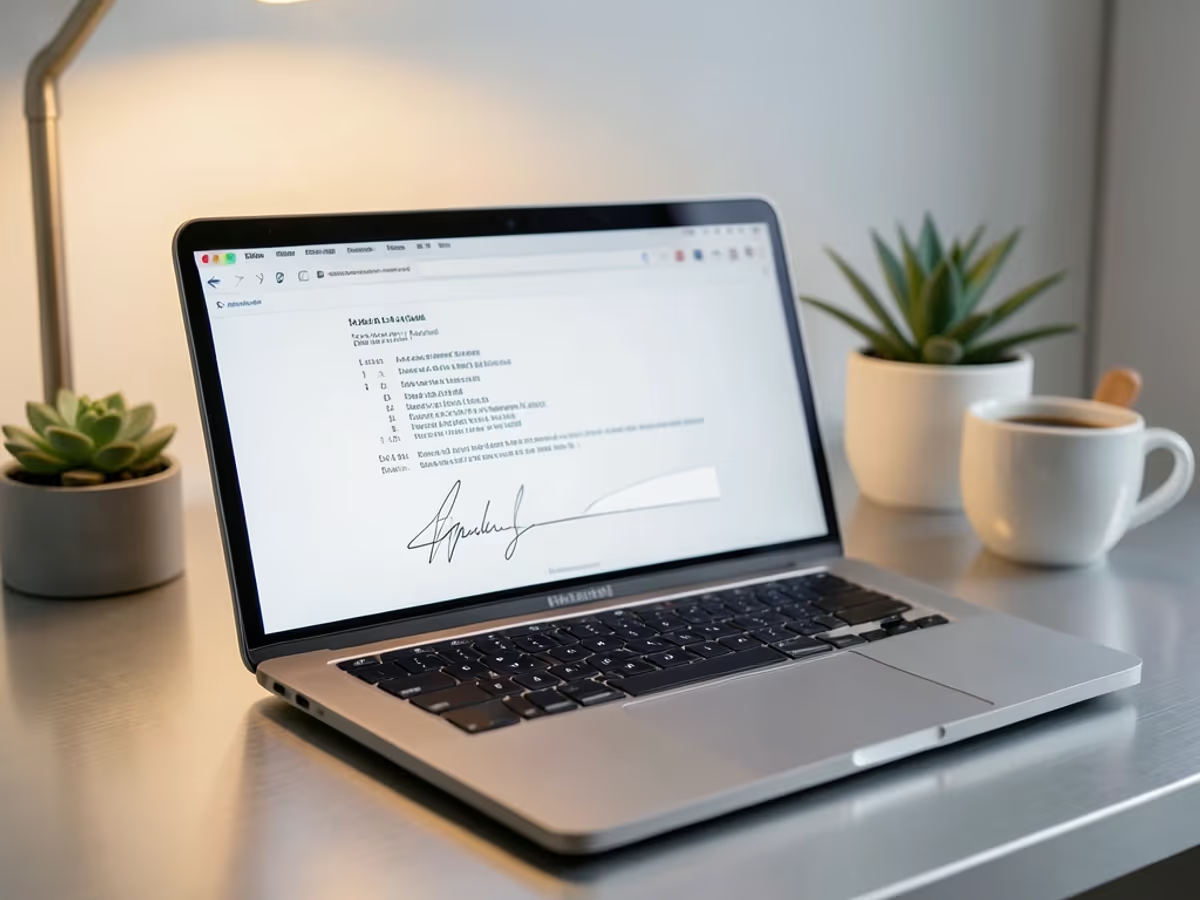
Real estate agents juggling fifteen to twenty offers per week cannot afford to print, sign, scan, and email each document. A png signature generator lets an agent insert a transparent signature image into a purchase agreement in under three seconds — compared to the twelve minutes it takes to print, sign, scan, and re-upload each offer.

Tax preparers and accountants process over one hundred authorization forms during peak season. A signature maker png tool lets them apply a consistent signature image to every form without re-scanning — one accounting firm reduced document turnaround time by forty percent after adopting the tool across its team.

Early-stage founders sending investor decks and term sheets need every document to look polished. A sign png maker gives a six-person team consistent signatures across pitch decks, SAFEs, and employment letters — investors form a first impression within three seconds of opening a document.

HR managers sending fifty or more offer letters per quarter need a fast way to sign each one without printing. A png signature creator produces a transparent signature image that pastes into any offer letter template — one HR team cut onboarding document preparation from three days to under four hours after adopting the tool.

