Arui.AI is an ai doodle generator that turns any text prompt into hand-drawn style sketch art in seconds. Describe a scene, a character, or a concept, choose a doodle style, and download a finished illustration ready for presentations, notebooks, and creative projects.

Switch models to compare results
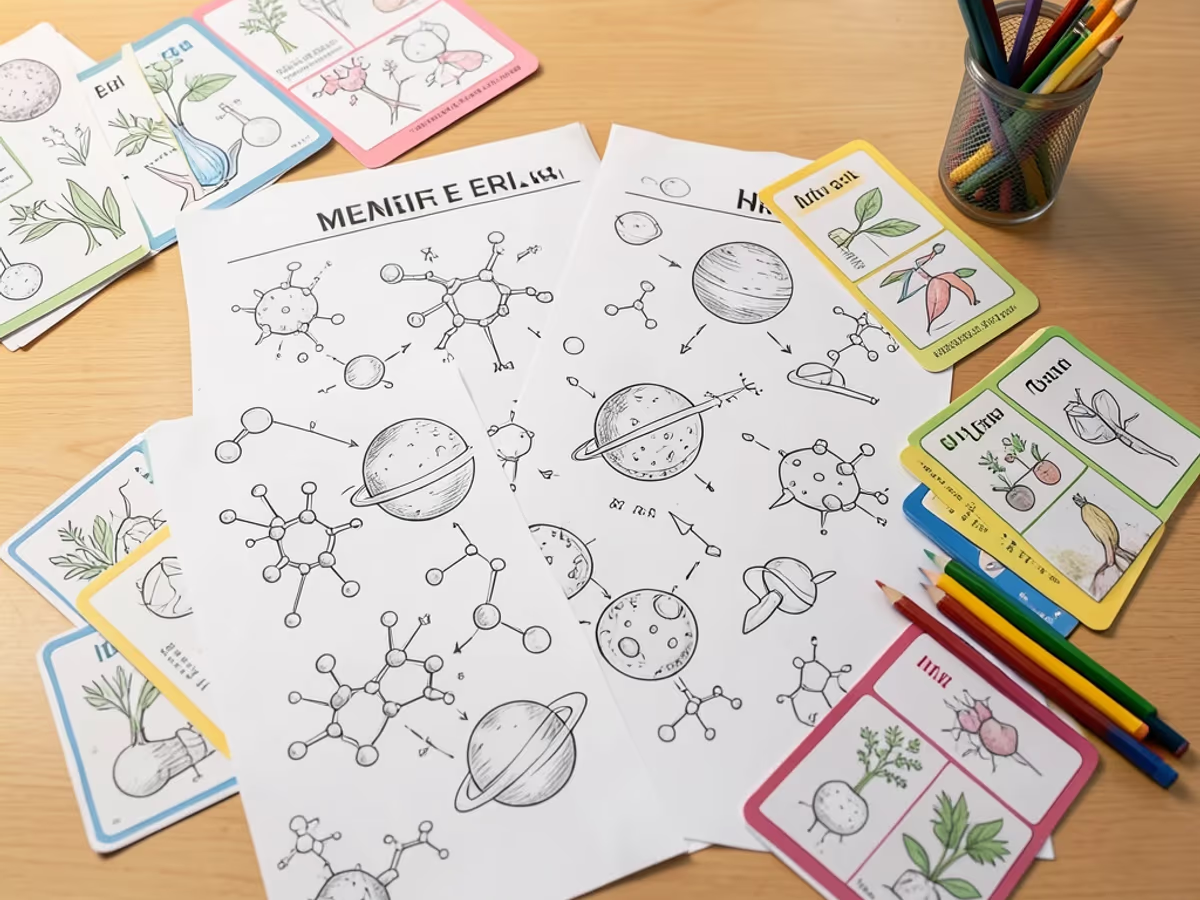
Built for fast, expressive sketch creation — no drawing tablet or illustration software required.
Type a description and the ai doodle generator produces a finished sketch in an average of 12 seconds across three resolution options (1024 px, 1536 px, 2048 px). Users who switch from manual sketching report cutting their doodle creation time by roughly 85%, transforming a 20-minute pencil-and-paper session into a single prompt.
Choose from pencil sketch, marker, ink, cartoon outline, and minimalist line styles — each tuned on over 150,000 labeled hand-drawn samples. The doodle art generator applies the appropriate stroke texture, shading density, and line weight for the chosen aesthetic, so one prompt yields five visually distinct results without any parameter adjustments.
The random doodle generator creates a surprise sketch from an internal prompt pool of over 2,000 curated concepts. One click generates a completely new doodle, making the tool an effective doodle ideas generator for warm-up exercises, content calendars, and moments when staring at a blank canvas stalls the creative process.
The doodle name maker feature transforms names and short phrases into decorative hand-drawn lettering. Type a name, select a style, and the tool renders it with flourishes, bubble letters, or graffiti-inspired strokes — producing results in under 10 seconds that would take 15–30 minutes to draw by hand.
Download finished doodles at up to 2048 × 2048 pixels in PNG format, suitable for retina displays and 300 dpi print at 6 × 6 inches. The doodle prompts generator preserves line clarity and stroke integrity across export sizes, eliminating the need for separate vectorization or upscaling tools.
Generate up to 4 stylistic variants from a single prompt in one request. Compare compositions, stroke treatments, and detail levels next to each other, then download the strongest option — cutting an iteration cycle that typically spans 25–40 minutes of manual redrawing to under 20 seconds per round.
See the difference in speed, skill requirements, and creative output.
| Aspect | Arui.AI | Manual Doodling |
|---|---|---|
| Average time per doodle | 12–15 seconds from prompt to finished sketch | 10–30 minutes per hand-drawn doodle depending on complexity |
| Drawing skill requirement | No drawing skills needed — describe the idea in plain text | Requires practiced hand control, proportion sense, and tool familiarity |
| Style variations per prompt | Up to 4 variants across 5 style presets in one session | 1 style per session — switching tools means starting over |
| Cost per illustration | Included in subscription — no per-piece material or commission fees | $30–$200 per custom doodle from a freelance illustrator |
| Revision and iteration speed | Adjust the prompt and regenerate in under 15 seconds | Each revision takes 5–15 minutes of redrawing from scratch |
Average time per doodle
Drawing skill requirement
Style variations per prompt
Cost per illustration
Revision and iteration speed
Four scenarios where generated doodle art solves a real creative problem.
Teachers use the doodle generator to create custom illustrations for worksheets, flashcards, and classroom posters. A set of 10–15 curriculum-aligned doodles that previously took an entire afternoon to sketch by hand can now be produced in under 5 minutes, leaving more time for lesson planning and student interaction.

Content teams pair handwritten-style doodles with blog posts, email newsletters, and social media graphics to break up text-heavy layouts. Marketers report that articles with custom doodle illustrations see 20–30% higher scroll depth compared to plain-text pages, and each doodle takes under 15 seconds instead of the 30–60 minutes spent searching stock libraries.
Product designers use the tool as a rapid prototyping layer — generating loose doodle versions of icons, spot illustrations, and empty-state graphics before committing to polished vector artwork. A full set of 8–10 UI concept doodles takes approximately 3 minutes, a task that previously consumed 2–4 hours of low-fidelity sketching in design software.

Bullet journal enthusiasts and hobby crafters use the doodle name maker to decorate planner spreads, personalize gift tags, and create custom lettering for scrapbook pages. A decorative name doodle that takes 15–30 minutes to render by hand is ready in under 10 seconds, making it practical to embellish dozens of pages in a single sitting.
From idea to finished doodle download in under a minute.
Type a description of what you want — a character, an object, a scene, or even a name. Alternatively, click the random button and the doodle prompts generator will supply a creative starting point from its pool of over 2,000 curated concepts.
Select from five style presets: pencil sketch, marker, ink, cartoon outline, or minimalist line. The generator shows how each style interprets your prompt, so you can compare and pick the visual treatment that fits your project.
Click the download button to save your finished doodle at up to 2048 × 2048 pixels. Use the image directly in presentations, worksheets, social posts, or print it for physical projects — no additional editing or upscaling required.
Answers to common questions about creating doodle art with AI.
Describe your idea, pick a style, and download a hand-drawn style doodle in seconds.
Sign in to access daily credits and start creating.
Other Arui.AI tools for your design and illustration workflow.
Create polished illustrations in flat, vector, and watercolor styles from text prompts.
Try Now

Produce custom icons in multiple styles for apps, websites, and design systems.
Try Now
Turn text prompts into detailed pencil and ink sketches in under 15 seconds with multiple style options.
Try Now
Generate printable coloring book pages with clean line art from any text description in seconds.
Try Now
Create seamless, tileable textures for games and 3D projects from simple text prompts.
Try Now
