Arui.AI is an AI photo editor that edits the photo you upload from a plain-language instruction — remove a passerby, relight a product shot, swap the background, or correct packaging text. Three quality tiers return a finished image in seconds, up to 3K on Master.

Three editing engines for one uploaded photo — compare resolution, fidelity, and credit cost before you generate.

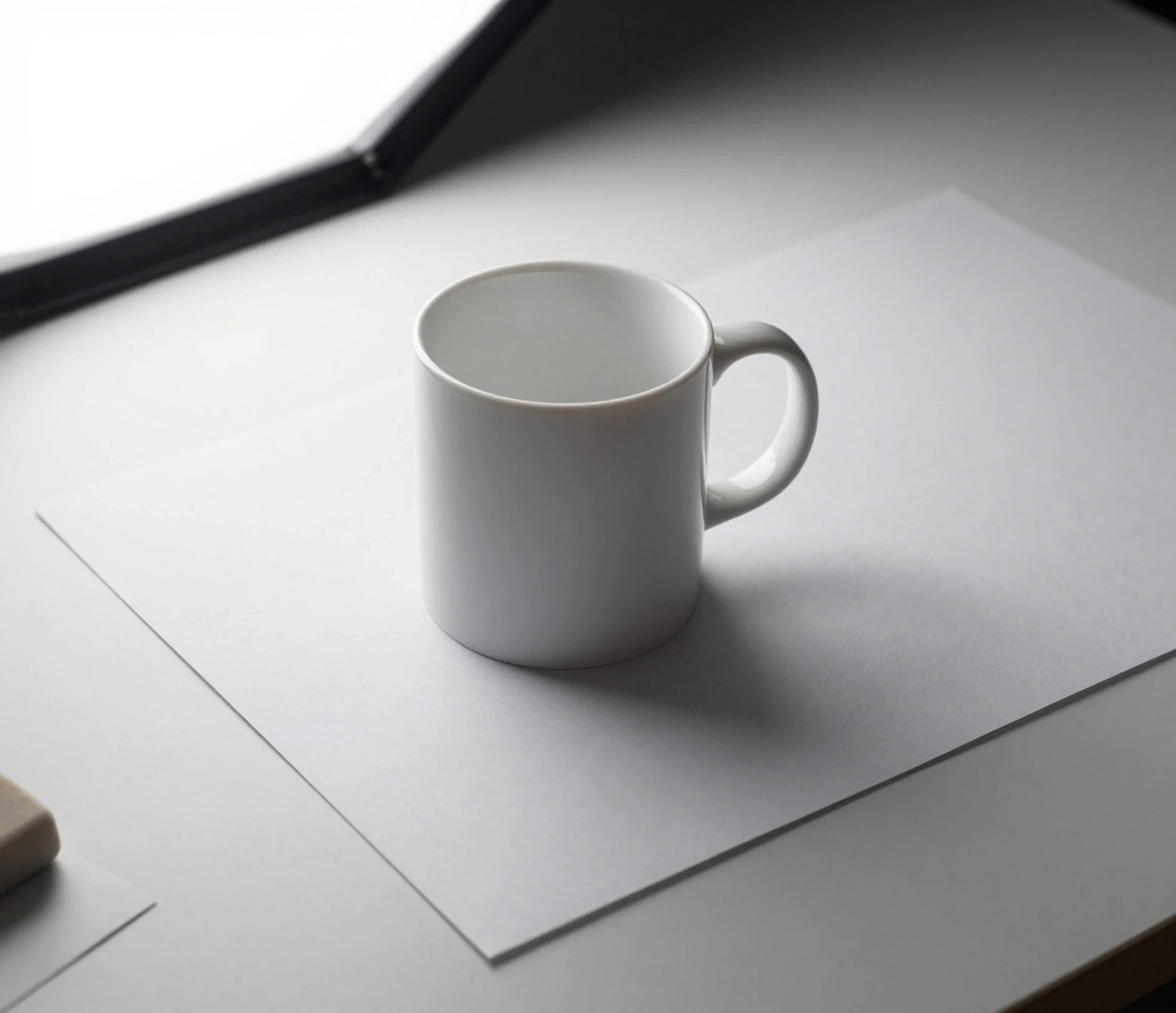
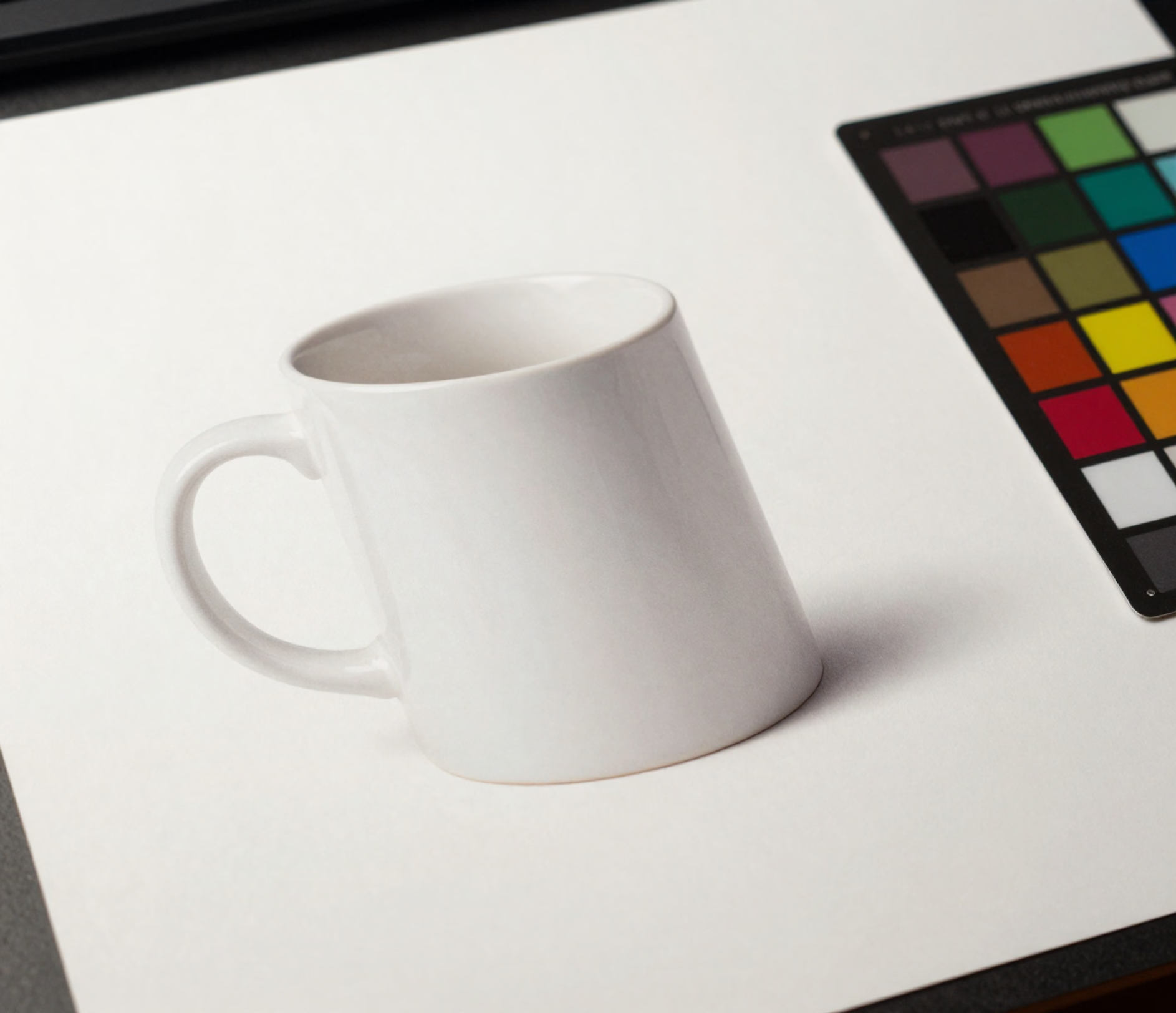
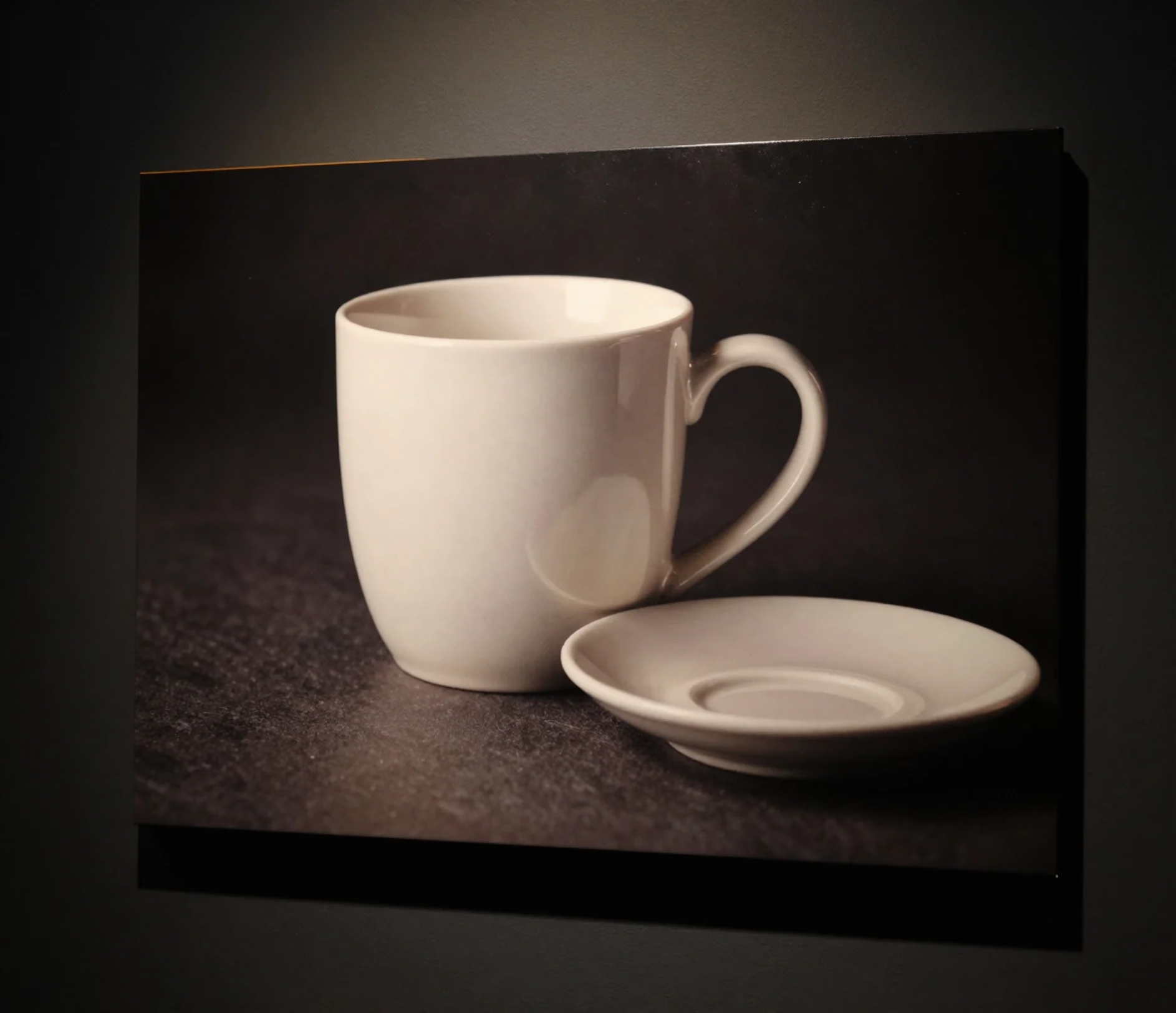
Upload one photo, describe the change, and get a finished image — no masks, no layers, no plugins.

Type what you want changed — remove the cable, warm the light, replace the wall — and the ai photo editor applies it to your uploaded photo in a single pass. A retouch that takes 8 to 20 minutes of layer masks and brush work in Photoshop is described and rendered in seconds.

Standard, Pro, and Master all edit the same single reference photo, so the product you upload stays the product you download. Pro renders at 2K and Master at up to 3K, keeping label edges and packaging type legible for marketplace listings and print.

Relight a dim interior, add a grounded shadow under a bottle, or match the perspective of a new backdrop. The editor rebuilds light direction and contact shadows instead of pasting a flat cutout — work that normally needs 45 to 60 minutes of HDR merging and dodge-and-burn.

Remove passersby, cables, bins, and reflections, or replace a cluttered room with a clean studio sweep. One upload replaces the 10 to 20 minutes of masking, cloning, and edge refinement that each image usually needs.

Export in 1:1, 4:5, 3:4, 2:3, 16:9, or 9:16 to match Amazon, Etsy, Instagram, and print specs. Master adds 3K output, and each preset lands on the right crop without manual resizing.

Five teams that edit photos with AI every day — and the minutes each workflow saves.

Online sellers upload one product photo at a time and describe the fix — clean the background, warm the light, remove a scratch, straighten the label. A 30-image catalog that used to take 2 to 3 hours of per-image Photoshop work can be finished in under 30 minutes, with every image rendered at 2K on Pro.

Photographers clear skin, brighten eyes, correct white balance, and remove background clutter with a sentence instead of a frequency-separation stack. A 40-portrait preview gallery that takes 3 to 4 hours of manual retouching can be delivered the same afternoon, with natural skin texture kept intact.

Marketing teams apply the same color grade, crop, and background treatment across a campaign. Six aspect ratios cover feed, story, and thumbnail placements, so a 20-asset drop ships in under 20 minutes instead of an afternoon of per-format resizing.

Agents brighten interiors, correct vertical lines, balance window exposure, and remove clutter from listing photos. A 25-photo property set that normally needs 45 to 60 minutes of HDR merging and perspective correction can be cleaned up in under 15 minutes.

Creators swap a dull background, sharpen a portrait, and relight a thumbnail in 16:9 or 1:1. Ten thumbnails render in under 15 minutes, replacing the usual hour of layer work per graphic.

Upload, describe the edit, download. No editing experience required.

Drag in a JPG, PNG, or WebP image. The ai photo editor reads the uploaded photo as the edit target — no selection, masking, or layer setup first.

Write the edit in plain language, for example remove the people in the background, make the lighting soft studio, or change the label text to a matte finish. Pick one of six aspect ratios and a tier, then generate.

Preview the result and download at the tier's resolution — 1K on Standard, 2K on Pro, or 2K and 3K on Master. The edited file keeps the crop you chose, ready for a listing, ad, or print layout.

Answers to the most searched questions about editing photos with AI.
Upload a photo, describe the change, and download the result in seconds.
Standard edits cost 3 credits, Pro is 12 credits, and Master is 18 credits (2K or 3K).

More Arui.AI tools for your image workflow.

Sharpen blurry images, upscale resolution to 3K, and remove noise with a single click.
Try Now
Apply over 40 professional filter presets — vintage, cinematic, film, and more — to any image.
Try Now
Remove the background from any photo in one click and download a transparent PNG.
Try Now

