Arui.AI's Gaming Thumbnail Maker is an AI tool that generates 16:9 YouTube thumbnails from text descriptions, featuring dramatic lighting, bold text, and vivid colors. Describe your gameplay moment, choose a style, and download straight to YouTube Studio.

Answers to common questions about creating gaming thumbnails with AI.
Describe your gameplay moment, pick a gaming style, and download a finished thumbnail in seconds. Daily credits refresh automatically — no account or payment needed to start.
Daily credits reset every morning. Describe your gameplay moment and download a YouTube-ready 16:9 cover in under thirty seconds.

Arui.AI offers additional AI-powered tools for content creators and designers.

Create click-ready cover images for any YouTube video topic — tutorials, vlogs, reviews, and more — with AI-powered text-to-thumbnail generation.
Try Now
Create eye-catching thumbnails for YouTube Shorts and vertical video content with AI-powered design and text placement.
Try Now
Turn text prompts into high-quality images for thumbnails, social posts, and marketing materials with AI-powered generation.
Try NowThree credit tiers tuned to your upload schedule — every tier renders a 16:9 cover and accepts up to 4 reference gameplay screenshots.

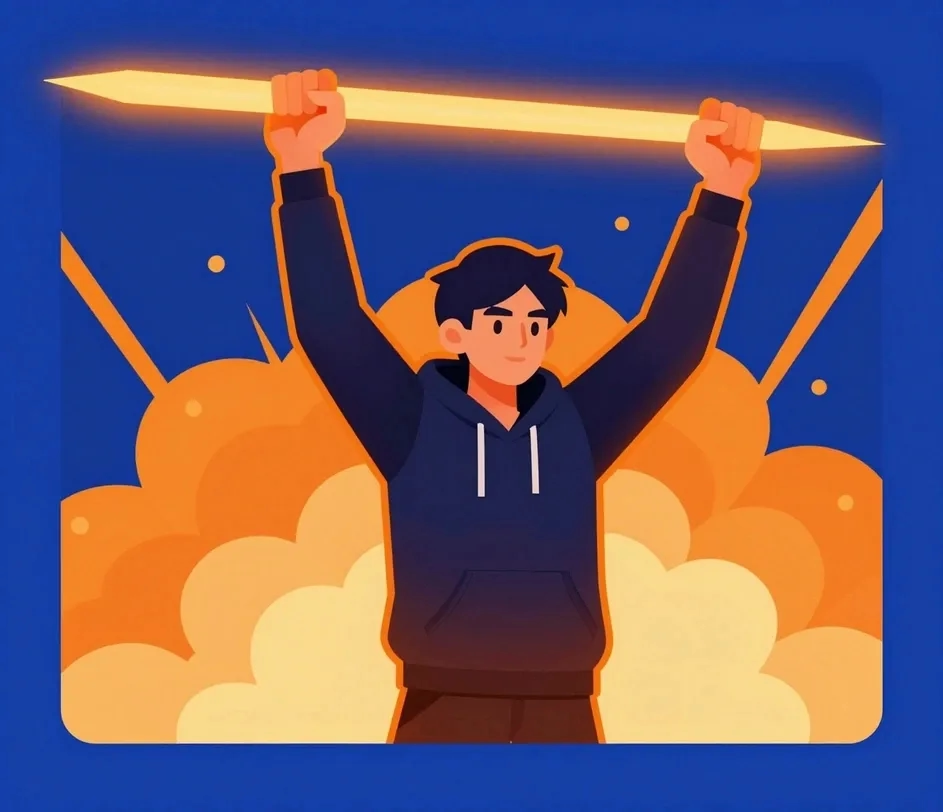
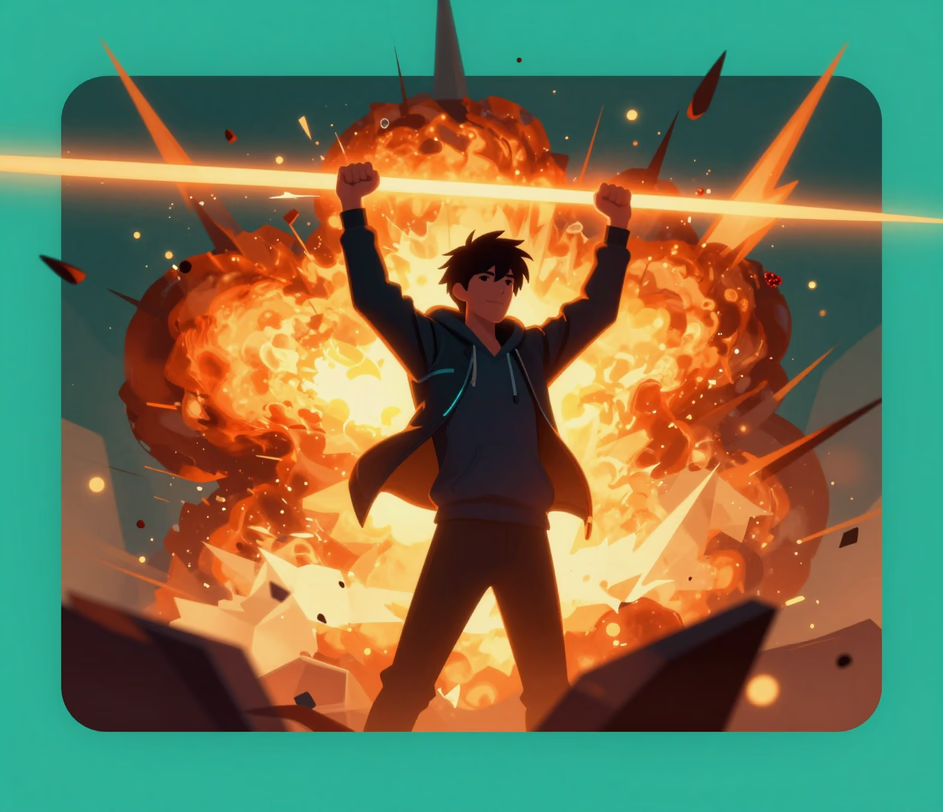
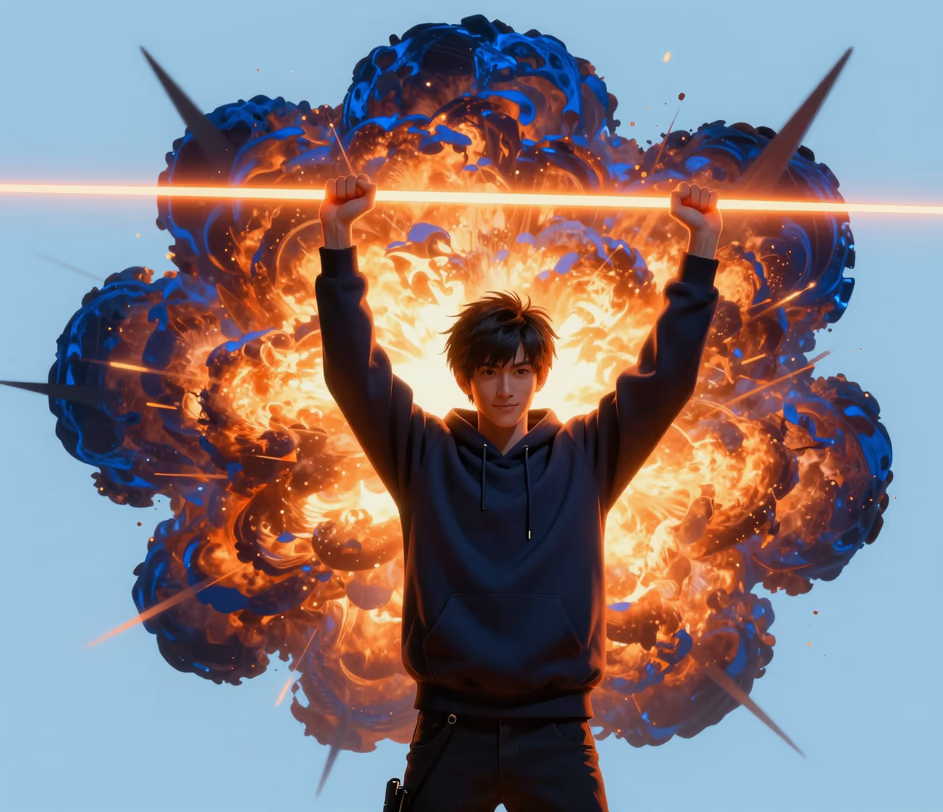
Purpose-built features that produce the best gaming thumbnail for every content type and upload schedule.

Type what happened in your gameplay — a clutch victory, a surprise jump scare, a rare loot drop — and the gaming thumbnail generator builds a complete cover image in under thirty seconds with balanced composition, dramatic lighting effects, and readable text overlays. No graphic design experience or manual layering required.

Every thumbnail the gaming thumbnail maker outputs uses the 16:9 aspect ratio YouTube requires, rendered at 1920×1080 or up to 2K resolution. Colors are tuned for high contrast in crowded feeds, and text remains legible even when scaled down on mobile screens. Your custom gaming thumbnail looks sharp on phones, tablets, desktops, and smart TVs.

Pick from six style presets built for specific gaming niches — shooter action with muzzle flash and motion blur, RPG fantasy with glowing effects and dramatic landscapes, retro pixel art, and clean esports layouts. Each preset applies genre-appropriate color palettes, typography, and visual effects to match your channel identity.

Open the gaming thumbnail maker on your phone, tablet, or computer. Describe your scene, generate the cover, and save the file to your device. Nothing to install, no account required for basic usage. The entire process from description to download takes under thirty seconds.

Four popular gaming content types where a custom gaming thumbnail drives measurable gains in clicks and watch time.

Competitive gaming thumbnails demand explosive visuals, dramatic lighting, and bold text that screams action. Describe your clutch play or final-circle moment and the gaming thumbnail maker delivers an eye-catching 16:9 cover with high-energy effects, vibrant contrast, and text that pops against the background. Viewers notice the best gaming thumbnail in the feed before they read the title.

Speedrun content thrives on thumbnails that communicate precision and urgency. The game thumbnail maker creates covers with timer graphics, motion-blur trails, and achievement-style layouts that tell viewers exactly what record or challenge is being attempted before they click play. Each cover renders in under thirty seconds, so a week of challenge videos stays on schedule.

Long-form gaming series need consistent, recognizable thumbnails that build channel identity episode after episode on a weekly schedule. The gaming thumbnail creator applies your chosen style preset to every cover, keeping colors, fonts, and layout uniform across your entire playlist so returning viewers spot your videos instantly.

Esports channels need polished, broadcast-quality thumbnails that look professional alongside major league content. Use the gaming cover image maker to produce clean, structured covers at 1920×1080 with team colors, bracket-style layouts, and tournament branding that attract competitive gaming audiences.

