Arui.AI is an ai icon generator that turns any text prompt into polished app icon artwork in under 10 seconds. Describe your app or theme, choose from six icon styles, and download a crisp 1:1 square icon at up to 3K — one clean master, ready to adapt for iOS, Android, web favicons, and PWA projects.

Three quality tiers for AI icon generation — compare resolution, credit cost and style control before you generate.

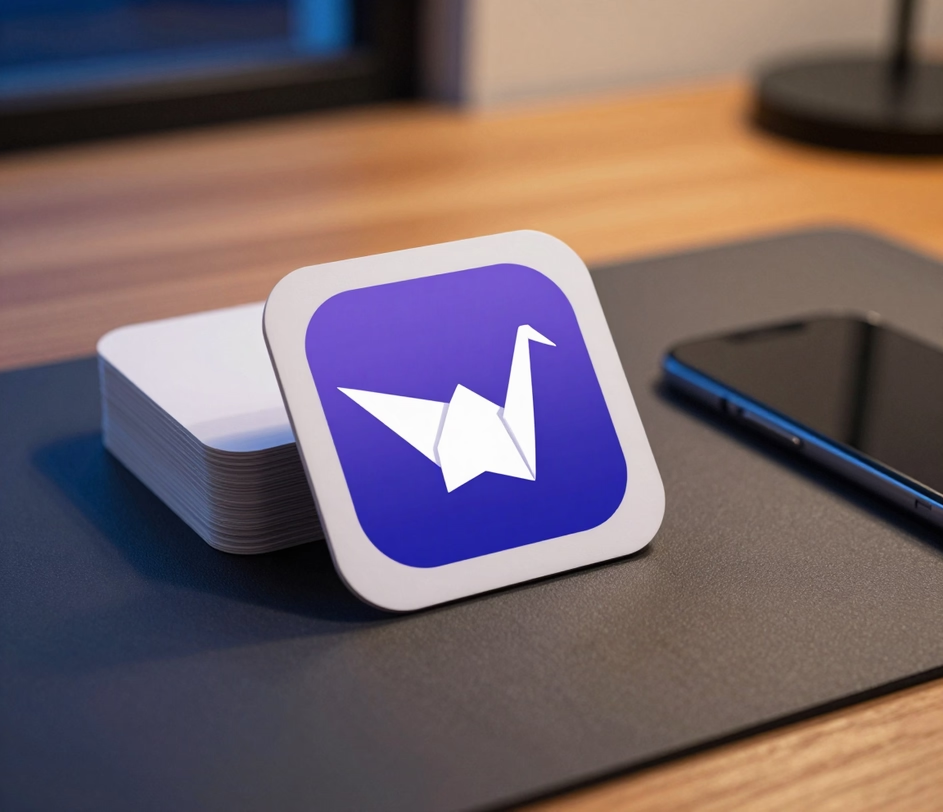
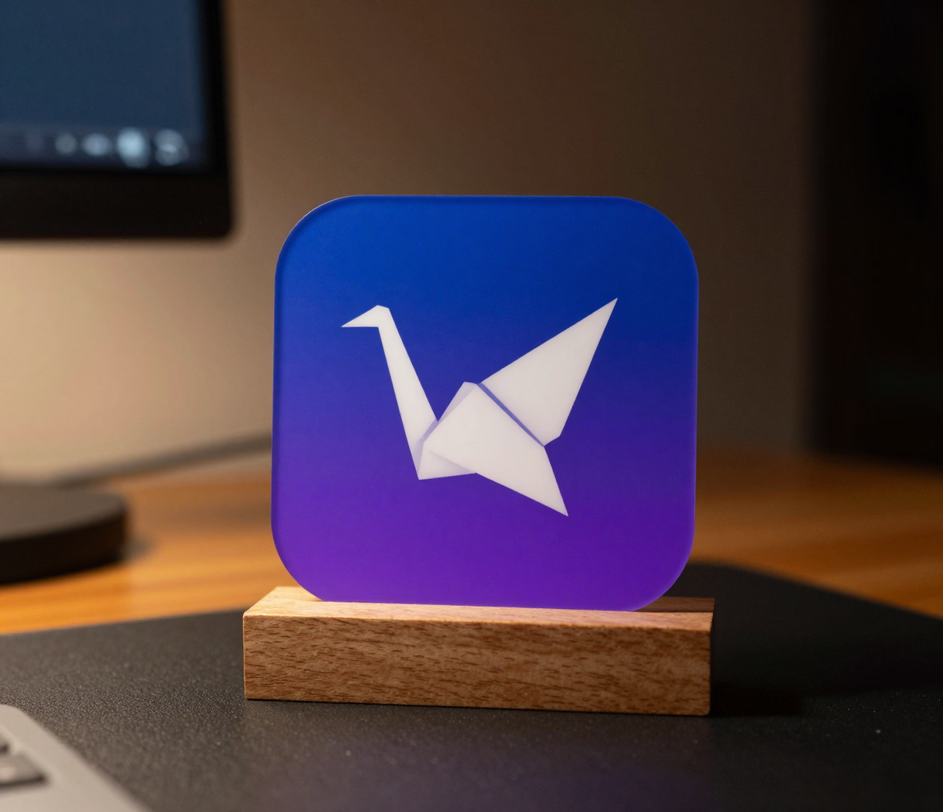
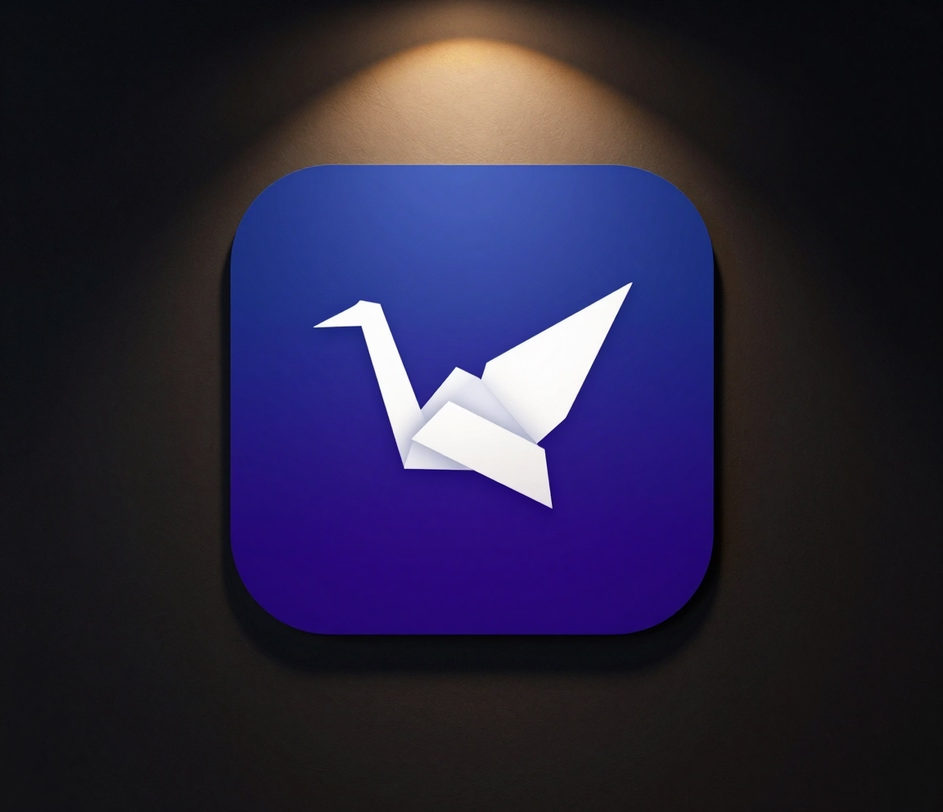
From app store icons to 16 px favicons — generate the full size set from one prompt.

The ai icon generator transforms a natural-language prompt into a complete icon set in an average of 8 seconds. Users report saving roughly 85% of their icon design time compared to manually crafting each size variant in design software like Figma or Sketch.

Every icon renders as a true 1:1 square at up to 1024 px on Standard, 1K or 2K on Pro, and up to 3072 px on Master — the exact master-artwork range that App Store 1024 px submissions and Play Store 512 px workflows start from. The favicon generator pipeline then resizes from one crisp master instead of juggling separate export sessions.

Pick the tier that matches your milestone: Standard at 3 credits renders a fast 1K concept, Pro at 12 credits renders a cleaner 1K or 2K pass with finer detail, and Master delivers flagship 2K or 3K output at 18 credits. The ai icon maker grows with your project from first sketch to app store launch — no separate tools required.

Choose from flat, 3D, gradient, glassmorphism, pixel art, and line art styles — each calibrated on over 150,000 labeled icon samples. The app icon generator applies consistent corner radius, padding, and color balance so every output looks native to its target platform.

Download production-ready PNG files at up to 3072 by 3072 pixels on the Master tier. The crisp single-glyph output stays sharp when scaled down to a 16 px favicon or up to a 3K store asset, replacing the typical 10 to 15 minute manual upscale and cleanup workflow with a one-click export.

Cycle through all six styles from a single prompt and regenerate in under 10 seconds per round. The ai icon maker lets you compare flat versus gradient versus 3D treatments side by side and download the strongest candidate, compressing the iteration cycle from the typical 15 to 30 minutes of manual redesign.

From mobile app launches to website redesigns — see how teams create icons at scale.

iOS and Android developers use the app icon generator to produce store-ready square masters from a single text prompt — 1024 px for App Store workflows and 512 px-and-up assets for Play Store, rendered natively at up to 3072 px on the Master tier. A typical app launch that once required 3 to 5 days of designer back-and-forth for icon assets can now be completed in under 10 minutes.

Web developers use the favicon generator to create the master square icon that anchors a full favicon set — 16 by 16, 32 by 32, and 48 by 48 pixel variants and PWA manifest icons at 192 by 192 and 512 by 512 pixels all resize cleanly from one crisp 3K master. The site icon generator replaces a workflow that typically involves 3 to 4 separate tools and 15 to 20 minutes of manual resizing with a single 10-second render.

Design agencies use the ai icon generator to create consistent icon sets for client brand guidelines. A complete system of 30 to 50 branded icons can be produced in roughly 20 minutes, compared to the 8 to 16 hours of manual icon design typically required for a brand identity package.

Solo builders ship home-screen icons for side projects, plugins, internal tools, and PWA experiments in minutes instead of days. One text prompt and a 3-credit Standard render covers the first version; when the project grows, the same prompt upgrades to a 2K or 3K Master pass — a workflow that takes under 10 seconds per round versus the 20 to 30 minutes of manual template matching and export in design software.

Three steps from idea to downloadable icon set.

Enter a text prompt describing the icon subject and style — for example, a blue gradient shield icon for a cybersecurity app. The ai icon generator is fully text-driven, so describe the subject, colors, and mood you want and the engine handles the icon design language.

Select from six style presets including flat, 3D, gradient, glass, pixel art, and line art, then click Generate. The ai icon generator returns a polished 1:1 square icon in under 10 seconds, with tier options from 1K concept to 3K launch-grade output.

Review the generated icon, and download the production-ready PNG at up to 3072 by 3072 pixels on the Master tier. From one crisp master you can derive every downstream size — App Store 1024 px, Play Store 512 px, PWA manifest icons, and 16 px favicons — ready to drop into your app project or website root directory.

Straightforward answers about generating icons and favicons with AI.
Describe your icon idea, choose a style, and download a complete icon set in seconds.
Standard icons start at 3 credits, with 1K or 2K on Pro and up to 3K on Master.

Other tools from Arui.AI for your design workflow.


Create eye-catching posters from text prompts for events, marketing, and social media.
Try Now
