Arui.AI is an AI-powered discord avatar maker that turns any photo into a profile picture styled for Discord. Upload a selfie, choose an artistic style, and download an avatar sized for Discord in seconds.

Three tiers tuned for different servers, resolutions, and budgets — compare output size, credit cost, and aspect ratio support before you generate.

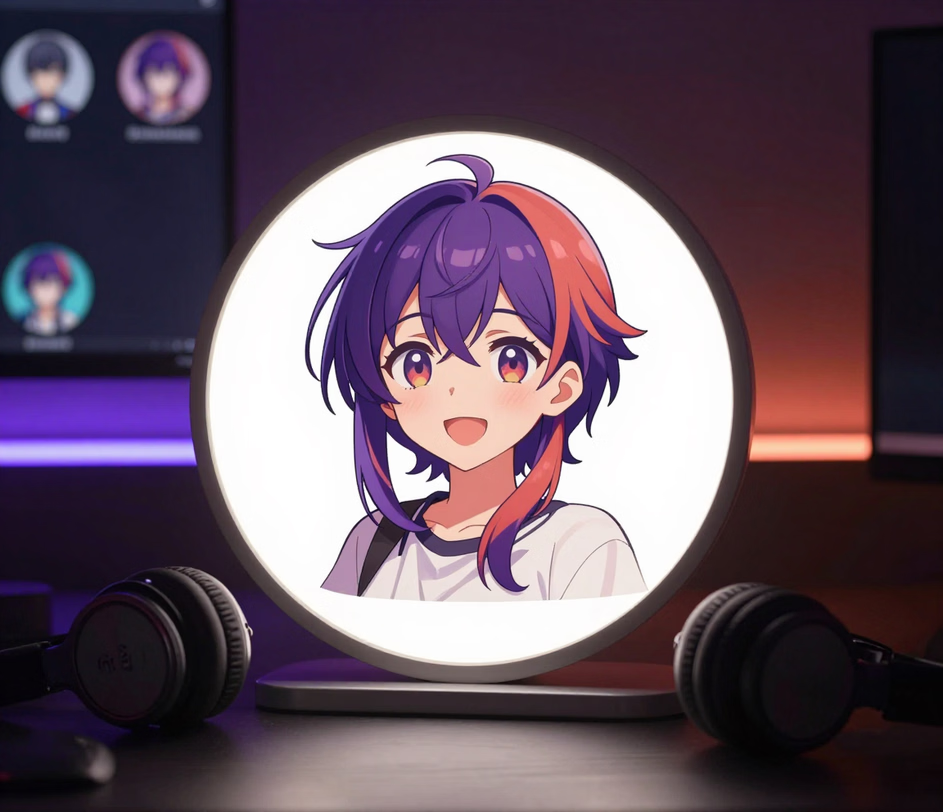
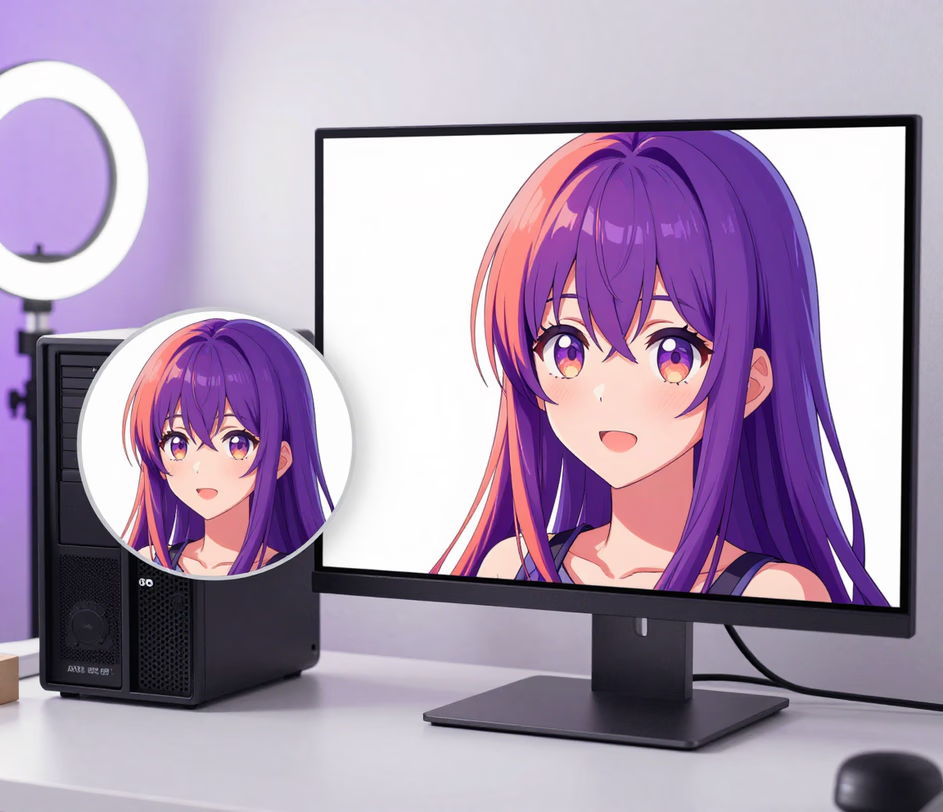
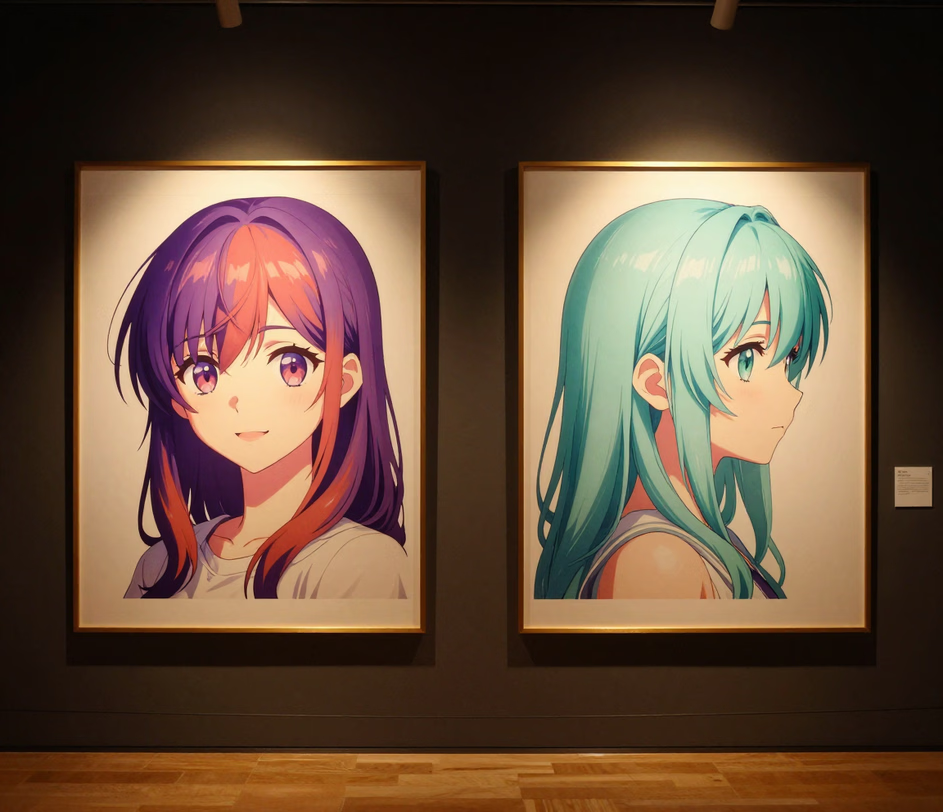
Purpose-built tools for creating profile pictures that look sharp inside Discord's circular crop.

Choose from five styles — cartoon, anime, pixel art, sketch, and 3D render. The discord avatar creator applies each style to the same source photo, so you can compare outputs side by side and pick the one that matches your online personality without re-uploading.

Every avatar generated is composed with Discord's round frame in mind. Key facial features stay centered and visible even after the platform crops the image to its 128×128 display size, so your expression remains clear in server member lists and chat sidebars.

Save your finished avatar directly to your device with one click — the full run from upload to download takes under thirty seconds. The discord avatar download delivers a file sized to Discord's specifications, ready to upload to your profile without additional resizing or format conversion.

Every tier renders a polished square image, and the Master tier reaches 4096px for retina screens and print use. The discord avatar generator keeps edges crisp and facial detail clean at full size, so your avatar stays sharp whether Discord compresses it or you reuse it as channel artwork.

Four scenarios where a styled avatar makes a stronger impression than a plain photo.

In large gaming servers, members recognize each other by avatar, not username. A stylized discord avatar helps teammates and opponents remember you across matches. Use a consistent art style for your entire clan to create a unified visual identity in under thirty seconds per avatar.

Streamers, YouTubers, and social media creators use Discord to engage with fans. A custom avatar for discord that matches your channel branding reinforces recognition across platforms. The avatar maker produces images up to 4096px that work as both Discord profile pictures and social media icons.

Roleplay communities often require character-specific avatars. The discord avatar creator lets you generate portraits in 1:1, 4:5, or 9:16 that fit fantasy, sci-fi, historical, or anime themes, keeping your visual presence consistent with the server's setting and lore.

Workspaces and study servers benefit from clean, approachable avatars that replace casual selfies. A stylized portrait conveys professionalism while remaining personable — useful for networking, collaborative projects, and online classrooms — and the Standard tier renders each one at up to 2048px.

From upload to discord avatar download in under thirty seconds.

Select a clear, front-facing photo from your device. Even lighting and a visible expression produce the best results — the AI uses facial details to generate a recognizable stylized avatar.

Browse available styles such as cartoon, anime, pixel art, or 3D render. The discord avatar maker shows a preview for each option so you can choose the look that fits your server identity before committing.

Click the discord avatar download button to save the finished image. Open Discord Settings, navigate to My Account, and upload the file. Your new avatar appears across all servers immediately.

Answers to common questions about creating and using custom Discord avatars.
Upload a photo, choose from cartoon, anime, pixel art, or 3D render styles, and download an avatar built for Discord servers. Generate yours in under thirty seconds.
Daily credits reset every morning. Upload a selfie, describe your style, and download a Discord avatar in under thirty seconds.

Arui.AI offers additional avatar creation tools for different platforms and styles.

Design a standout channel icon with AI-powered stylization, optimized for YouTube's circular display and multiple art styles.
Try Now
Turn any portrait into a bold cartoon-style image with vibrant colors and clean outlines, perfect for social media profiles.
Try Now
Generate high-quality images from text prompts with AI — from photorealistic scenes to stylized illustrations in seconds.
Try Now
