Arui.AI is a face cutout ai tool that lifts the head out of any photo — hair, smile, glasses and all — and turns it into a print-ready big head cutout in about fifteen seconds. The face stays exactly as it looks in the original picture, while six presentation styles dress it up for game days, birthdays, and pep rallies. Upload one photo, pick a style, and download a file sized from 2048 px up to 3K for printing.

Every tier keeps all 6 presentation styles, 6 aspect ratios, and face-preserving output — upgrade for finer hair edges, more reference photos, and 3K exports.

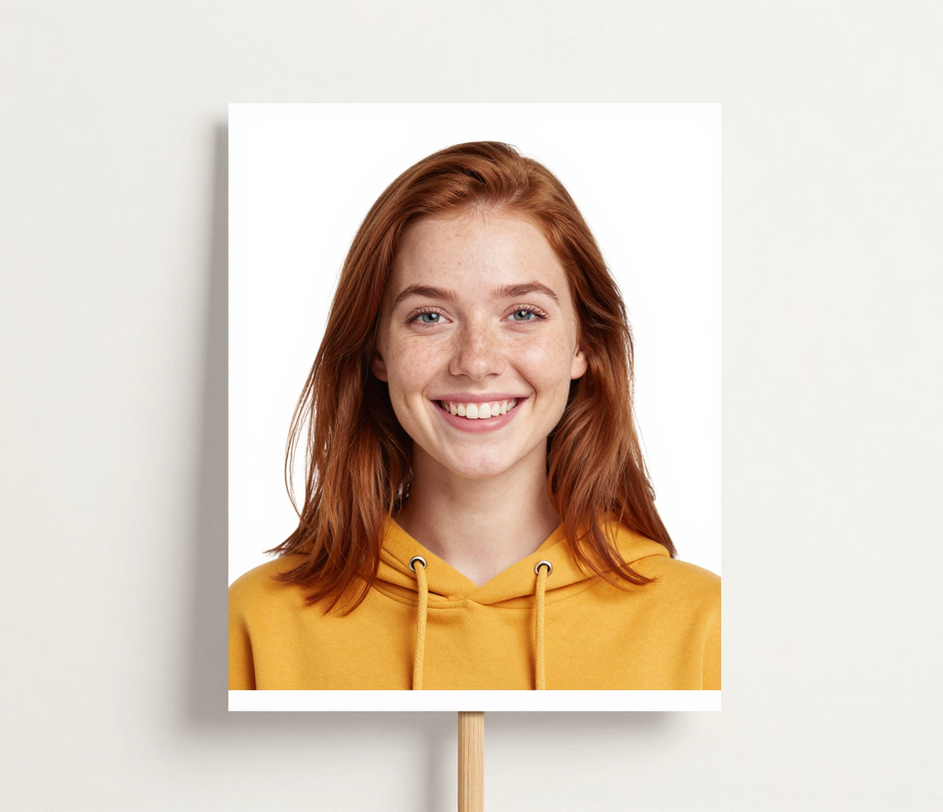
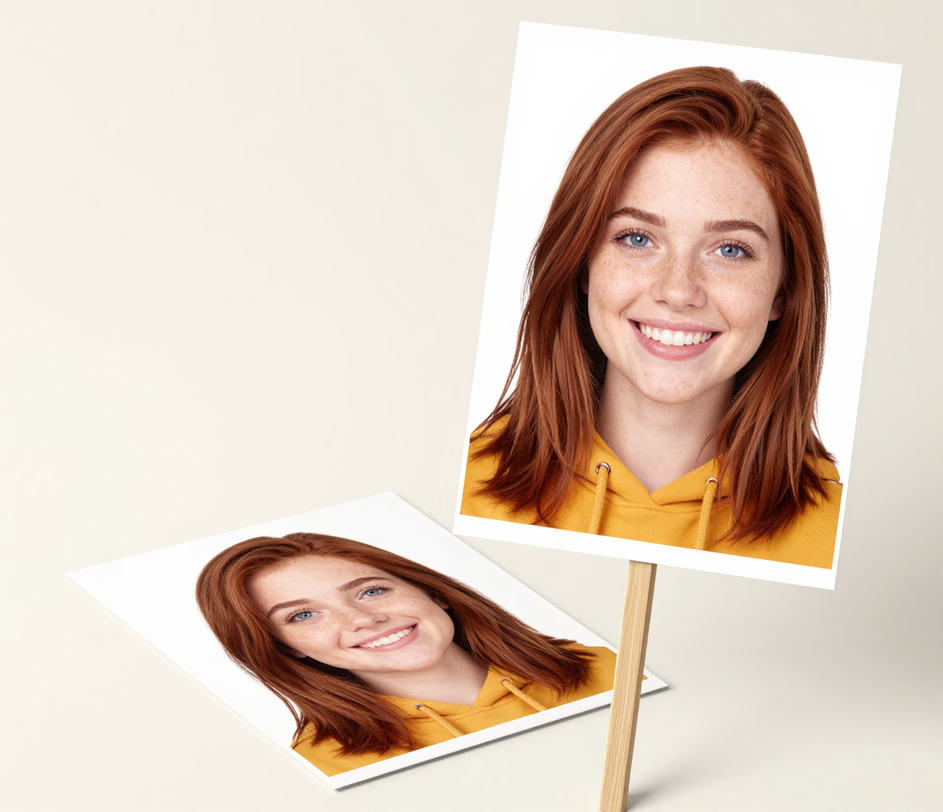
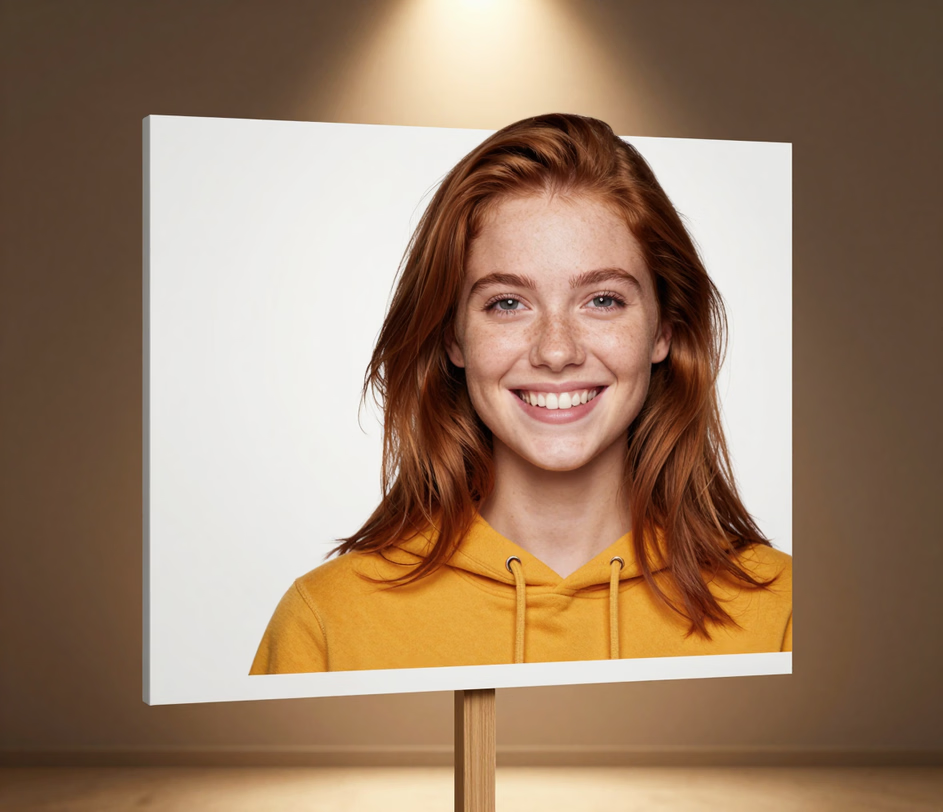
Face-preserving extraction, six presentation styles, and print-ready resolutions for stadium standees and party props.

The ai face cutout engine isolates the head from the shoulders up and keeps the face exactly identical to the photo — same eyes, same smile, same glasses. A cutout for senior night or a birthday rally has to look unmistakably like the person, so unlike cartoon filters that redraw the whole face, this tool treats likeness as the one thing it will not change. The head lifts out in about fifteen seconds, versus the 15 to 25 minutes of careful selecting and edge refinement the same job takes in photo editing software.

Turn the same head cut out into a clean Classic cutout on pure white, a die-cut Sticker with a bold white border, a Game Day poster in team colors, a Party version framed by confetti and balloons, a Pop Art portrait in vivid flat colors, or a Vintage pep-rally poster with aged paper charm. Six looks from one upload beat re-editing the photo in design software for 20 to 30 minutes per style.

The photo face cut out workflow starts with a single required upload on Standard. Pro blends up to 3 photos — a couple for a wedding entrance, two poses of the same graduate — and Master takes up to 5 for family groups and pet-included fan crews. Generic single-face tools force one photo per job; here a full 5-person cheer squad comes from one session.

Big face cutouts print best as 1:1 squares, the shape standee printers and foam boards are cut to — so 1:1 is the default. Choose 4:5 or 3:4 for vertical photo-frame props, 2:3 for tall rally paddles, 4:3 for tabletop signs, or 16:9 for a wide bench row of heads. Every ratio keeps the full head in frame with nothing cropped away.

Standard renders at 2048 px, Pro selects 1K or 2K, and Master delivers 2K or 3K (3072 px) PNG files for giant face cutouts. Large-format standees — the 24 to 36 inch sizes fans hold at stadiums — print at 100 to 150 dpi, which a 3K file covers edge to edge without upscaling, so hair strands and glasses frames stay sharp on cardboard face cutouts printed at any size.

Four real scenarios where a print-ready head cutout saves the game day, the party, or the deadline.

Sports parents and student sections create big head cutouts for football Fridays, senior night walkouts, and playoff rallies by uploading one photo and picking the Game Day style in team colors. A squad of 10 to 20 personalized face cutouts is ready to print in an afternoon of about fifteen seconds each — ordering the same printed standees from a shop runs $15 to $50 each with days of shipping you do not have before Friday.

Party planners make a life-size entrance with custom face cutouts of the guest of honor — one at the door, one at the cake table, one on every chair for a 50th birthday or a retirement party. The Party style adds confetti and balloons around the head; each face cut out photo takes about fifteen seconds, so a 5-cutout surprise lineup comes together in under 2 minutes the night before, with no design tool in sight.

Hobby crafters use the Sticker style — a smooth bold white border around the head — for die-cut stickers, planners, and Cricut projects, and print Classic cutouts on cardstock for homemade cardboard face cutouts at Halloween, school plays, and prop tables. A giant face cutout printed at 18 by 24 inches keeps sharp hair edges straight off a home printer, ready to trim and mount on a stick.

Teachers and yearbook advisors turn a class group photo into photo face cutouts for graduation bulletin boards, classroom star walls, and end-of-season banquet posters. Each large face cutout takes one upload and about fifteen seconds, so a full class of 25 to 30 heads is done in under 10 minutes — no cropping 30 faces by hand in photo editing software the night before the ceremony.

Upload, pick a style, download. No design skills required.

Drag in a portrait, a candid, or a group shot — the head you want is all that matters. A front-facing photo with the face clearly visible gives the cleanest result, and an optional text prompt can add small instructions like removing a hat. Pro and Master tiers accept extra photos for duo and group cutouts.

Choose one of six presentation styles — Classic white for print-and-cut, Sticker with a bold border, Game Day in team colors, Party with confetti, Pop Art, or Vintage — and set the aspect ratio, with the 1:1 square as the standee default. The head cut out renders in about fifteen seconds with the face untouched.

Review the cutout next to your original photo, then download the PNG. Standard exports at 2048 px, Pro at up to 2K, and Master at up to 3K (3072 px) for large-format printing. Print on cardstock at home or hand the file to any print shop — the Classic white version is laid out to trim with nothing more than scissors.

Direct answers — no jargon, no fine print.
Upload a photo, pick a style, and download a print-ready big head cutout in about fifteen seconds.
Subscription plans include credits for AI face cutout generation

Other Arui.AI tools for your photo and event workflow.

Turn any portrait into a cartoon version with bold lines and playful colors.
Try Now
Convert photos into detailed pencil and charcoal sketches with realistic shading.
Try Now
Remove backgrounds from any image with precise edge detection around the subject.
Try Now
