Arui.AI is an AI text to video generator that turns any sentence into a video clip. Type a prompt, pick a visual style, and download a polished result in minutes.

Three engines of the AI text to video generator, from fast 1080p social drafts to a 4K master with audio — priced per clip, never per word.


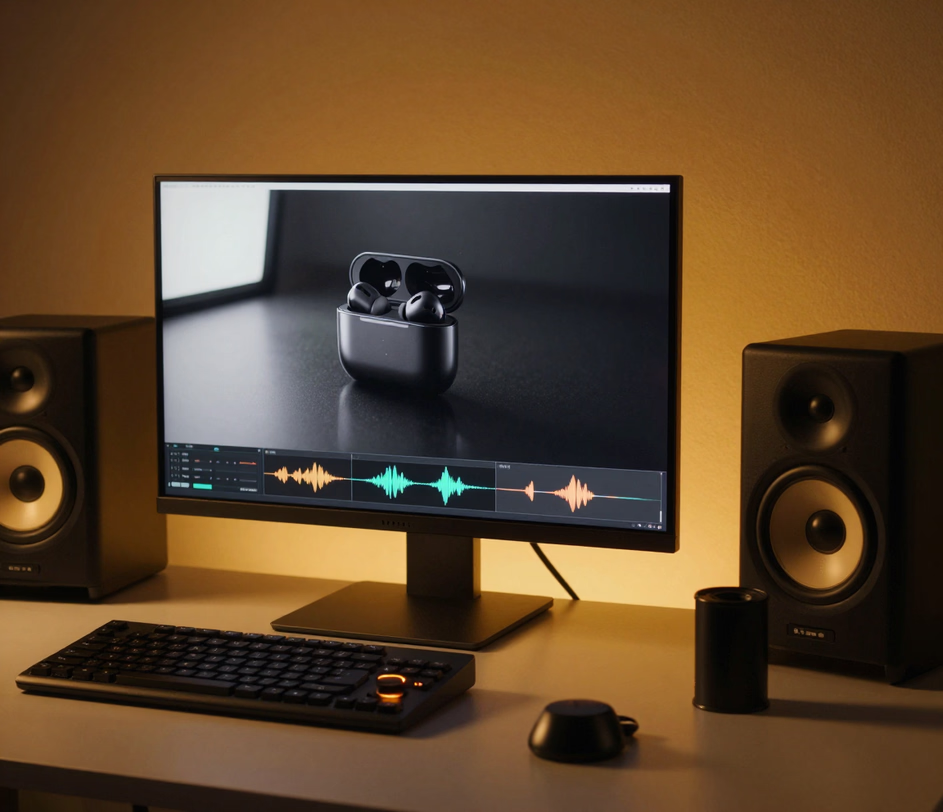
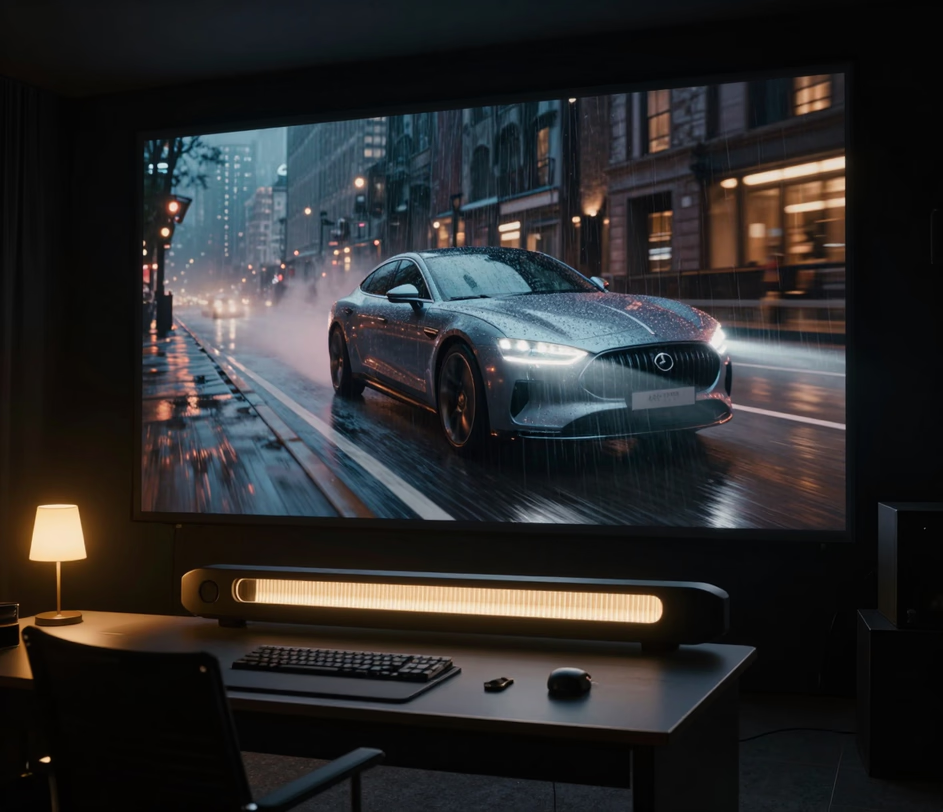
Five common scenarios — each one solves a specific creative bottleneck.

Support docs and onboarding guides lose readers fast. Paste a key paragraph into the tool, describe the visual metaphor you want — a rising graph, a sequence of icons, a walkthrough animation — and the AI generates a short video that communicates the same idea in a fraction of the time. Teams that switched from text-only FAQs to embedded video saw support ticket volume drop measurably.

Feeds reward originality. Instead of recycling stock footage, type a vivid description and let the AI generate a clip no one else has. A sentence about rain falling on neon city streets becomes a moody vertical video ready for Reels. The text to video approach means you can prototype five different ideas over lunch and post the strongest one.

Launch timelines rarely include a video budget. Describe your product in a few sentences — what it does, who it helps, what the result looks like — and the text to video AI generator produces a visual you can drop into a landing page, crowdfunding campaign, or investor deck. What used to require a two-week production cycle now takes an afternoon.

Educators and corporate trainers juggle tight schedules. Type a lesson summary, specify the tone — friendly for kindergarten, clinical for medical workshops — and receive a video that supplements the slide deck without requiring a voiceover booth or animation software. Students who struggle with dense text often retain more when the same information arrives as a short visual narrative.

Founders pitch ideas in sentences, not storyboards. Convert text to video by describing the product experience you want investors to see — a user discovering a feature, a dashboard lighting up, a workflow completing end to end. The resulting clip turns an abstract elevator pitch into something a room full of stakeholders can actually watch and react to.

Direct answers — no jargon, no fine print.
Describe the clip, pick a marketing style, and let the AI text to video generator render it — from a 210-credit social draft to a 4K launch film.
Type a prompt and see what AI creates.

Other AI-powered creative tools from Arui.AI — worth a look if you found this one useful.

Upload a still photo and let AI add natural motion — turns any image into a short, shareable video clip.
Try Now
Describe the visual you need in plain words and receive a production-ready image, no design skills required.
Try Now
Write a short description of the mood or genre you want and get a complete audio track back in seconds.
Try Now
