Arui.AI is an outlook signature generator that turns your name, job title, and contact details into a polished signature image — ready to drop into Outlook's signature settings on desktop, web, or mobile in under one minute. No Word HTML hacks, no table debugging, no broken logos in reply chains.

Three tiers tuned for different Outlook workflows — compare resolution ceiling, brand asset upload, and credit cost before you generate.

Outlook-validated templates, instant export, and Microsoft 365 team deployment.

Type your details once and the AI renders a complete Outlook signature on screen. The average user finishes in forty-five seconds — compared to the fifty-plus minutes it takes to hand-format Word-based HTML tables or battle Outlook's built-in signature editor, which lacks live preview and resets font styling on every save.

Pick minimal, cursive, monogram, or corporate styling, then set the palette to black, blue, or gold. All twelve combinations are tuned for Outlook's rendering surfaces — desktop on Windows and Mac, Outlook on the web, and the Outlook mobile app on iOS and Android — so the layout holds its proportions across every client.

Every signature is rendered as a crisp image — up to 2048 pixels on Pro and 4096 on Master — so it displays at full sharpness in Outlook desktop (Microsoft 365 and Outlook 2021), Outlook on the web, and Outlook for iOS and Android. Because the finished signature is one image, it sidesteps the Word rendering engine that strips unsupported CSS from hand-coded HTML.

Upload your company logo, headshot, or brand graphic as a reference image and the AI weaves it into the signature exactly as provided — Pro accepts up to three assets, Master up to ten for multi-brand teams. Logos render without broken-image placeholders, a problem that affects more than one in three manually coded Outlook signatures.

Describe the master layout once, then let each teammate regenerate it with their own details — layout, colors, and logo stay locked to your description. One Microsoft 365 tenant with one hundred and fifty mailboxes rolled out consistent signatures across all accounts in a single afternoon — manually configuring each mailbox signature through PowerShell or the Exchange admin center would take over thirty hours.

Details you enter are stored in the personal Arui.AI dashboard and never shared with other users. Arui.AI does not use signature content for model training, license it to third parties, or route it through external servers for processing. Delete every saved signature from the account in under three seconds with zero recovery and zero residual data retention.

Five scenarios where a polished Outlook signature block makes a measurable difference.
A sales representative working in Microsoft Outlook sends between fifty and ninety emails per day. An outlook email signature creator ensures every message carries the correct direct dial number, meeting link, and social proof badge. Prospects locate contact details thirty-five percent faster when signatures follow a consistent layout — and Outlook's reply and forward threads surface the signature in every response, making it the highest-recall branding element in the conversation.
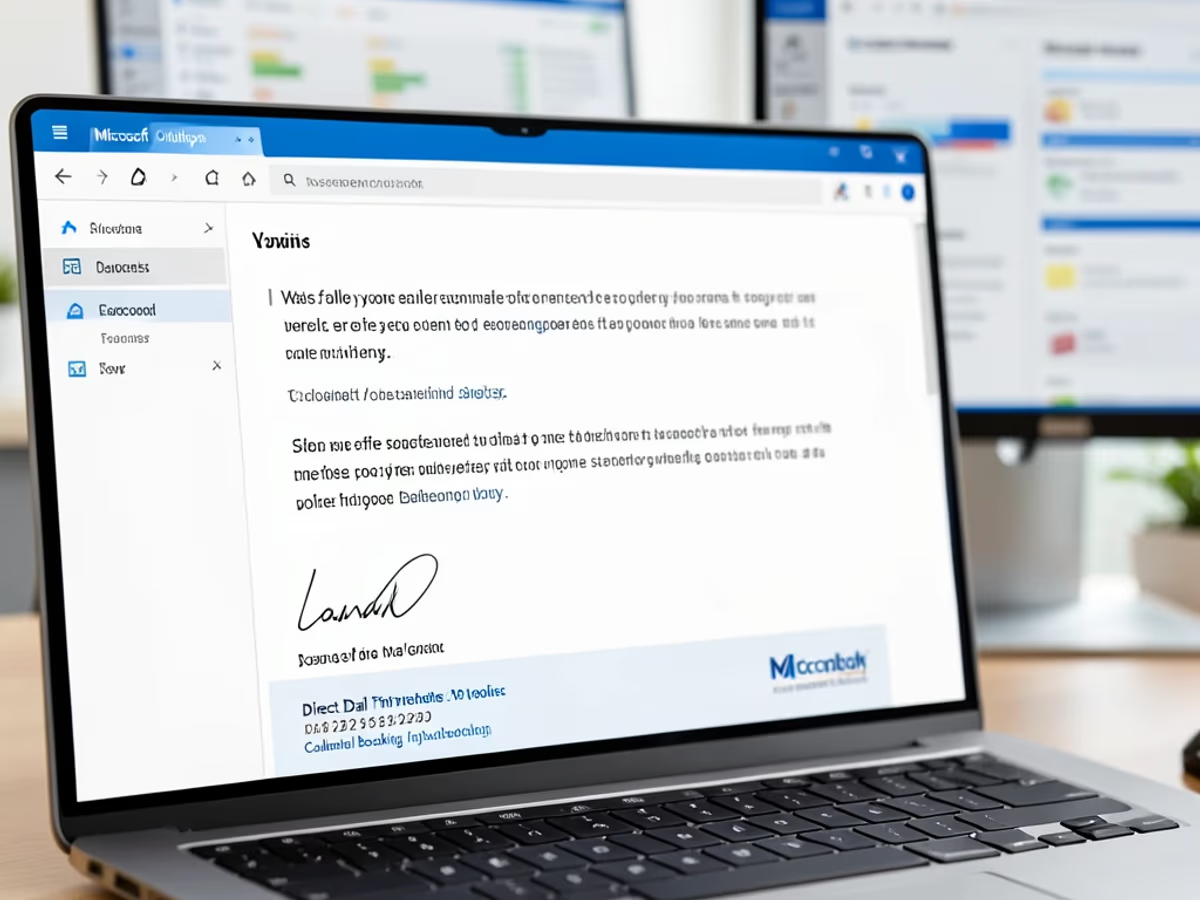
Tenant administrators running Microsoft 365 need consistent signatures across hundreds of mailboxes. A signature maker outlook workflow lets the admin build a branded master template with company logo and legal disclaimer, then each employee regenerates it with their own details and inserts it into Outlook. One tenant admin deployed standardized signatures to one hundred and twenty mailboxes across two offices in under three hours — the PowerShell mailbox configuration route would have taken over a full week.

Early-stage teams running Outlook for business email compete with established brands for inbox attention. A microsoft outlook email signature template gives a six-person team the same professional appearance as a company many times their size. Investors and partners form a first impression within three seconds of opening an email — designing an email signature online with a logo and clean typography signals legitimacy before the reader opens the body.

Independent consultants often serve several clients at once and need different signatures per engagement. An email signature template for outlook lets a consultant create multiple signature blocks — one per client — and switch between them using Outlook's per-account signature dropdown. One consultant managing five client engagements reported saving two hours per week after moving from manual Word HTML editing to template-based generation.

Organizations moving from on-premise Exchange to Microsoft 365 often lose legacy signature configurations in the transition. A template email signature outlook rebuild produces consistent branded signatures across the new tenant in a single afternoon. One enterprise with three hundred and twenty migrated mailboxes rebuilt every user signature in two days — the manual Exchange PowerShell export-and-reimport path would have taken over three weeks.

Describe, generate, and insert into Outlook signature settings. No technical knowledge needed.

Type the details that apply to your role — name, job title, company, phone, email, and website. The prompt accepts up to a dozen contact details, but a clean signature leads with the essentials: name, title, company, and one or two ways to reach you.

Choose minimal, cursive, monogram, or corporate styling and a black, blue, or gold palette. On Pro and Master, upload up to three — or ten — logo, headshot, or brand images to keep the signature on-brand, then generate.

Open the finished signature in your canvas, download the image, and add it in Outlook: File → Options → Mail → Signatures → New on desktop, or Settings → Mail → Compose and reply on the web. The image signature renders correctly the first time.

Direct answers about how the tool works and how the output performs inside Outlook.
cta.subtitle
Generate a polished Outlook signature in under one minute.
Other AI-powered tools from Arui.AI that complement the Outlook signature.

Build a polished signature block for Outlook, Gmail, Apple Mail, and ten other email clients with cross-platform validation.
Try Now
Turn a typed name into a flowing cursive or printed signature image for contracts, PDFs, and personal documents.
Try Now
Turn a typed name into a flowing cursive signature image for contracts, PDFs, and personal documents — over thirty styles available.
Try Now
Upload a selfie and get a studio-quality headshot to use in an Outlook signature, LinkedIn profile, or company directory.
Try Now
