Arui.AI is a pixel art generator that transforms any text prompt — or a reference photo on the Pro and Master tiers — into retro-style pixel art. Pick a style era from 8-bit to modern, and the AI renders a detailed sprite or scene at resolutions up to 3K — ready for games, illustrations, or social media in under twenty seconds.

Three tiers tuned for different sprites, resolutions, and budgets — compare output size, credit cost, and reference image support before you generate.

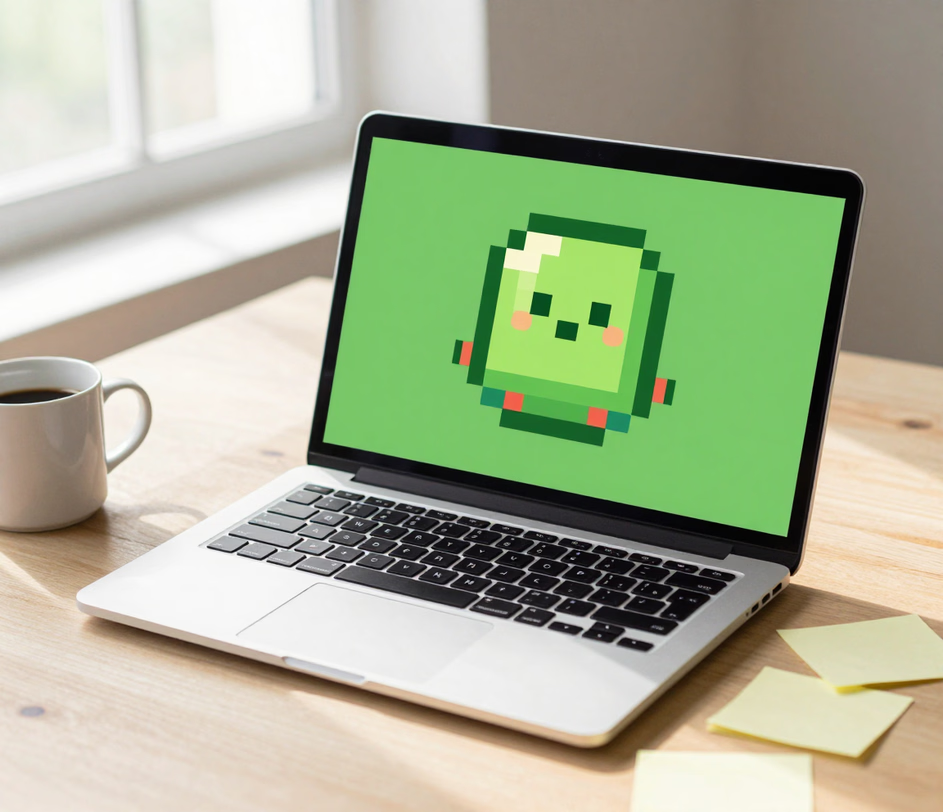
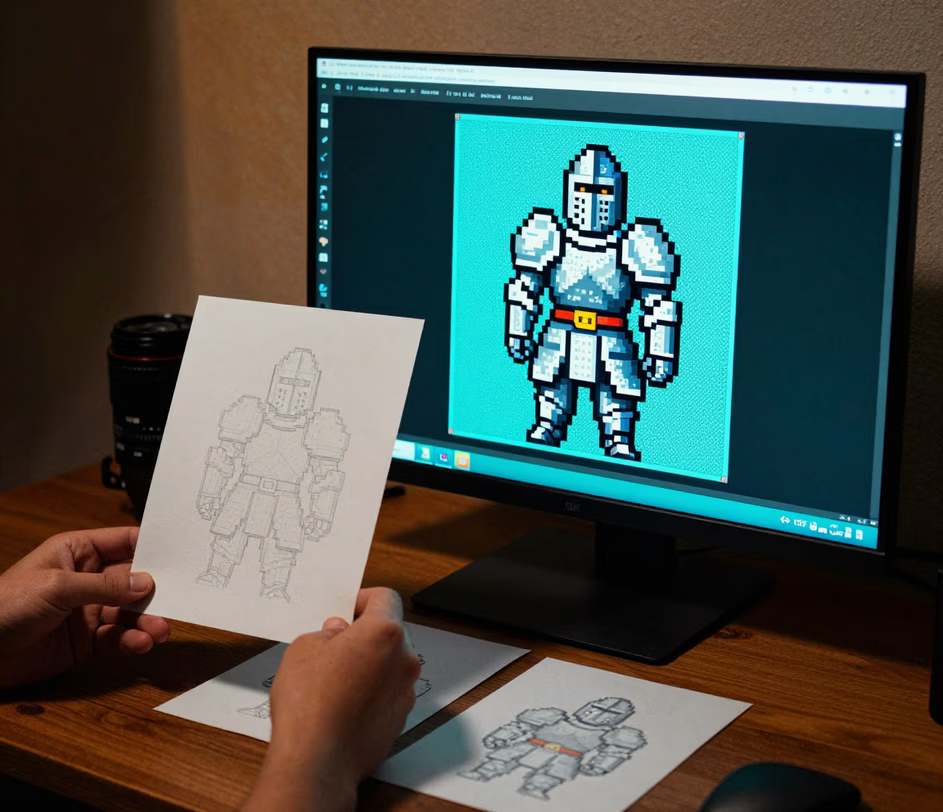
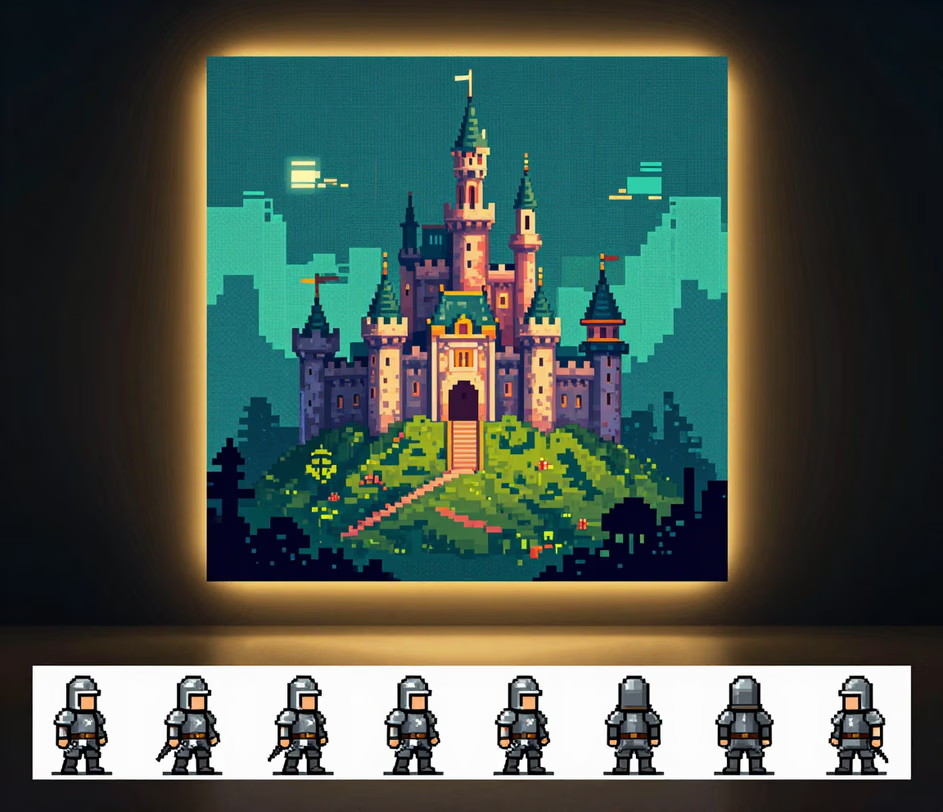
Real production scenarios where AI-generated pixel art replaces manual sprite creation.

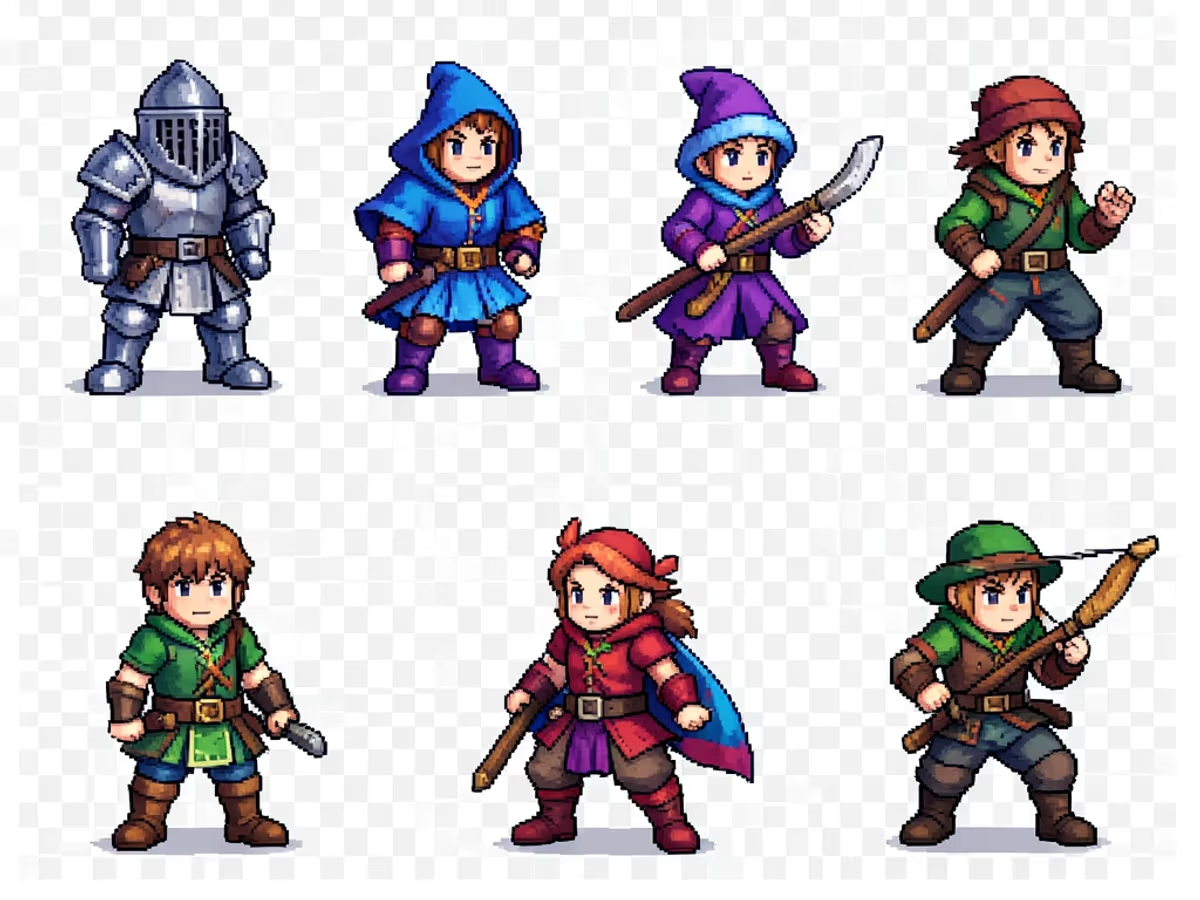
Solo developers and small studios use the pixel art maker to generate character sprites, tile sets, and item icons in bulk. A typical indie RPG requires 50 to 100 unique sprites — the ai pixel art generator produces a complete asset pack in under 30 minutes, compared to 40 to 60 hours of manual drawing. Developers lock a style era per biome and export PNGs directly into their game engine.
Content creators convert selfies and brand logos into pixel art avatars and banners for Discord, X, and YouTube. A 1K avatar processes in under fifteen seconds, and a 2K banner for a channel page takes roughly twenty seconds — roughly 120 times faster than commissioning a pixel art avatar from an artist, which typically costs $30 to $80 and takes one to three days.

Developers participating in 48-hour game jams use the generate pixel art from image feature to produce placeholder assets fast enough to meet tight deadlines. Each placeholder asset generates in under twenty seconds, enabling rapid iteration during the prototyping phase. Teams report cutting asset production time by 80 percent compared to drawing each sprite by hand during jam weekends.

Artists and merchandise sellers create pixel art stickers, enamel pin designs, and print-on-demand product graphics. A 2K pixel art design at 300 DPI print resolution produces crisp physical output up to six inches wide. The images to pixel art conversion handles detailed source photos and simplifies them into clean, print-ready pixel compositions in under 25 seconds per design.

Direct answers — no design jargon.
Describe an asset, pick a style era and ratio, and download game-ready pixel art in about twenty seconds.
Daily credits reset each morning. Upload a photo or type a description and download pixel art in under twenty seconds.

Other AI-powered tools from Arui.AI for image creation and editing.

Describe any scene and the AI generates a striking picture in under thirty seconds — useful for storyboards, concept art, and visual references.
Try Now
Transform existing images into new styles — pixel art, anime, oil painting, and more — using AI-powered style transfer.
Try Now
Create repeating pixel-perfect patterns and tileable textures from your pixel art — ideal for game backgrounds, textiles, and wallpapers.
Try Now
