Arui.AI is a sprite generator that turns text prompts and reference images into game-ready 2D sprites — one centered subject on a plain, easy-to-cutout background with crisp pixel edges. Pick a style era from 8-bit to modern, and download engine-ready art in under twenty seconds.

Three tiers tuned for different sprites, resolutions, and budgets — compare output size, credit cost, and reference image support before you generate.

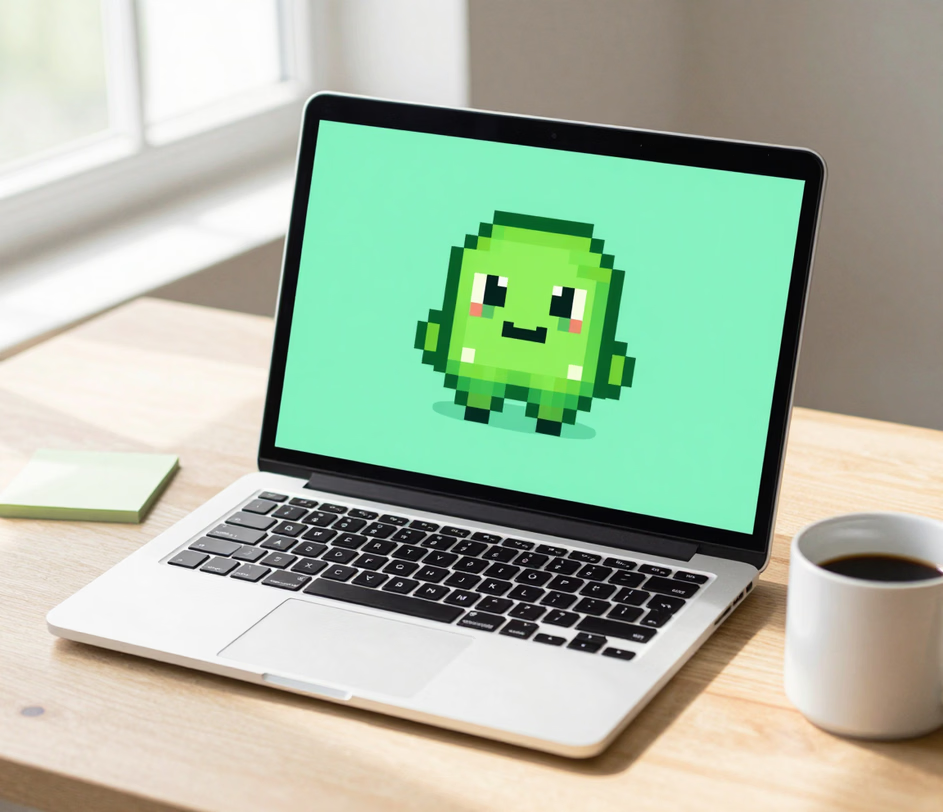
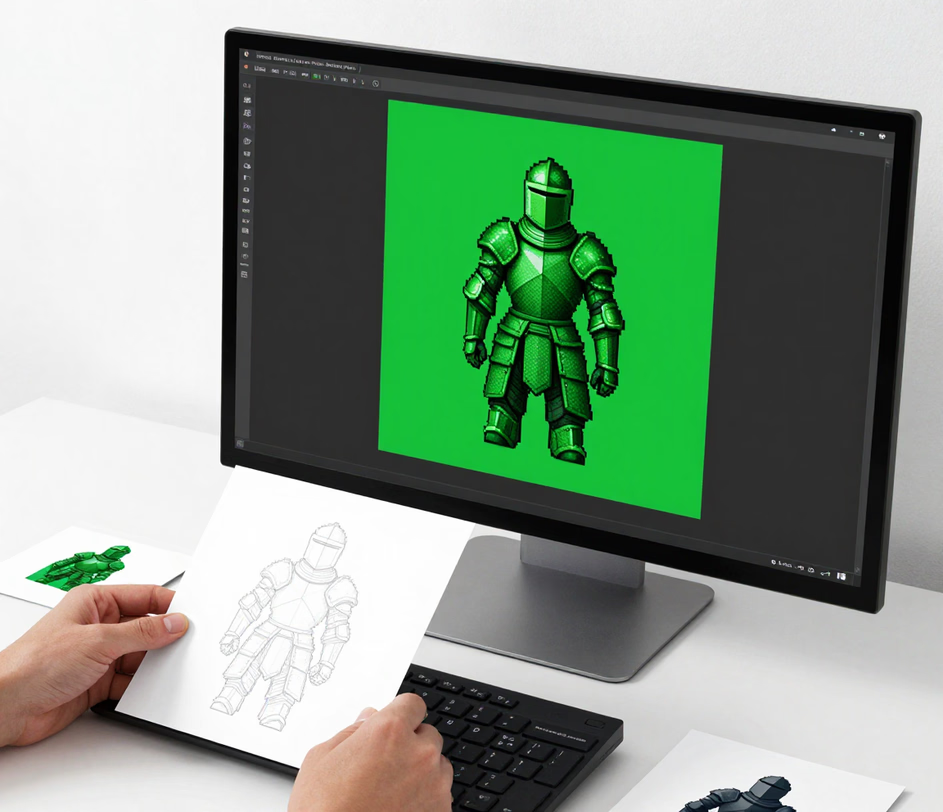
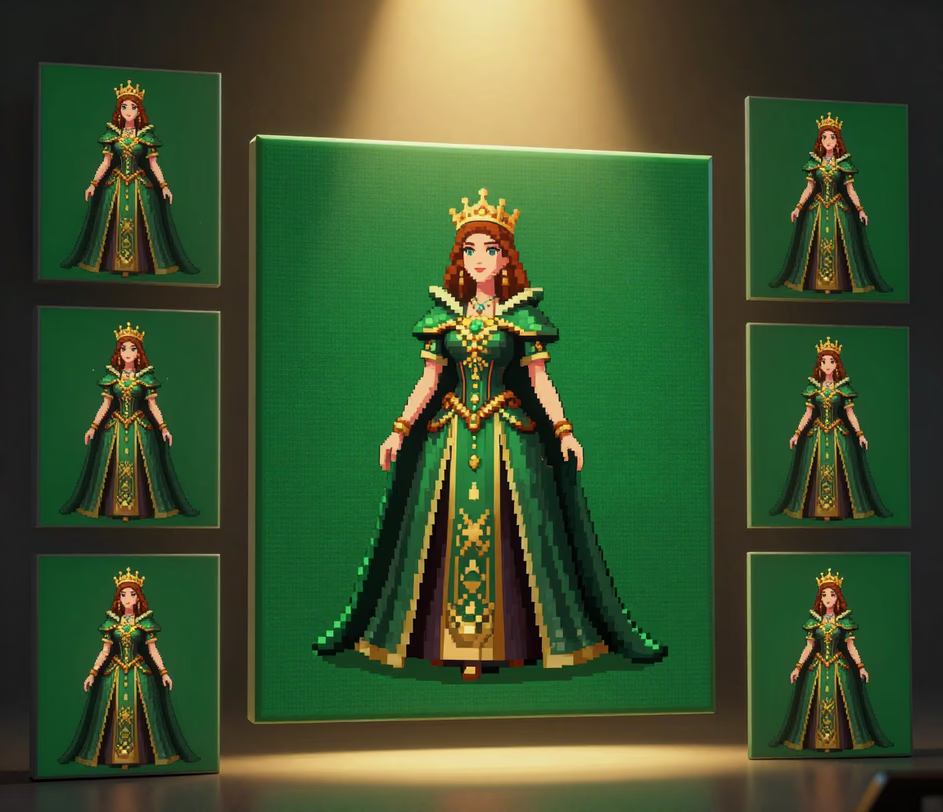
Cutout-ready output, reference-driven consistency, and four pixel style eras from a single prompt.

Type a character description — a medieval knight, a sci-fi robot, a forest creature — or attach reference images on Pro and Master, and the ai sprite generator renders a single centered sprite in under 20 seconds. The same result takes a digital painter one to two hours of manual brushwork and cleanup.

Every sprite renders as one clearly centered subject on a plain solid background with crisp edges, so a single click in your editor removes the backdrop. Exports come in PNG at up to 3K on Master — no manual masking, which typically adds 15 to 30 minutes per asset in traditional workflows.

Upload up to 3 references on Pro or 5 on Master — character sheets, existing sprites, or style guides — and the ai sprite generator keeps the same silhouette, palette, and proportions across every new pose. Matching a character by hand usually takes 3 to 4 revision passes per iteration.

Switch between 8-bit, 16-bit (the default), 32-bit, and modern HD pixel styles without retraining or re-prompting. Each era preset locks the palette size and pixel density in seconds — a stylistic adjustment that takes an experienced pixel artist 20 to 30 minutes per sprite to redo manually.

Production scenarios where AI-generated sprites replace hand-drawn asset workflows.

Solo developers and small studios use the sprite generator to produce hero characters, enemies, and items one at a time. A complete character concept that takes a freelance pixel artist two to four days at $200 to $500 renders in under twenty seconds, letting a one-person team ship a full cast in a single afternoon of iteration.

During a 48-hour game jam, the standard tier turns rough prompts into playable placeholder sprites for 3 credits each. Teams report cutting asset production from six hours to roughly thirty minutes, leaving more time for mechanics, level design, and polish before submission.

Mobile studios generate consistent item icons, enemy portraits, and UI mascots at 1:1 ratio, then render key art at 3K on Master for store screenshots. One art director supervising batch references replaces a three-person outsourcing round that typically costs $1,500 per asset pack.

Game development instructors and tutorial creators use the ai sprite generator to produce demonstration assets for courses and YouTube videos. A full lesson's sprite set generates in under one minute, versus two to three hours of preparation that used to delay recording schedules.

From prompt to engine-ready sprite in three steps.

Type a text description of the sprite you want — species, pose, art style — or attach up to 3 reference images on Pro and 5 on Master (JPG, PNG, and WebP up to 10 MB each). References keep the character consistent across reworks.

Choose 8-bit, 16-bit, 32-bit, or modern HD pixel style, set the aspect ratio to 1:1 for characters and items or 16:9 for scene banners, and select resolution — up to 2K on Pro and 3K on Master.

The ai sprite generator renders one centered subject on a plain solid background in under twenty seconds. Download the PNG, remove the backdrop with one click, and drop the sprite straight into Unity, Godot, or GameMaker.

Direct answers — no game dev jargon.
Describe a character or item, pick a style era and ratio, and download a game-ready sprite in about twenty seconds.
Daily credits reset each morning. Type a description and download a cutout-ready sprite in under twenty seconds.

Other AI-powered tools from Arui.AI for image creation and game asset production.

Transform any photograph into hand-drawn art with six pencil, ink, and charcoal styles at resolutions up to 3K.
Try Now
Convert photos and text prompts into retro-style pixel art sprites and illustrations with customizable grids and color palettes.
Try Now
Generate detailed sprite concepts and character designs from text prompts — then refine them into production-ready game assets.
Try Now
