Arui.AI is a photo enhancer built to enhance photo resolution and restore blurry, faded, or low-resolution photographs in one click. Upload a single photo, pick an enhancement tier, and download a clearer version with faces, textures, and colors intact.

All three tiers enhance the same photo — same face, same framing, same colors. Upgrade for higher output resolution and deeper detail recovery.

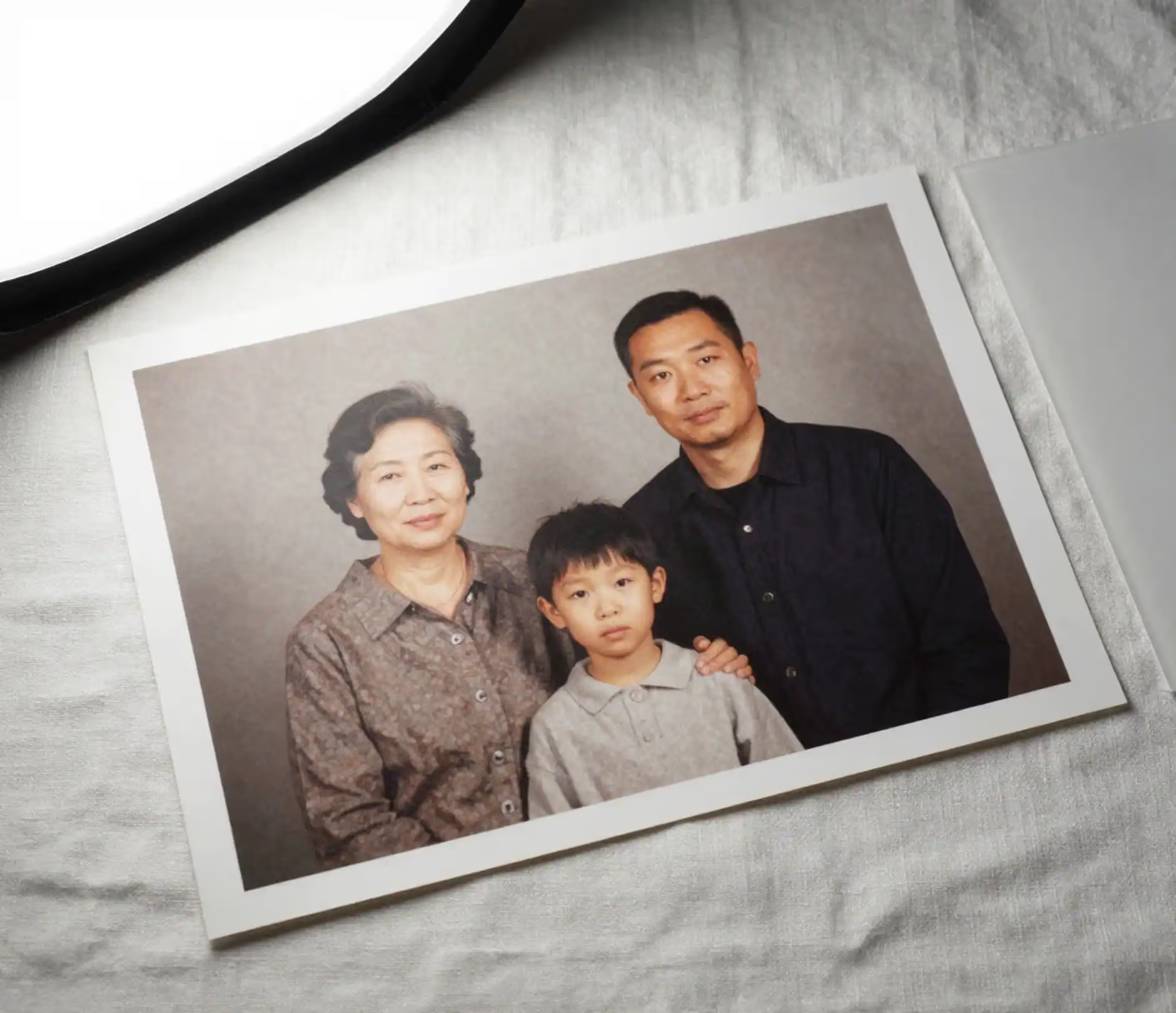
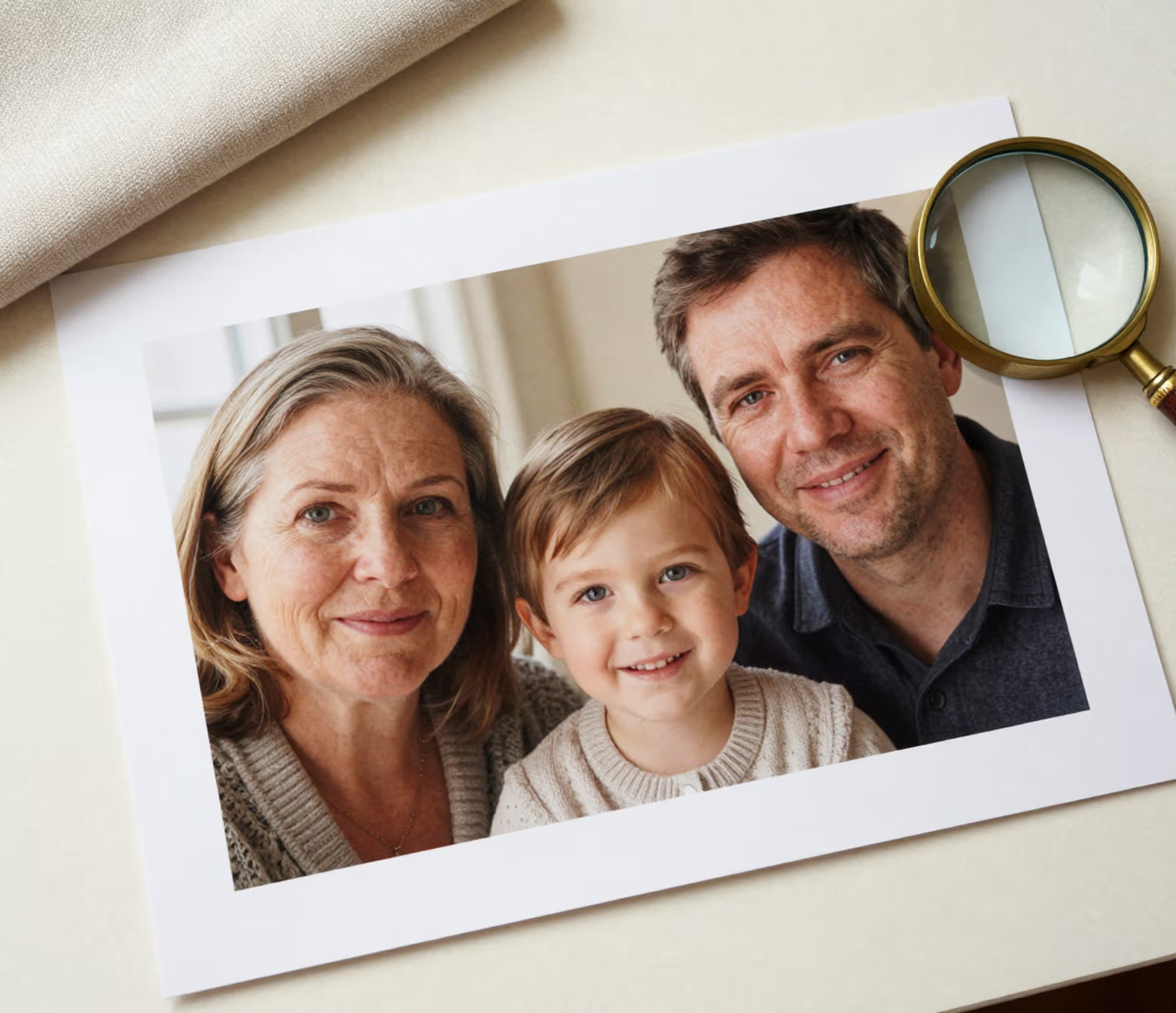
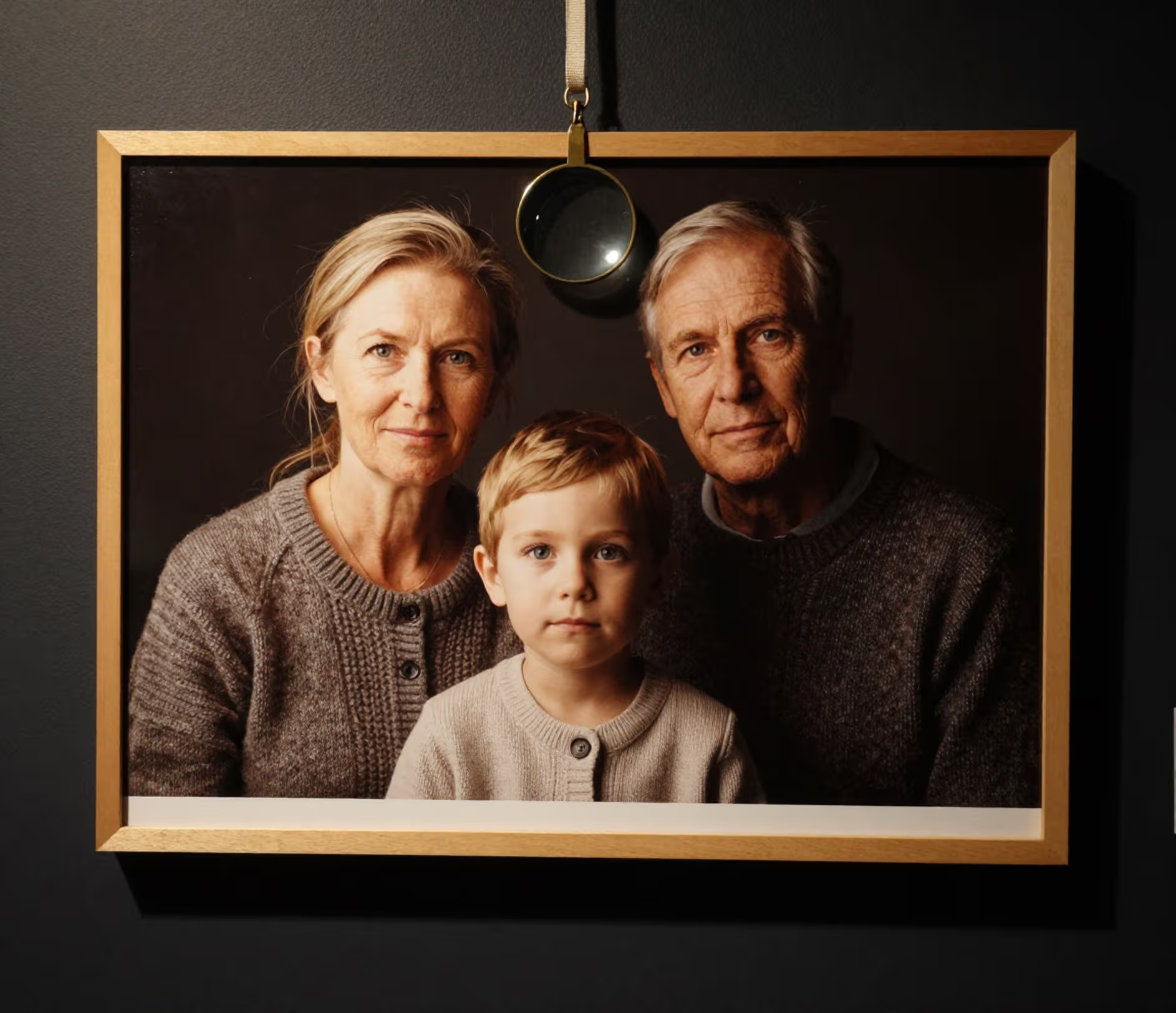
One upload, one automated pass — no masks, sliders, or sharpening layers.

The Standard tier of this photo quality enhancer takes one upload and rebuilds edge detail up to 1080p in a single automated pass — no masks, radius sliders, or sharpening layers. Soft phone shots stop looking like compressed thumbnails and start reading as photographs again, while the original framing and expressions stay exactly as captured.

The Pro tier applies face-aware restoration to enhance photo quality before upscaling to 2K, refining eyes, brows, and skin without reshaping the person. The engine preserves original facial geometry, so a restored portrait still reads as the same face at 100 percent zoom — important when the photo is the only remaining record of a relative.

The Master tier works as an ai image upscaler: it upscales 4× to a 4096 px long edge and rebuilds fine structure that compression erased — individual hair strands, fabric weave, and skin texture. That is roughly 16.8 megapixels of usable output for large prints and high-DPI layouts, generated from a single source photo rather than stretched interpolation.

Scanned prints drift toward yellow or magenta over decades. The picture enhancer keeps the original palette anchored while contrast and shadow detail are recovered, so a 30-year-old photograph gains clarity without acquiring a new color cast — skin stays natural instead of turning orange or gray.

Pick Standard at 1 credit, Pro at 40 credits, or Master at 360 credits per photo. With this ai image enhancer there is no prompt to write and no aspect ratio to choose: output follows the photo you uploaded, one image is processed per job, and every quality decision is handled by the selected tier rather than a panel of sliders.

Four everyday situations where one restored file replaces hours of manual work.

A scan of a 1980s print often arrives at low resolution with scratches and a yellow cast. One Master-tier pass can increase photo resolution 4× to a 4096 px file that holds up as an A4 print at 300 DPI, so the faces in a 40-year-old photograph survive another generation instead of dissolving into pixels.

Agents photograph rooms in mixed light and need crisp listing tiles fast. Enhancing to 1080p or 2K before upload sharpens furniture edges and lifts shadow detail to improve photo quality, so a 12-photo listing reads cleanly in search results instead of looking like dim phone snapshots that buyers scroll past.

Marketplaces down-rank soft catalog images. The Pro tier of this image quality enhancer preserves fabric weave, stitching, and label edges while color stays true, which removes the reshoot loop that slows a 40-SKU catalog refresh — one restore per product photo instead of a studio rebooking.

Clients send 72 DPI web exports for a print job. Running them through a photo enhancer online gives prepress a 4K file with enough pixel density for A4 and similar formats without manual interpolation, so a small print order clears the same day instead of bouncing back for a larger source file.

No editing timeline. Upload, pick a tier, download.

Drag a JPEG, PNG, WebP, or GIF file up to 20 megabytes into the upload area. The enhancer keeps your original framing with no cropping, and the restored output preserves the photo's orientation — portrait stays portrait, landscape stays landscape.

Choose Standard for a 1080p one-step restore at 1 credit, Pro for 2K face recovery at 40 credits, or Master for 4K detail regeneration at 360 credits. There is no prompt to type and no aspect ratio to set — the tier alone decides how much detail is rebuilt.

The result arrives as a PNG at your tier's resolution — 1080p on Standard, up to 2048 px on Pro, up to 4096 px on Master. Download the file and send it straight to a print lab, a family archive, or a listing platform without another conversion step.

Direct answers — no jargon, no fine print.
Upload one photo, choose a tier, and download a sharper version — same face, same framing, restored detail.
Upload a photo and see the restored result.

Other Arui.AI tools for the rest of your photo workflow.

Smooth skin and remove blemishes on portraits while keeping identity and composition unchanged.
Try Now

Bring black-and-white family photos back to natural color while keeping faces and detail intact.
Try Now
Turn a restored photo into a cartoon illustration while preserving facial features.
Try Now
