Arui.AI is an email signature generator that turns your name, job title, and contact details into a polished signature block — ready for Gmail, Outlook, and Apple Mail in under thirty seconds. No HTML coding, no design tools, no formatting headaches.

Three tiers tuned for different inbox needs — compare detail ceiling, render engine, and cost before you generate.

Built for professionals who need consistent signatures across every device.

Type your details once and the AI builds a formatted signature block instantly. The average user goes from blank input to finished signature in twenty-five seconds — compared to the forty-five minutes it typically takes to hand-code HTML or fiddle with email client settings.

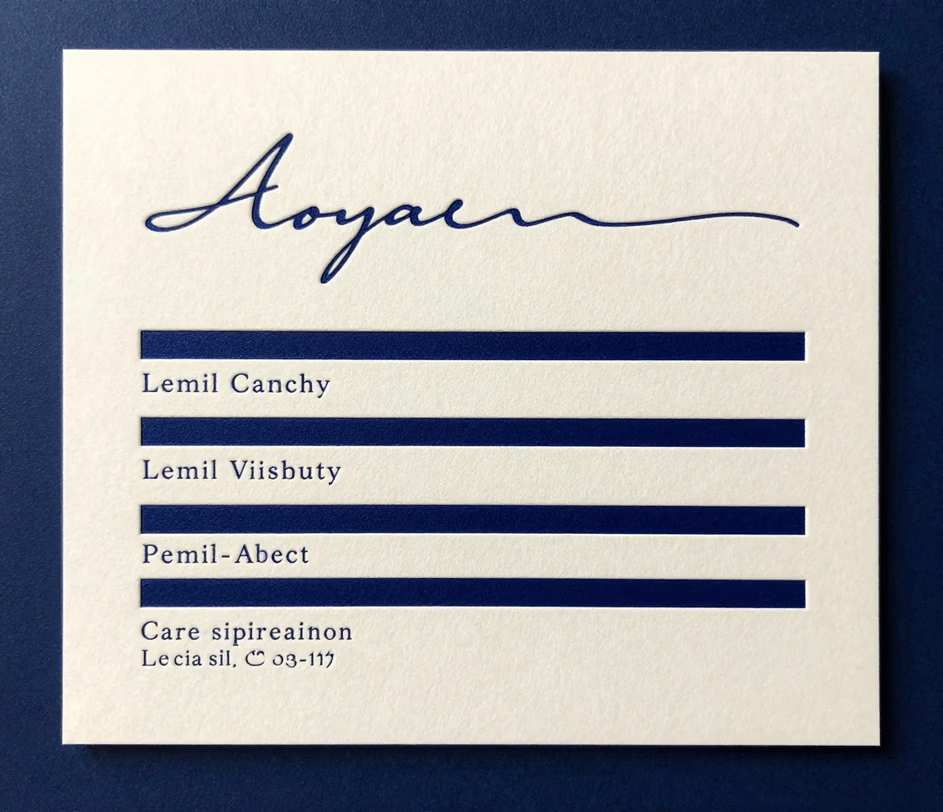
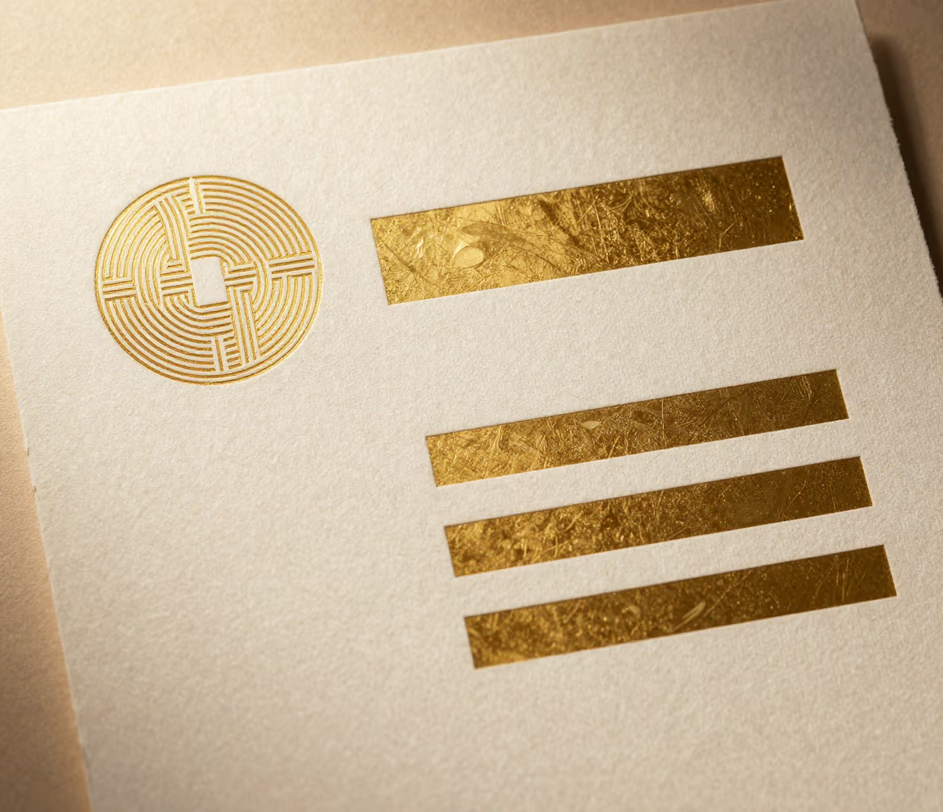
Pick minimal, cursive, monogram, or corporate styling, then set the palette to black, blue, or gold. All twelve style-and-color combinations render with balanced proportions, and because the finished signature is a single image, it keeps its shape in Gmail, Outlook, and Apple Mail alike — there is no underlying HTML to break.

Every signature is rendered as a crisp image at up to 2048 pixels, so it displays at full sharpness in Gmail, Outlook, Apple Mail, and Yahoo on both iOS and Android. The resolution carries enough detail for a six-inch phone and a twenty-seven-inch monitor alike — no font substitution, no broken spacing, no layout drift.

Put your company name, tagline, and social handles straight into the prompt — the AI places them with balanced spacing, contrast, and hierarchy. Teams that once spent two days of designer time on signature redesigns cut the cycle to under a minute per employee.

Signatures render correctly in twenty-six languages, including double-byte character sets for Japanese, Korean, and Chinese. International teams can maintain a single layout while localizing job titles, phone formats, and legal disclaimers per region.

Contact details and company information you enter are stored in your personal dashboard and never shared with other users. Arui.AI does not use signature content for model training or license it to third parties — zero training, zero sharing, zero exceptions.

Five scenarios where a polished signature block makes a measurable difference.

A sales representative sends between sixty and one hundred emails per day. Each one is a touchpoint with a potential buyer. A company email signature generator ensures every rep's email includes the right phone number, calendar link, and social proof — prospects find contact information forty percent faster when signatures follow a consistent layout.

Marketing agencies serve multiple clients simultaneously. A custom email signature generator lets account managers swap between client-specific signatures — complete with the right brand colors and taglines — without retyping contact details. One agency reported cutting onboarding time for new account leads from two hours to twelve minutes per client.

Distributed companies struggle with signature consistency when employees span eight or more time zones. An email footer generator standardizes the format while automatically adjusting timezone displays — a distributed engineering team deployed signatures to one hundred and twenty employees across fourteen countries in a single afternoon.

Early-stage startups compete with established players for inbox attention. A polished mail signature generator gives a five-person team the same professional appearance as a company ten times their size. Investors and partners form a first impression within three seconds of opening an email — the signature block is often the only branding they see.

Apple Mail's signature editor has not been updated meaningfully since 2014. An apple mail signature generator bypasses the clunky native interface entirely — paste your generated signature into the preferences panel and it renders correctly the first time, saving Mac users the typical thirty minutes of troubleshooting broken formatting.

Straightforward answers — no marketing fluff.
Describe your details, pick a style, and download a signature built for every inbox.
Generate a polished signature in under thirty seconds.

Other AI-powered tools from Arui.AI that complement your email signature.

Create a polished LinkedIn banner that reinforces your personal brand and pairs perfectly with your email signature.
Try Now
Upload a selfie and get a studio-quality headshot for your email signature, LinkedIn, or company directory.
Try Now
Describe your brand in words and get a clean logo to use in your email signature and marketing materials.
Try Now
Create a custom avatar from your photo for email signatures, social profiles, and team directories.
Try Now
