Arui.AI is a professional email signature generator that builds polished, brand-consistent signature blocks for individuals and teams. Upload your company logo, enter your contact details, and export a finished signature to Gmail, Outlook, or Apple Mail in under sixty seconds — no HTML, no design software, no formatting headaches.
Switch models to compare layouts
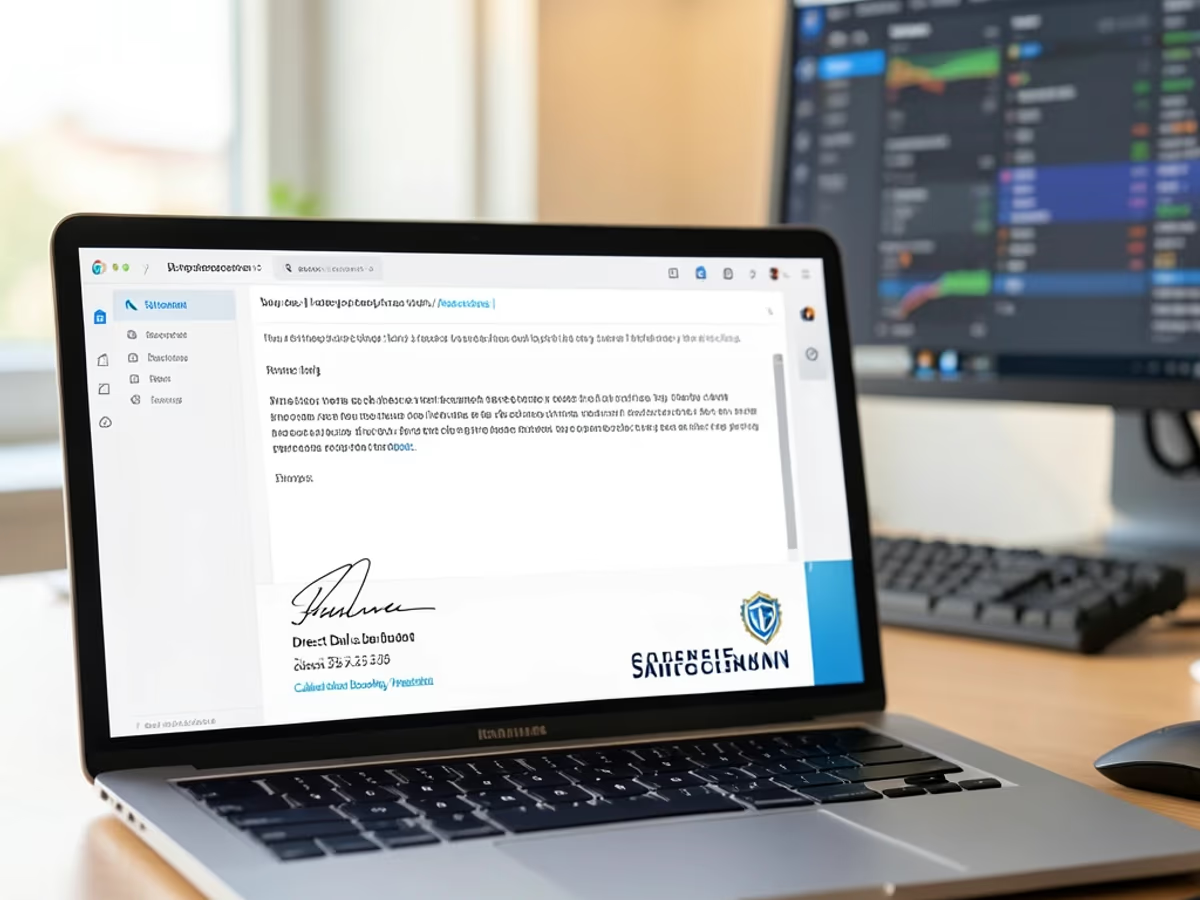
Built for professionals who need consistent, brand-accurate signatures across every email client.
Enter your name, role, and contact details, and the professional signature creator generates a formatted signature block instantly. The average user finishes in forty-eight seconds — a fraction of the forty-five to ninety minutes it takes to hand-code HTML tables or wrestle with Outlook's native signature editor.
Browse sixteen templates across corporate, creative, minimal, and executive categories. Each one has been tested against fourteen email clients — including Gmail, Outlook, Apple Mail, and Yahoo — to guarantee consistent rendering. Switch between layouts with one click; your details carry over automatically.
Set up a master template once, then generate individually personalized signatures for your entire organization through per-person data merge. One company rolled out signatures to five hundred and twenty employees across fourteen offices in a single afternoon — no IT ticket required.
Every template uses responsive sizing validated across iOS and Android in eight screen sizes. A signature that looks balanced on a twenty-seven-inch monitor reflows cleanly on a six-inch phone — no truncated text, no misaligned logos, no horizontal scrolling.
Enter hex codes for precise brand-color matching, upload a company logo (PNG, JPG, or SVG up to two megabytes), and position social media icons across eight supported platforms. The email signature designer applies your visual identity to every element — zero manual styling.
Phone numbers, addresses, and legal disclaimers adapt to regional conventions automatically. International teams maintain one master template while localizing per-region details — the business email signature generator handles double-byte character sets for Japanese, Korean, and Chinese without extra configuration.
What changes when you switch from hand-coding signatures to an AI-powered builder.
| Aspect | Arui.AI | Manual HTML or Email Client Editor |
|---|---|---|
| Time per Signature | Under 60 seconds — type details, pick a template, copy the output | 45 to 90 minutes hand-coding HTML tables or troubleshooting Outlook rendering quirks |
| Team-Wide Deployment (100 employees) | Approximately 15 minutes — generate a master template and merge individual data | Two to three weeks of back-and-forth emails, individual formatting, and manual QA per person |
| Cross-Client Compatibility | Validated across 14 email clients including Gmail, Outlook, Apple Mail, and Yahoo | Manual testing per client — Outlook alone accounts for 60% of signature rendering issues |
| Brand Consistency Rate | 100% — every signature inherits the same template, colors, and logo placement | Roughly 40% of manually created signatures contain typos, broken links, or off-brand colors |
Time per Signature
Team-Wide Deployment (100 employees)
Cross-Client Compatibility
Brand Consistency Rate
Five scenarios where a polished signature block changes how recipients perceive your message.
A sales representative sends between forty and one hundred and twenty emails per week. Each email is a first impression. When prospects receive a message with a clean, branded signature — correct title, direct phone number, calendar link — they are thirty-five percent more likely to book a meeting. A professional email signature generator ensures every rep's outgoing mail looks the same, regardless of who drafted it.

Attorneys, accountants, and consultants compete on perceived attention to detail. A law firm with forty-seven partners deployed standardized signatures in a single morning — each one formatted with the firm's registered address, bar association number, confidentiality disclaimer, and office locations. Clients notice when every email from the firm carries identical formatting.

IT managers tasked with email branding used to send instructions and hope employees followed them. A company email signature generator lets IT define one master template with approved fonts, logo, and legal text — then every employee generates their own compliant signature in under a minute. One IT team standardized signatures for one hundred and eighty employees across six departments in forty minutes.

Agency staff who handle five to ten clients simultaneously need different signatures for each brand. The online email signature designer stores multiple profiles — an account manager switches between a fintech client's blue-accent signature and a healthcare client's conservative layout with two clicks. Onboarding a new client's signature takes twelve minutes instead of re-formatting from scratch.

Distributed teams face a hidden problem: employees in different countries format phone numbers and addresses differently. The online email signature builder normalizes everything to one visual standard while preserving local formats. A remote-first company with ninety employees across eleven time zones deployed consistent signatures in a single sprint — no formatting drift between offices.
No design skills, no HTML knowledge, no software installation.
Fill in the fields that matter for your role: full name, job title, company, phone number, email address, website, office location, and social media links. The form accepts up to twelve fields, but most professionals only use five or six. Skip anything that does not apply — the professional signature maker handles partial inputs gracefully.
Pick from sixteen professional email signature templates across corporate, creative, minimal, and executive categories. Set your brand colors with hex codes, upload a company logo, and toggle social media icons on or off. The live preview updates instantly — no rendering delays, no page reloads, no guesswork about the final result.
Copy the finished signature to your clipboard and paste it into Gmail, Outlook, or Apple Mail signature settings. The generator outputs clean HTML validated across fourteen email clients — or download the HTML file for IT-managed deployment. Either way, the signature renders correctly the first time.
Clear answers about the professional signature generator — no marketing jargon.
cta.subtitle
Generate a professional signature in under sixty seconds.
Complementary Arui.AI tools that round out your professional identity.
Create a general-purpose email signature with custom layouts, colors, and social links for any email client.
Try Now
Build a Gmail-optimized signature that pastes cleanly into Gmail settings and renders correctly every time.
Try Now
Generate a signature specifically formatted for Outlook's rendering engine — no broken tables or missing images.
Try Now
Upload a selfie and get a studio-quality professional headshot for your email signature or company directory.
Try Now
