Arui.AI is an AI photo color correction tool that detects white balance errors, color casts, and exposure imbalances in any image and fixes them automatically. Upload a photo, let the ai photo color correction engine analyze pixel-level color data across the frame, and download a corrected image with accurate skin tones, neutral whites, and consistent exposure in seconds.

Every tier corrects your photo with the same composition, subject, and details — upgrade for deeper color reasoning, multi-photo tone matching, and 3K exports.

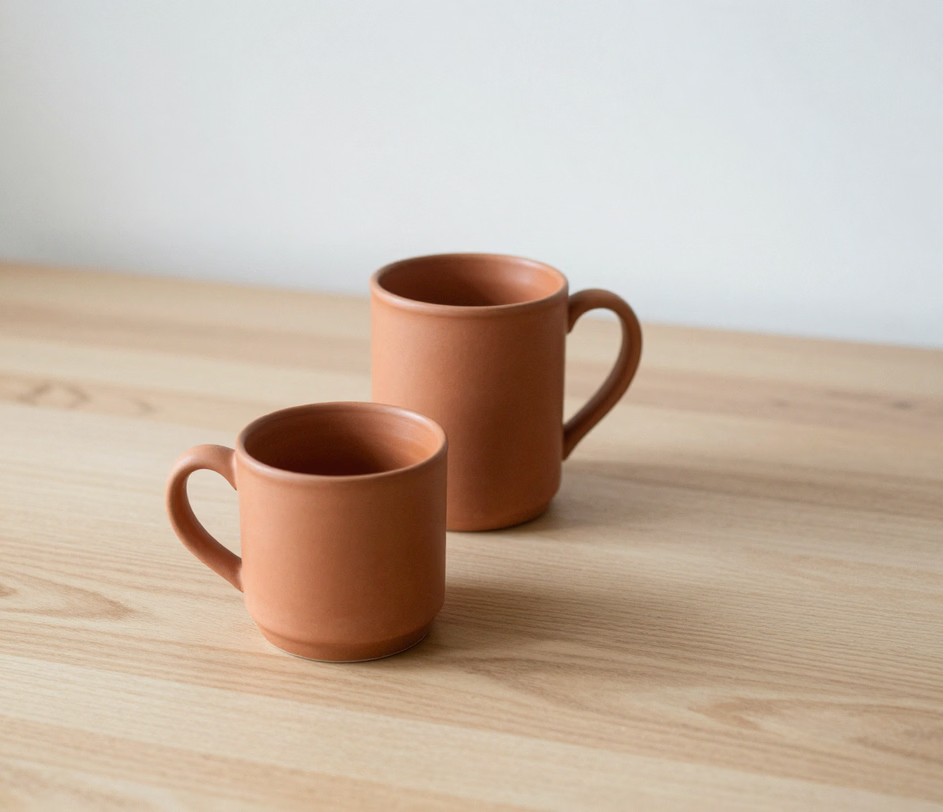
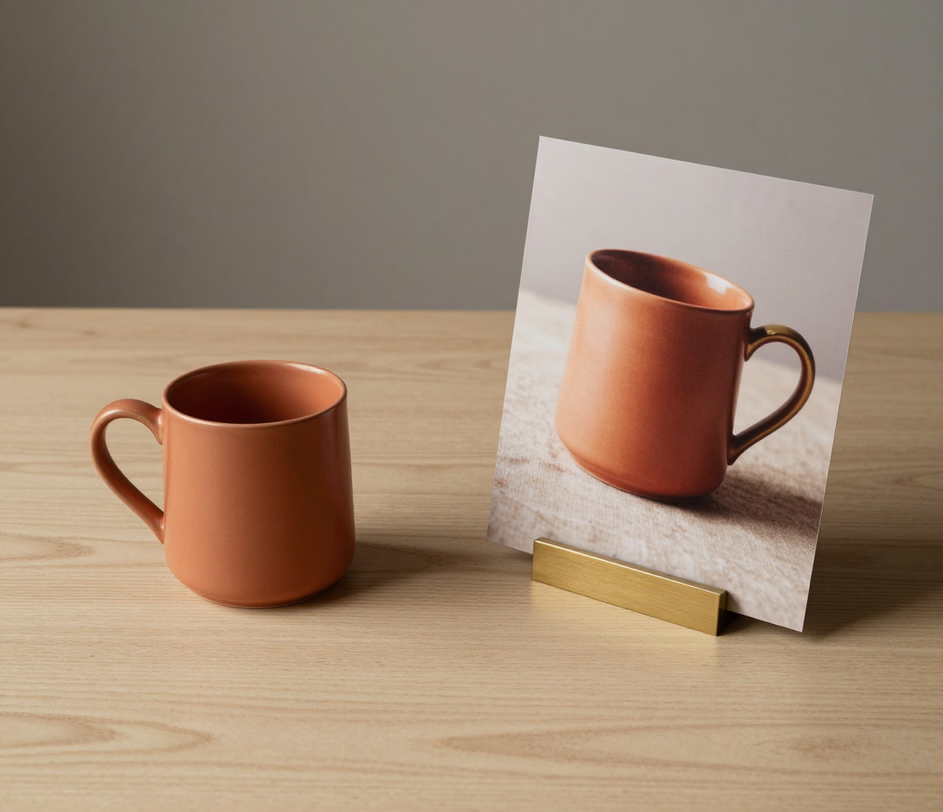
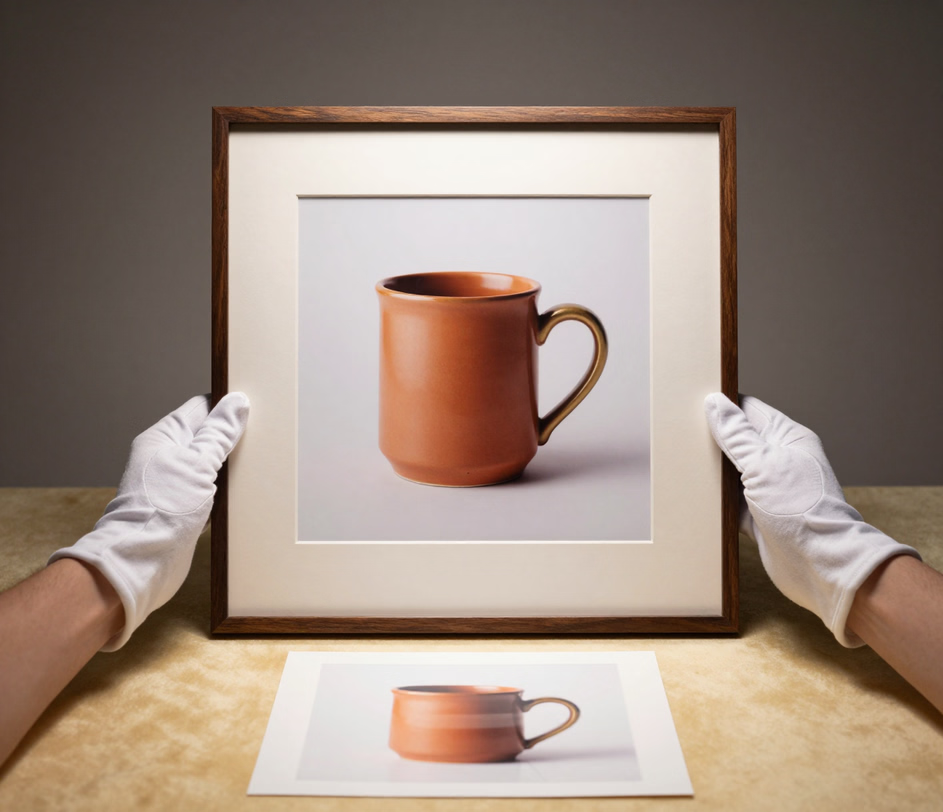
Automatic white balance, color cast removal, and multi-photo tone matching — six presets, one upload.

The ai photo color correction system scans every pixel to identify color temperature drift, tint shifts, and underexposed or overexposed regions, then applies corrections frame-wide in a single pass — no curves, no sliders, no manual adjustments. A full-frame correction completes in seconds, compared to 15 to 20 minutes of manual level and curve tweaking in desktop software.

Pick the correction direction before you upload: Natural for accurate true-to-life colors, Vibrant for punchy marketing images, Clean Bright for studio-style listings, Warm for lifestyle scenes, Cool for jewelry and tech products, and Cinematic for premium color grading. The photo color grading presets cover tungsten interiors, outdoor shade, fluorescent offices, mixed ambient light, and golden hour — so unpredictable lighting never dictates your final look.

Correction preserves the detail your camera captured. The photo auto color correction engine rebuilds accurate hues and clean whites at up to 1024 px on Standard, 1K or 2K on Pro, and up to 3K on Master — large enough for marketplace zoom views, printed lookbooks, and banner-size product pages without soft edges.

Color correction should never move a pixel of your product. The color correct image engine keeps the subject, every face, the framing, fine details, and any text or logos 100 percent unchanged — only the colors shift. Your corrected photo stays the same photograph, ready for listings where an altered label or logo means a rejected upload.

A listing set shot at different times of day reads as sloppy. On Pro, the ai color correction online engine corrects up to 3 photos in one consistent tone; on Master, up to 5 photos — product, details, and lifestyle shots share the same white balance and color character, so the whole page looks shot in one session.

Four real scenarios where automated color correction saves time and delivers consistent results.

Ceremony light shifts from church tungsten to outdoor shade to reception neon within a single afternoon. The color correction for photos engine analyzes each shot and corrects white balance drift so skin tones stay accurate across the set, and the Master tier unifies up to 5 hero shots in one consistent tone — so the album spread looks shot under one light.

Property listings with accurately colored interior photographs receive 118 percent more views than those with poor white balance, according to multiple real estate platform studies. The photo color correction online tool corrects mixed lighting — warm tungsten lamps competing with cool window daylight — producing neutral interior shots that reflect the actual appearance of the space, with each frame corrected in seconds.

Online retailers need consistent product color across hundreds of catalog images. Inaccurate color representation drives return rates up to 30 percent on apparel and home goods. The ai color correction online workflow maps each product photo to a calibrated color profile, ensuring that the shade shown on screen matches the physical item, and the Pro and Master tiers match up to 3 or 5 photos from the same listing in one consistent tone.

Influencers and content creators who post daily need reliable skin tone accuracy across indoor, outdoor, backlit, and mixed-light setups. The color correct image engine detects facial regions and applies targeted temperature correction to skin tones while preserving background colors, eliminating the orange cast from warm indoor bulbs or the blue shift from open shade in seconds per photo, with 2K or 3K exports on Master for feed-quality posts.
No Photoshop, no plugins. Upload, correct, download.

Drag and drop a JPEG, PNG, WebP, or GIF file up to 20 megabytes into the upload area. The photo is the only required input — RAW files should be converted to JPEG or PNG first, and the correction engine keeps the original framing with no cropping.

The ai photo color correction engine analyzes the image and applies the correction automatically. Pick one of the six presets — Natural, Vibrant, Clean Bright, Warm, Cool, or Cinematic — to steer the look, or add an optional prompt with a specific instruction such as removing a yellow tint. The photo itself stays the reference: composition, framing, and details remain untouched.

Click download to save the corrected image at your tier's full resolution — up to 1024 px on Standard, 1K or 2K on Pro, and 2K or 3K on Master. Accurate colors carry straight into websites, social media platforms, print layouts, and e-commerce marketplaces.

Direct answers — no jargon, no fine print.
Upload a photo, pick a correction preset, and download accurate colors — the composition stays untouched.
Upload any image and see accurate color results in seconds.

Other creative tools from Arui.AI for your photo editing workflow.

Upscale and sharpen low-resolution images up to 4x while preserving detail and color accuracy.
Try Now
Apply artistic and cinematic filters to any photo with one click — from film emulations to color grading presets.
Try Now
Remove blemishes, smooth skin, and enhance portraits with AI-powered automatic retouching.
Try Now
