Arui.AI is an AI blur background tool that detects the subject in any photo and applies a professional blur effect to the background in seconds. Upload your image, choose the blur intensity, and download the result — no desktop software or manual editing required.

Three tiers tuned for rescue speed, bokeh quality, and output sizes — compare resolution, credit cost, and style presets before you generate.

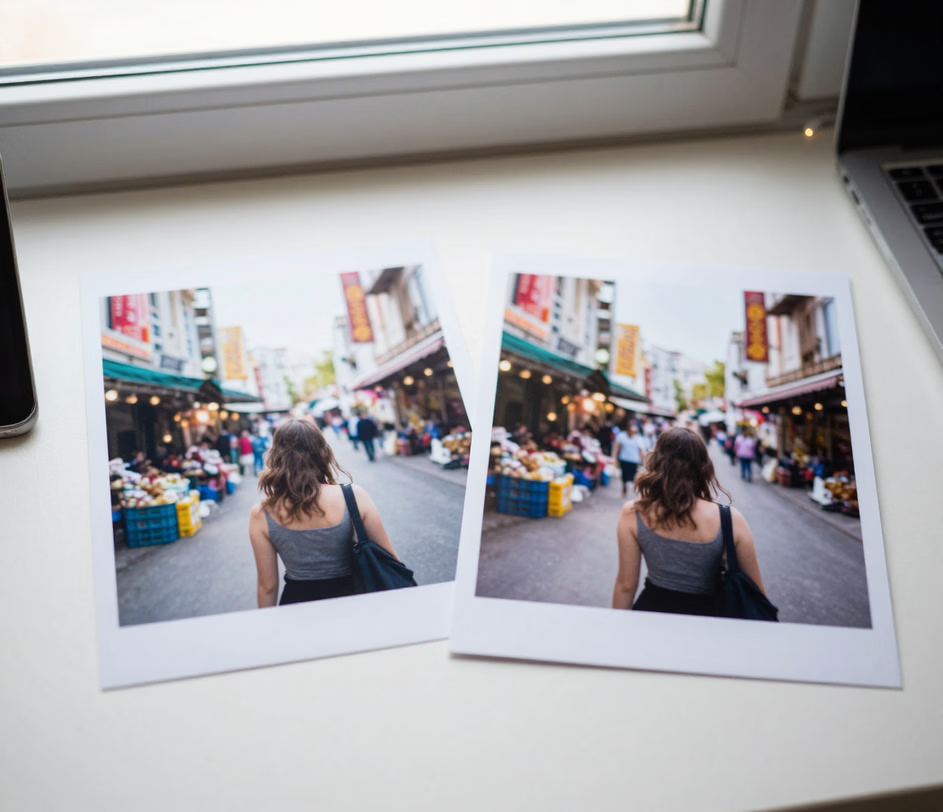
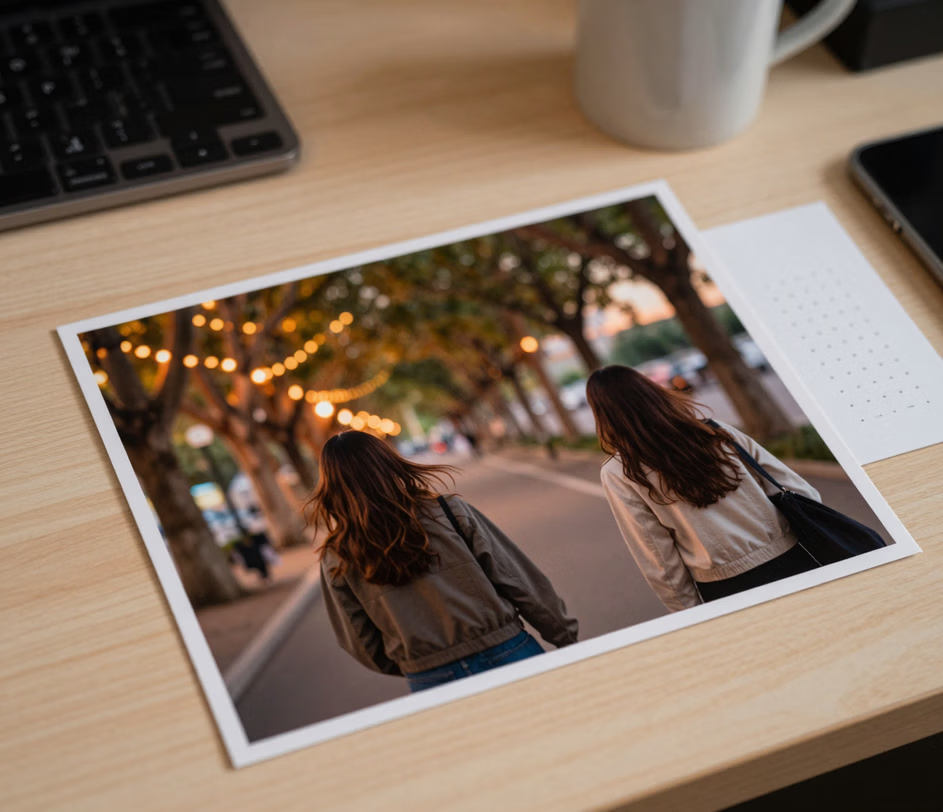
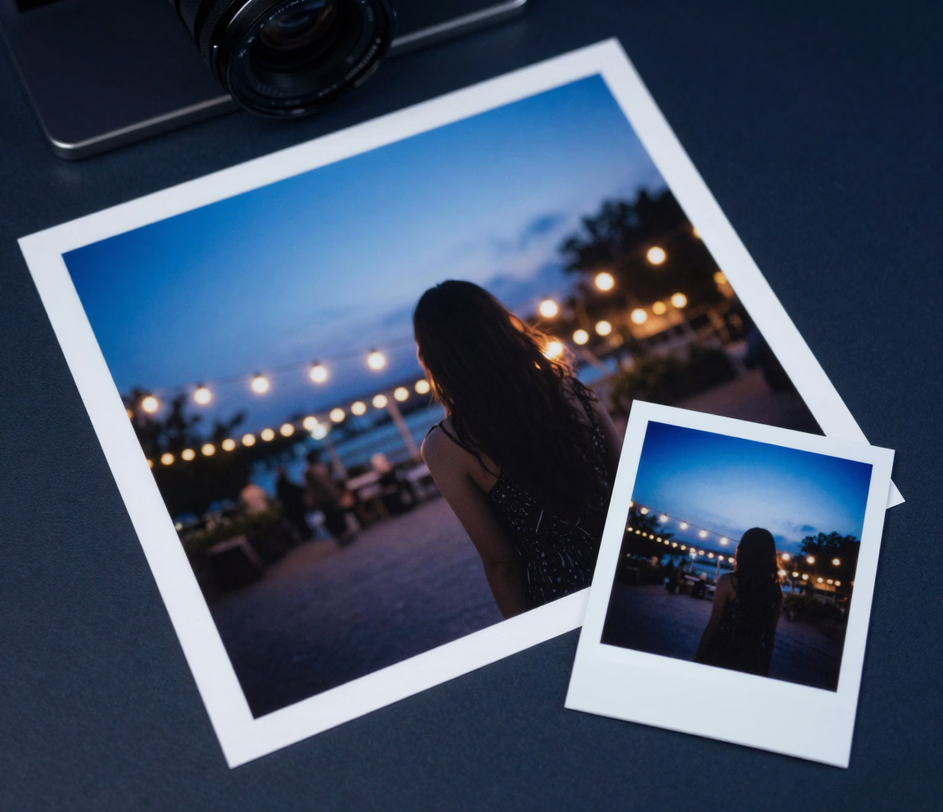
Designed for anyone who needs a polished background blur effect — photographers, social media creators, and casual users alike.

The AI scans your photo and identifies the main subject — a person, a product, a pet — then applies the blur image background only to the area behind it. No manual masking, no brush tool, no selection lassos. The auto blur background feature handles complex edges like hair, fur, and transparent objects with precision.

Choose from five blur styles — from a subtle softening to a heavy gaussian blur background effect. A light blur keeps the setting recognizable while reducing distractions; a strong blur removes the background entirely, drawing all attention to the subject. You can also type custom instructions for finer control.

Smartphone portrait mode only works during capture. Arui.AI adds a portrait blur background to any existing photo, regardless of the device that took it. Turn a flat, busy snapshot into a depth-rich portrait with a single upload — works on images from old phones, screenshots, and web downloads.

Access the blur background online tool from any modern browser. No Photoshop subscription, no mobile app download, no desktop software. Open the page, upload your image, adjust the blur, and download. The entire workflow runs on cloud infrastructure and delivers results in seconds.

The AI adapts to different image types. Apply a blur effect to e-commerce product photos for a clean, professional look. Blur picture background details in real estate shots to highlight the room. Use it on group photos, food photography, or any image where the background competes with the subject for attention.

Real examples of how a quick background blur effect improves photos across different use cases.

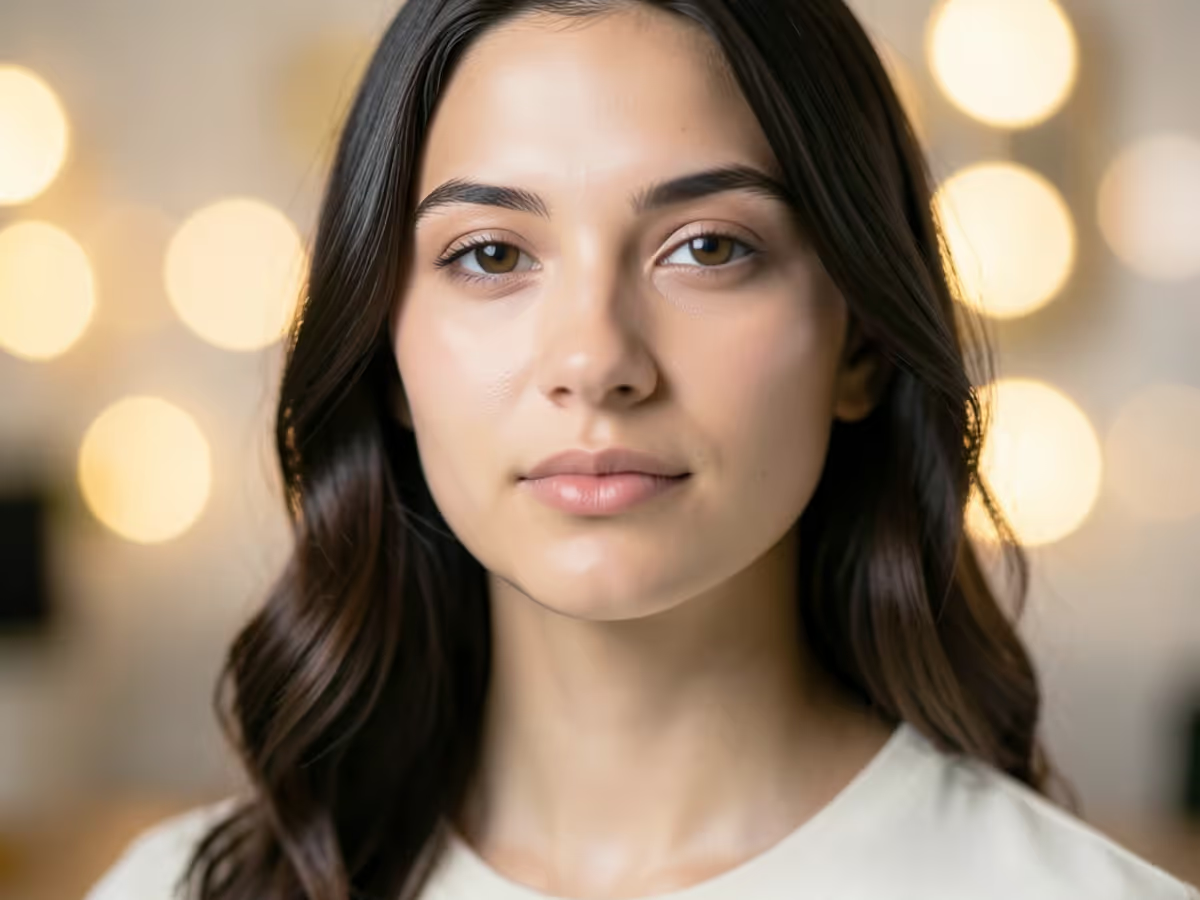
A blurred background makes profile pictures look more polished and professional on LinkedIn, Instagram, and dating apps. Upload a casual photo, apply a portrait blur background, and the subject pops while the distracting backdrop fades. No reshoot needed — the bg blur transforms an existing image in seconds.
E-commerce sellers photograph products in workshops, kitchens, and storage rooms. The blur background tool cleans up the cluttered backdrop without moving the product. The result looks like it was shot in a controlled studio, even when the original setting was a kitchen counter or a garage shelf.

Real estate agents blur image background clutter — personal items, paperwork, cords — to present clean, appealing room photos. The blur effect keeps the room recognizable while hiding details that might distract potential buyers or tenants.

Marketing teams apply a background blur effect to photos used in slide decks, brochures, and email campaigns. A blurred backdrop reduces visual noise and keeps the viewer focused on the message. The photo editor blur background workflow is faster than masking in traditional editing software.

Not every candid photo has a clean background. The auto blur background feature rescues vacation snapshots, family photos, and event pictures taken in crowded or cluttered settings. One click softens the backdrop and the subjects stand out, turning a busy photo into a keepsake.

No image editing experience needed. Upload, adjust, and download.

Select any image from your device. The tool accepts JPG, PNG, and WebP files. For best results, use a photo where the subject is clearly separated from the background — but the AI handles a wide range of conditions, including crowded scenes and low-contrast edges.

Pick a blur style to set how strong the blur effect should be. A light blur softens distracting details while keeping the background recognizable; a heavy blur creates a smooth, uniform wash that isolates the subject completely. You can review the result in the canvas before downloading.

Once the blur background of photo looks right, click download. The image exports at full resolution with the blur effect baked in. Use it on social media, upload it to a marketplace, or drop it into a presentation. Need a different intensity? Adjust and download again.

Direct answers to common questions — no jargon, no fine print.
Daily credits refresh every morning. Upload any photo, choose the blur intensity, and download a professional result.
Upload a photo to create your first blurred-background portrait.

Additional AI-powered tools from Arui.AI that pair well with background blur editing.

Remove the background entirely and export a transparent PNG. A clean first step before adding a new backdrop.
Try Now
Generate professional studio backdrops for product photos. Describe the setting and the AI creates it.
Try Now
Create professional product photos with AI-generated scenes, lighting, and compositions — no studio needed.
Try Now
