Arui.AI is an AI LinkedIn banner generator that creates polished cover photos tailored to your industry. Enter a short description of your professional identity — a software engineer who loves clean architecture, a marketing strategist with a data-driven mindset — and the tool produces a sharp, on-brand LinkedIn background in seconds.

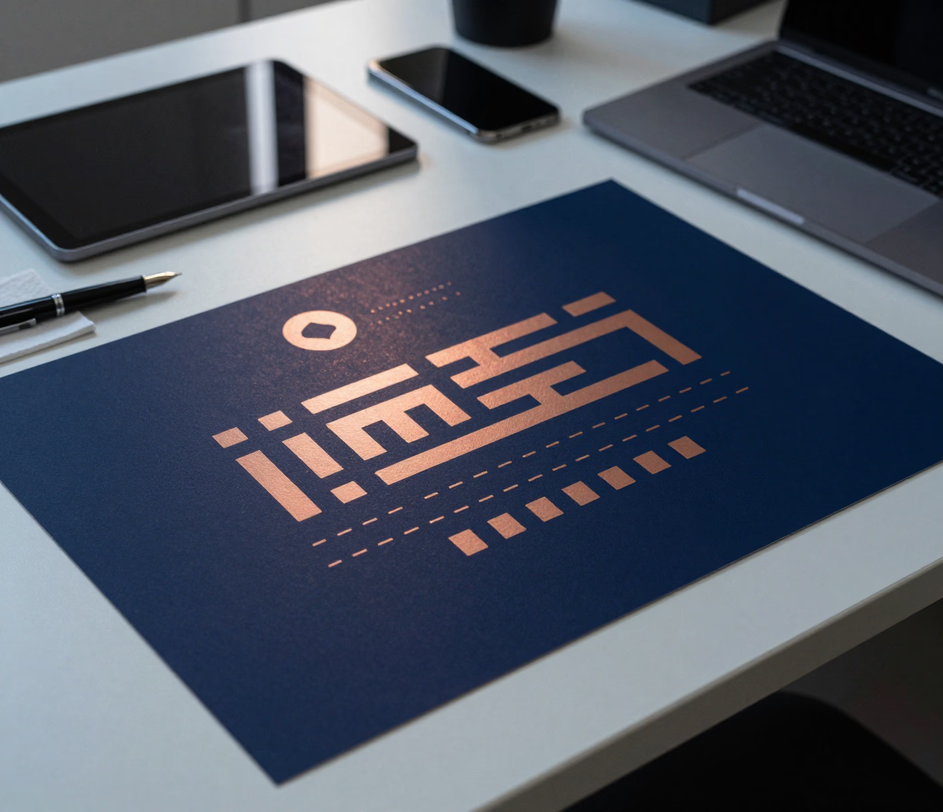
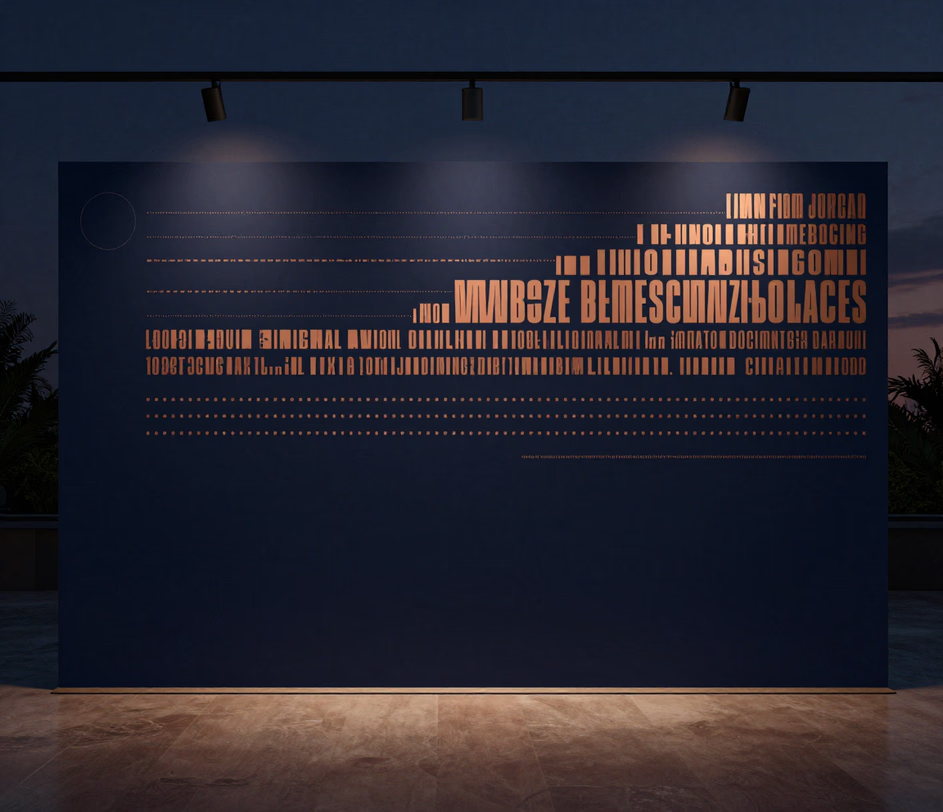
Three banner tiers tuned for different text accuracy and output sizes — compare resolution, credit cost, and headline support before you generate.

Built for professionals who want a cover photo that actually represents them.

Write a sentence about your professional identity and the AI renders a matching LinkedIn banner. No graphic design skills, no template editing, no layer management. Enter something like data analyst who turns complex datasets into clear visual stories or marketing lead focused on growth strategy in SaaS, and the LinkedIn banner ai engine produces a relevant, polished design. The model understands industries, color associations, and visual metaphors from plain language.

Every output matches the LinkedIn cover photo specification exactly — 1584 × 396 pixels. Your LinkedIn background fills the banner area edge to edge with no cropping, no stretching, and no awkward white bands along the edges. Download and upload directly to your profile.

The AI adjusts its visual language based on your field. A finance LinkedIn banner leans toward deep blues and clean geometry; a healthcare LinkedIn banner uses calming greens and soft gradients; a real estate LinkedIn banner features architectural lines and warm tones. One prompt, infinite professional directions.

Generate as many variations as you need. Want a minimalist LinkedIn banner this week and a creative LinkedIn background next month? Change your prompt, hit generate, and download a fresh professional LinkedIn banner in seconds. Each result is unique — no recycled template look.

Everything runs on cloud servers through a web interface. No Photoshop installs, no Canva sign-ups, no design app downloads. Open the page, describe your ideal LinkedIn banner design, and save a finished cover image straight to your device.

Ten real scenarios where a custom cover photo makes a measurable difference.

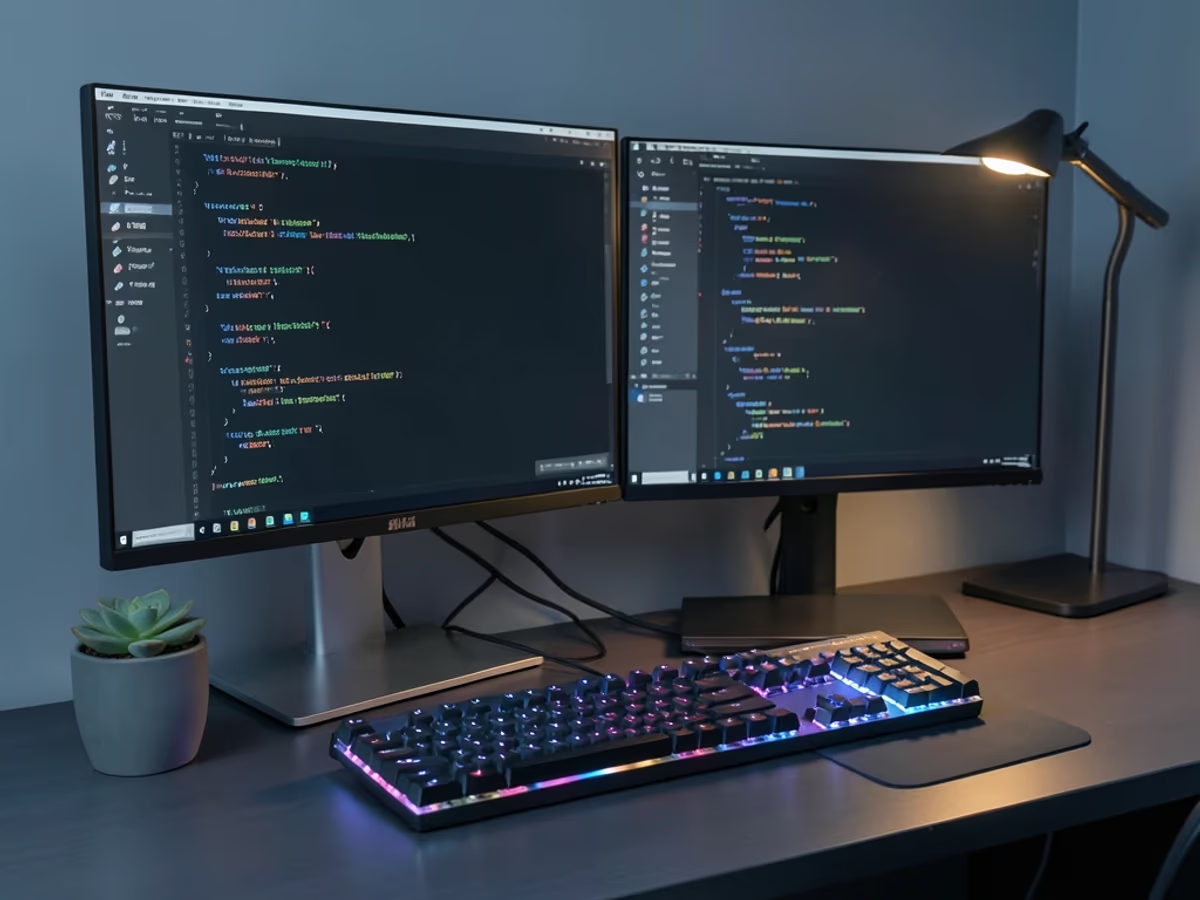
A software engineer creates a tech LinkedIn banner that reflects their tech stack and coding philosophy. Dark theme with subtle code snippets, circuit-board patterns, or clean terminal aesthetics — the best LinkedIn banners for engineers communicate technical precision without looking cluttered.
A data analyst uses the LinkedIn banner generator to produce a cover photo featuring abstract data visualizations, chart motifs, and analytical color palettes. The result signals quantitative expertise the moment someone lands on the profile.

Marketing specialists create a marketing LinkedIn banner that captures their focus area — content strategy, growth marketing, brand management — with bold typography elements and vibrant accent colors that stand out in a recruiter's search results.

A finance professional generates a finance LinkedIn banner with sleek corporate lines, deep navy tones, and subtle geometric patterns. The visual communicates trust, precision, and institutional credibility — qualities that matter in financial services.

Doctors, nurses, and healthcare administrators use the tool to create a healthcare LinkedIn banner with calming blues and greens, soft gradient transitions, and clean typography-friendly layouts. The result feels trustworthy and patient-centered.

A real estate LinkedIn banner features architectural silhouettes, warm lighting cues, and skyline accents that communicate market expertise and local knowledge. Agents generate banners tailored to their specific market — urban condos, suburban family homes, commercial properties.

HR professionals create an hr LinkedIn banner with warm, approachable visuals — soft shapes, people-centric imagery, and inclusive color palettes. The cover photo sets a welcoming tone that aligns with recruiting and culture-building roles.

Teachers and academic professionals design a LinkedIn cover photo that reflects their subject area and teaching philosophy. Warm tones for early education, clean structures for STEM fields, literary motifs for language arts — the AI adapts to any academic discipline.

C-suite leaders and entrepreneurs generate a business LinkedIn banner with authoritative compositions — confident color palettes, abstract leadership motifs, and professional skyline elements. The banner reinforces personal branding at the executive level.

Designers, photographers, and artists use the tool to produce a creative LinkedIn background that showcases their aesthetic sensibility. The AI renders bold compositions, artistic textures, and visually striking layouts that function as a portfolio preview at the top of the profile.

Cloud-based, browser-ready, and finished in under thirty seconds.

Enter a prompt that captures who you are and what you do. Be specific — rather than typing marketing, go for B2B marketing strategist focused on SaaS growth in European markets. The more detail you provide, the more tailored your LinkedIn banner design becomes.

Choose a visual style preset and add an optional headline with your name and title. The tool handles sizing automatically — 1584 × 396 pixels — so your cover photo fills the banner area perfectly with no manual adjustment.

Click generate and the AI delivers your LinkedIn background in about fifteen seconds. Not the right composition? Adjust your prompt and try again. When the result fits, download it directly and upload it to your LinkedIn profile banner in one click.

Clear, direct answers to the things people ask most.
Describe your professional identity in one line, and download a polished, industry-tailored banner for your profile.
Daily credits refresh in your account every morning. Describe your professional identity and let the AI design your next cover photo.

Additional AI-powered creative tools from Arui.AI that pair well with LinkedIn banner creation.

Describe any scene in words and the AI generates a matching image from scratch — no source photo needed.
Try Now
Remove or replace image backgrounds instantly. Get a clean, transparent PNG ready for compositing, presentations, or any design project.
Try Now
Turn a casual photo into a studio-quality professional headshot suitable for LinkedIn profiles and corporate directories.
Try Now
