Arui.AI is an AI photo to comic converter that transforms any picture into vibrant comic book art in seconds. Upload a photo, choose a comic style, and download the finished artwork.

The entire process takes less than thirty seconds and requires no prior experience.

Select a clear, well-lit photograph from your gallery or camera roll. Portraits with visible expressions and scenes with strong contrast tend to produce the most dynamic comic output.

Browse the four available comic styles — American, Manga, Webtoon, and Noir — and pick the one that fits your project. Each option applies a different line weight and shading treatment, from halftone dots to clean digital cel shading.

Once the tool finishes the photo into comic conversion, save the high-resolution file to your device. Share it on social media, embed it in a design, or send it to a print service — full usage rights included.

Quick answers about turning photos into comic book art with AI.
Upload a photograph, choose a comic style, and download a high-resolution comic panel in seconds. Start creating with daily credits.
cta.creditsNote

Arui.AI provides additional AI-powered image tools for creation, editing, and artistic stylization.

Browse the full suite of AI image generation tools — from text-to-image creation to style transfer and artistic filters for any visual project.
Try Now
Transform any portrait into a stylized cartoon with multiple artistic styles, from bold comic outlines to soft watercolor effects.
Try Now
Upload any photo and transform it into a new artistic style using a text prompt — from oil painting to anime.
Try Now
Three tiers tuned for different comic detail, output resolution, and budget needs — compare parameters, cost, and results before you generate.

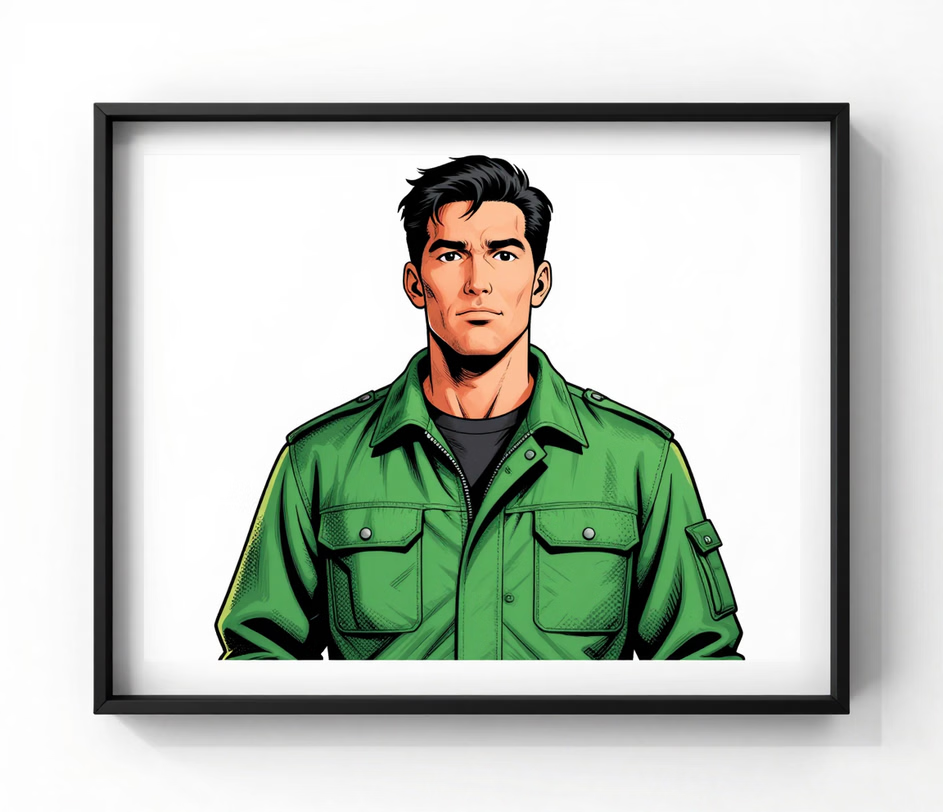
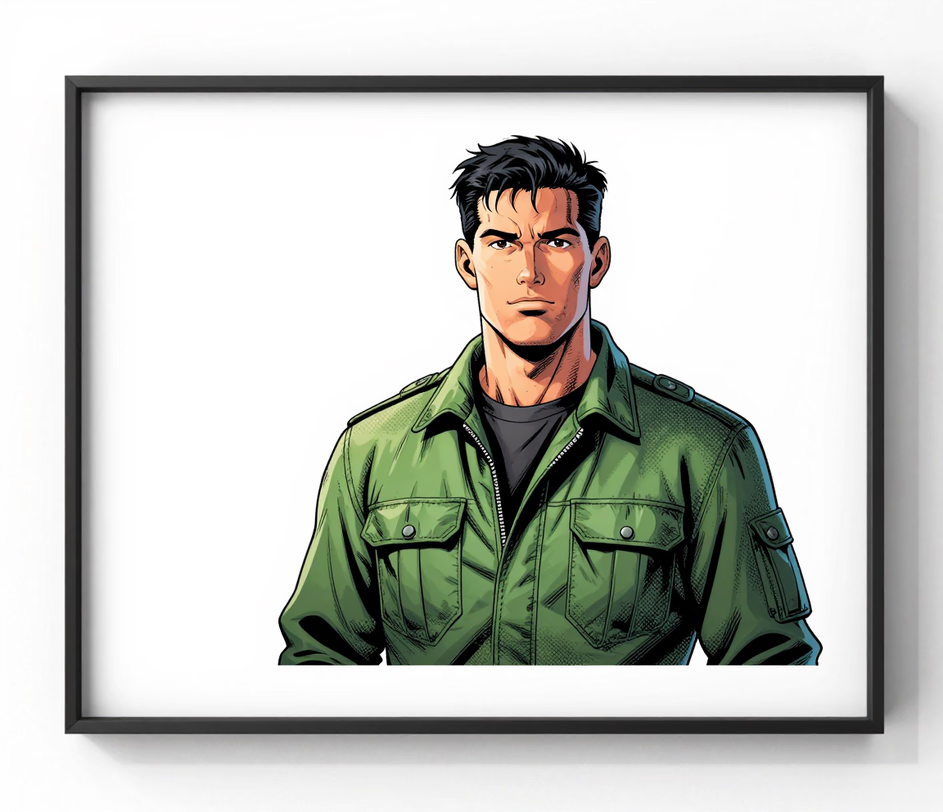
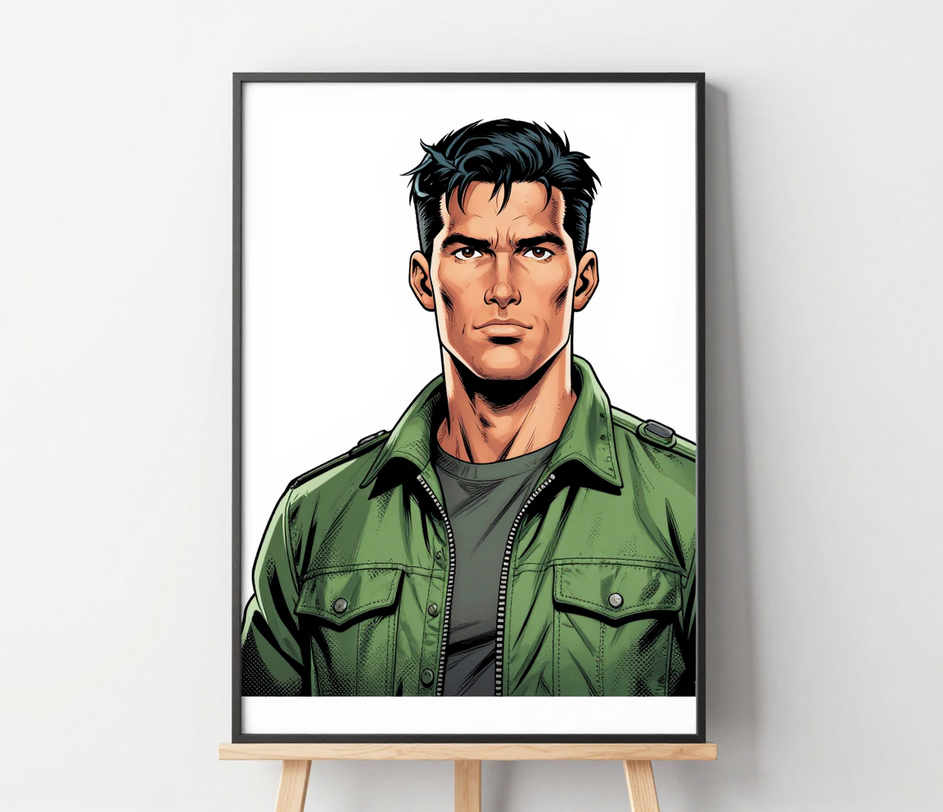
Built for anyone who wants to turn picture into comic quickly — no artistic training or expensive design tools needed.

The photo to comic ai offers four distinct comic styles — American, Manga, Webtoon, and Noir. Each style applies a different combination of line weight, color saturation, and shading technique so you can match the mood of your project — action-packed, humorous, or dramatic.

Access the photo to comic converter from your phone, tablet, or desktop browser with zero downloads and zero installs. The entire conversion runs in the cloud and a standard phone photograph finishes in roughly five seconds, so you can turn photo into comic on your commute, at a convention, or at your desk with the same quality.

Unlike comic filters that downgrade image quality, this comic image generator delivers full-resolution files up to 4K, suitable for poster prints, comic-book covers, and merchandise. The detail stays crisp whether you share it on social media or send it to a professional printing service.

The tool analyzes your photograph and applies comic book rendering in roughly five seconds. There is no rendering queue, no manual tracing step, and no email wait. Upload, pick a style, and download the comic art within a single browser session.

Four situations where converting a photo to comic style delivers a result that ordinary filters or simple posterization cannot.

A comic style photo grabs attention in crowded feeds because the bold outlines and saturated colors look unlike standard phone-camera output. Use the comic photo generator to create scroll-stopping profile pictures in 1:1, story graphics in 16:9, and reaction posts — the four aspect-ratio options cover every major feed format, and each conversion finishes in under ten seconds.

Turn a favorite portrait or landscape into a comic book panel and print it as a framed poster or canvas wrap. The photo comic maker produces a print-ready file at up to 4K resolution on the Master tier — sharp enough for large-format posters — with vivid inks and clean line work that looks like it came from a professional illustrator rather than a browser-based tool.

Give product shots, team photos, or event snapshots a comic book filter treatment that feels energetic and on-trend. With four comic styles to rotate through and a per-image cost of 18 credits on the Standard tier, the comic book filter for photos works well on landing pages, email headers, and presentation slides where you want to break away from stock photography without commissioning custom illustration.

Convert a friend or family member's picture into comic art and print it on a greeting card, phone case, or coffee mug. The image to comic converter generates files with a 2048 px long edge on the Standard tier and up to 4K on Master — resolutions that online printing services accept directly, so you skip extra editing steps.

