Arui.AI is an AI product image generator that turns plain product photos or text descriptions into polished, studio-quality shots. Upload a raw photo or describe your item, pick a scene, and download a ready-to-publish product image.

Three tiers tuned for different catalog sizes, output resolutions, and budgets — compare credits, aspect ratios, and reference image limits before you generate.

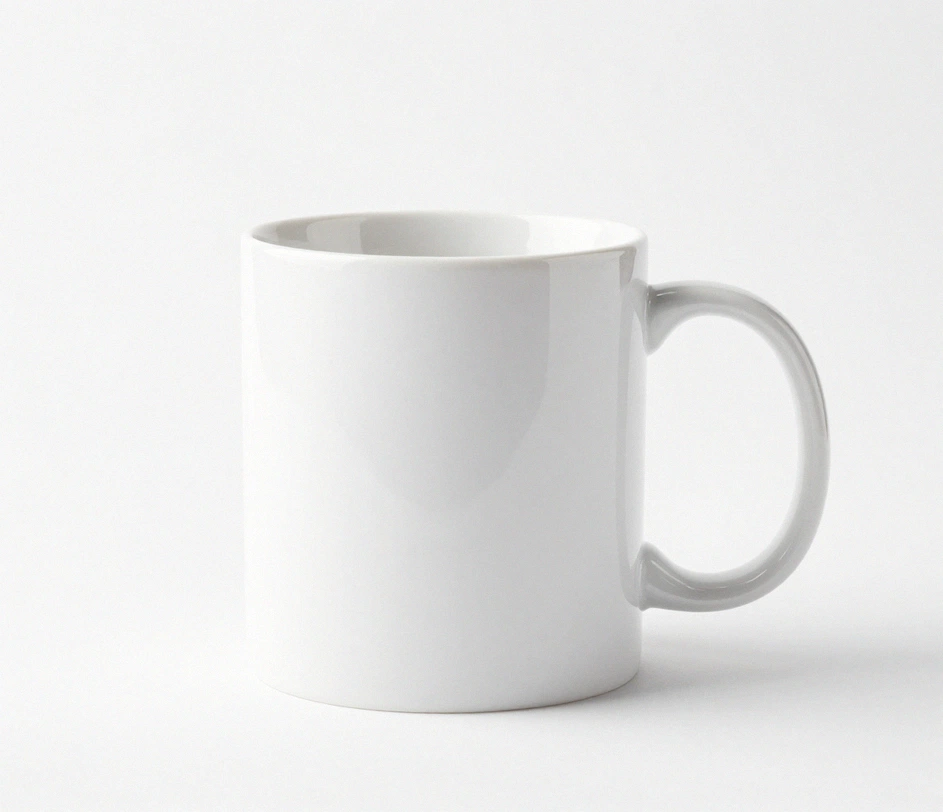
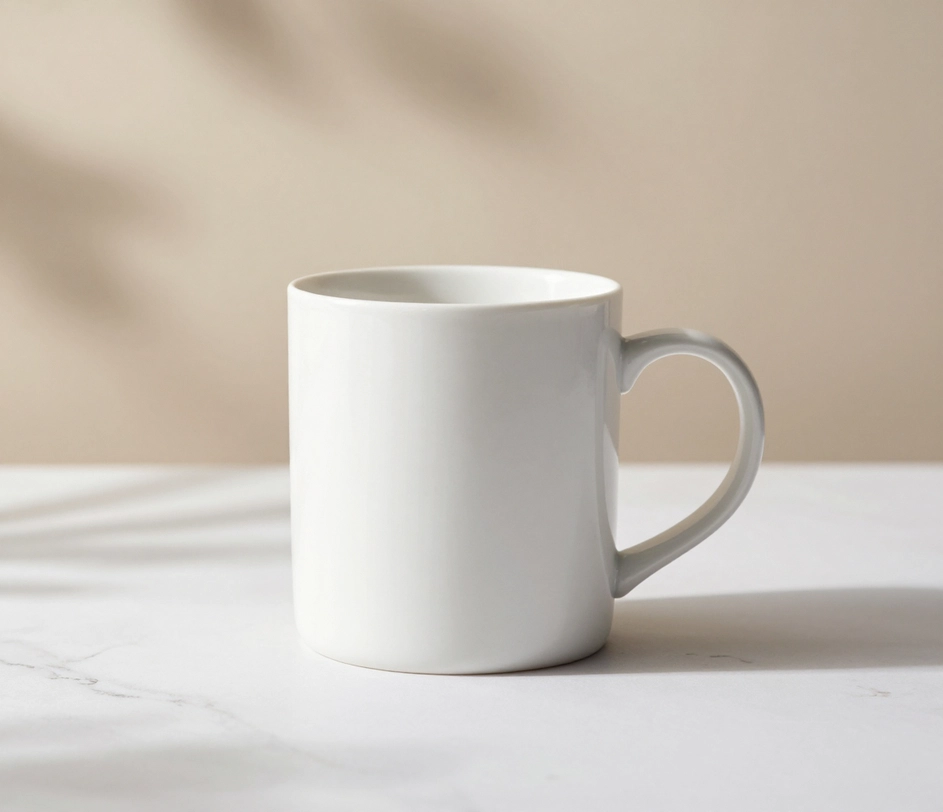
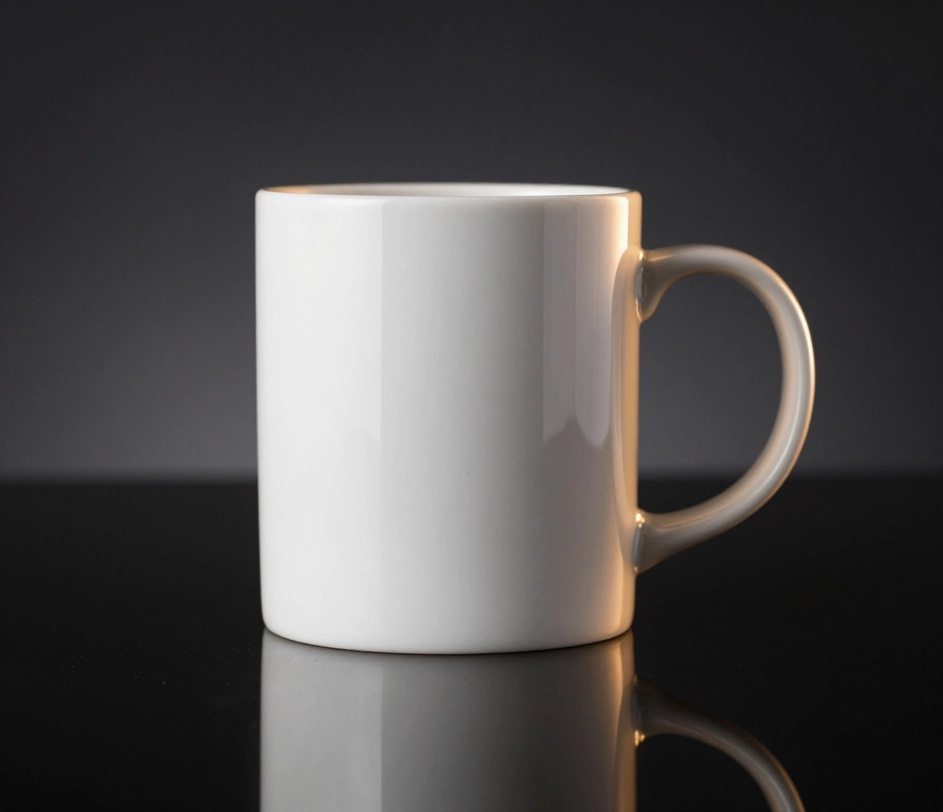
Studio-quality output from a single photo or text prompt, no equipment required.

Drop in a phone photo shot on your kitchen table and the ai product image generator delivers a polished result with even lighting, background separation, and color accuracy. The tool handles shadow removal, white-balance correction, and backdrop replacement in one pass, so a casual snapshot becomes a listing-ready image without manual retouching. Every output ships at up to 2048px, large enough for retina product cards.

No photo yet? Type a short description — white ceramic coffee mug, matte black wireless charger, amber glass serum bottle — and the product image generator ai creates a realistic product shot from scratch. Choose a background scene, and the tool renders the item with proper perspective, reflections, and material textures. First renders arrive in under a minute.

Every image the ai product photo generator outputs conforms to the dimensions and resolution that Amazon, Shopify, Etsy, and Instagram Shop require. Square 1:1 for product cards, tall 4:5 for social feeds, and landscape 16:9 for hero banners — all delivered at retina resolution without extra cropping or resizing.

Running a store with dozens or hundreds of SKUs? Generate product images for multiple items in sequence using the same style prompt, keeping your entire catalog visually consistent. The product image creator applies uniform lighting, angles, and backgrounds across every shot, so your storefront looks cohesive from the first row to the last.

Four common e-commerce scenarios where AI-generated product photos replace studio shoots.

Tech products sell better on clean, minimalist backgrounds that highlight design details without visual clutter. The ai product image generator places phones, chargers, headphones, and accessories on marble, concrete, or gradient surfaces with accurate reflections and consistent proportions across the entire lineup — a 100-SKU catalog keeps every card visually identical.

Cosmetics and serum bottles benefit from soft lighting, botanical props, and pastel backdrops that communicate purity and premium quality. The product image generator ai creates beauty shots with gentle shadows, accurate color rendering for packaging, and complementary scene elements that match the brand aesthetic. Output reaches 2048px on Standard and Pro and 4K on Master, sharp enough for packaging zoom-ins.

Clothing and sneakers need dynamic angles and lifestyle-adjacent settings that show fit and material texture. The ai product photo generator renders footwear on gradient stands, apparel on invisible mannequins, and accessories in flat-lay compositions — all with studio-level color accuracy and wrinkle-free presentation. Six aspect ratios cover the 1:1 product card, the 4:5 feed post, and the 16:9 hero banner from one shot.

Packaged goods, supplement containers, and beverage bottles look best against surfaces that suggest freshness and quality — wood, slate, or clean white. The product image creator adds condensation droplets, ingredient props, and lighting that makes labels legible and colors appetizing, turning a shelf photo into a hero shot. Labels stay legible even at 4K zoom on the Master tier.

From raw photo or text description to marketplace-ready product shot in under a minute.

Drag in a phone photo of your item on any flat surface, or type a short text description if you do not have a photo yet. Include the product name, material, color, and any background preferences. The more detail you provide, the closer the AI output matches your vision. A short prompt is always required — it tells the AI which scene, background, and style to apply.

Type the scene you want for your product — clean white studio, marble surface, lifestyle flat-lay, gradient backdrop, and more. Your prompt controls the lighting, shadow direction, and color grading suited to the product type and target marketplace.

When the ai product image generator finishes rendering, save the file in the format your platform accepts. The image arrives at the correct resolution and aspect ratio, ready to upload to Amazon, Shopify, Etsy, or your social-commerce storefront — no additional editing required.

Answers to common questions about generating product images with AI.
Upload a photo or describe your item, choose a scene, and download a studio-quality product image in seconds. No studio, no software — just a polished shot ready for your storefront.
Upload a product photo and download a listing-ready image in seconds.

Arui.AI offers additional AI-powered tools for creating and editing product visuals.

Generate custom images from a text prompt — product mockups, social content, concept art, and more — with AI-powered text-to-image generation.
Try Now
Upload a product photo and transform it into a new style — studio lighting, seasonal backdrop, lifestyle scene — using a text prompt.
Try Now
Design a professional logo for your brand or product line with AI-powered generation from a text description.
Try Now
