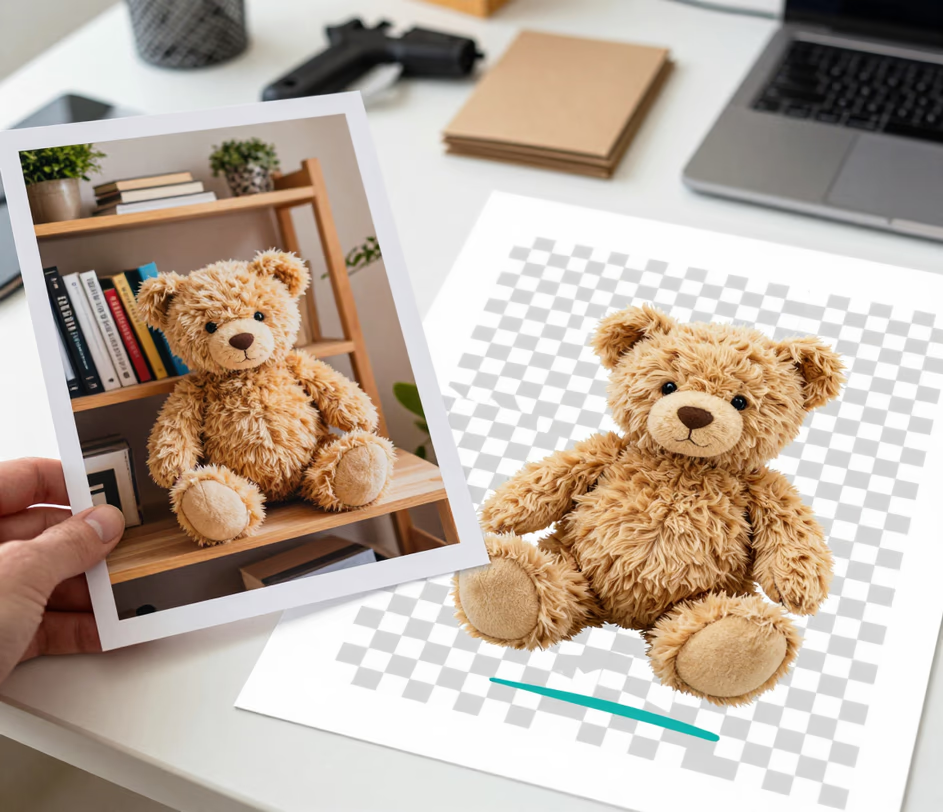
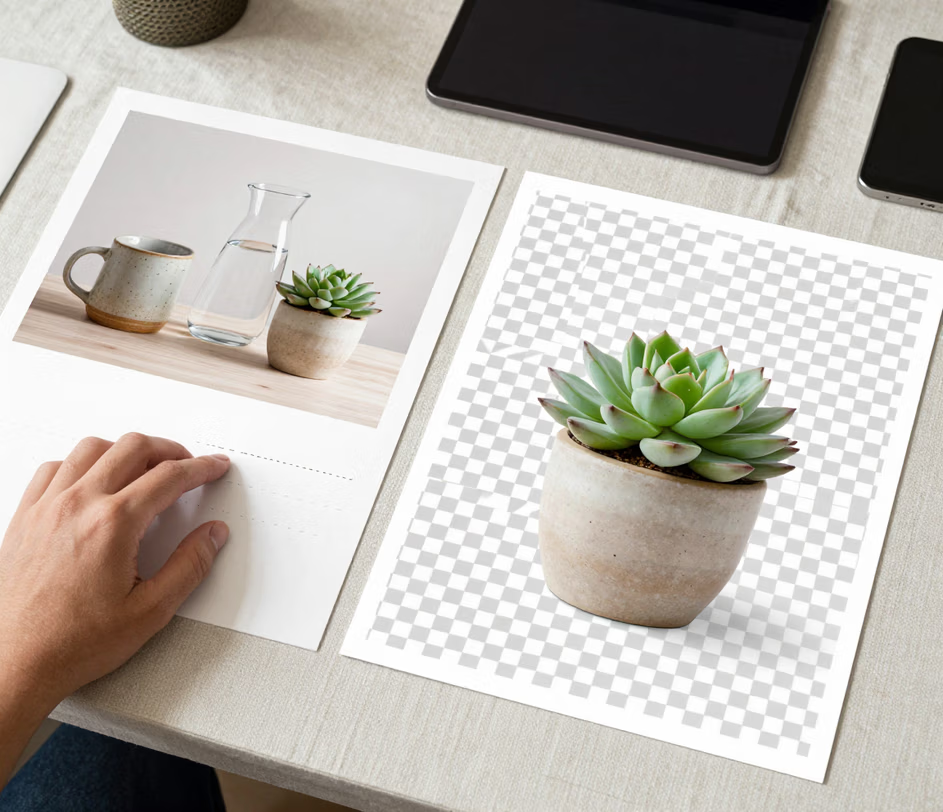
Arui.AI's online background remover is a browser-based tool that separates the foreground subject from any photo and erases the surrounding pixels automatically. Upload a file, and the model handles edge detection in roughly eight seconds — download the finished cutout ready for product listings, social media graphics, design projects, and presentations.

Three tiers tuned for marketplace compliance, cutout control, and output sizes — compare resolution, credit cost, and scene support before you generate.

Built for speed, precision, and simplicity — whether you are clearing one photo or an entire catalog.

The engine inside this automatic background remover evaluates contrast gradients, color transitions, and spatial depth to carve out subjects with accuracy comparable to hand-drawn clipping paths. Fine details — flyaway hair, intricate product contours, soft fabric edges — survive the process intact, free from jagged halos or rough borders.

Point your browser at the page, drop in a photo, and pick up the finished result moments later. Nothing downloads to your machine, and the interface adapts to phones, tablets, and laptops alike, so you can erase bg from wherever you happen to be working.

Some services shrink or recompress images during processing. This high quality background remover returns your cutout at the exact pixel dimensions of the original file, ensuring the result holds up in print layouts, large-format posters, and high-DPI e-commerce galleries.

At roughly eight seconds per file, the tool is fast enough to clear background on dozens of images in a single sitting. Catalog photographers, design teams, and marketing coordinators can move through large batches without leaving the browser tab or waiting for a queue to finish.

Four real-world scenarios in which the ability to remove background from image quickly saves time and reduces costs.

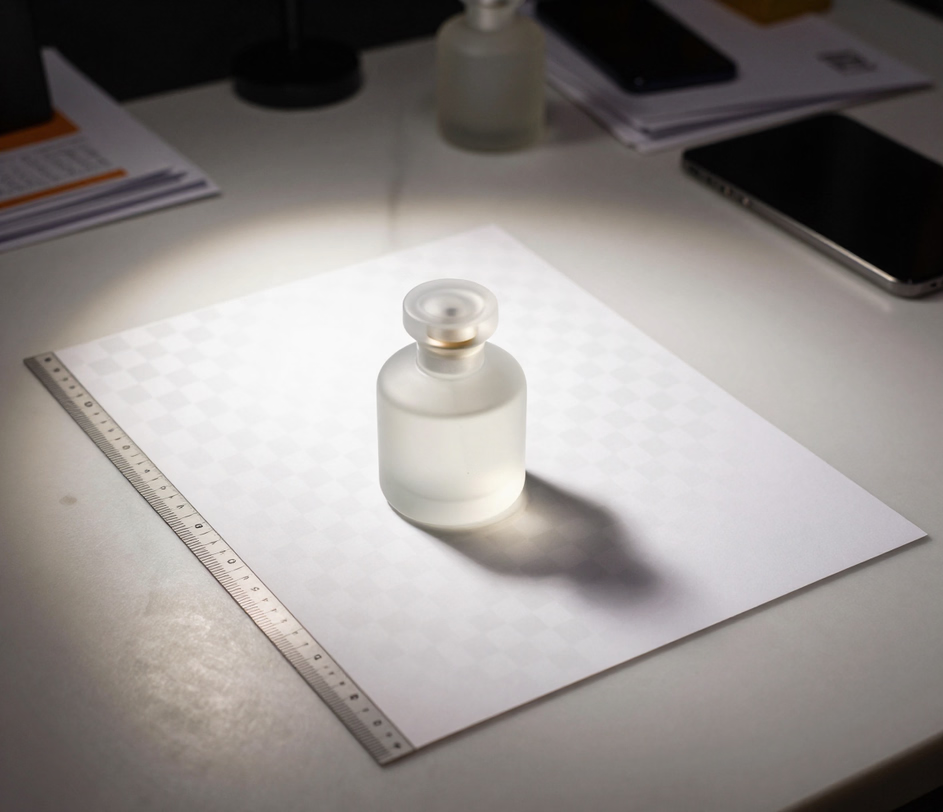
Platforms such as Amazon, Shopify, and eBay enforce strict image guidelines — products must appear against a uniform or transparent backdrop. A quick pass through this photo background remover eliminates cluttered studio setups or uneven lighting from product shots, getting listings live faster and avoiding costly reshoots.

Corporate directories, LinkedIn profiles, and official ID documents all demand a clean, distraction-free backdrop. Rather than booking a studio session, upload an existing portrait and let the passport photo background remover swap the original scene for a neutral setting in one step.

Campaign managers and social media coordinators often need to lift a product or person out of one setting and drop it into another. The picture background remover isolates the subject cleanly so compositing into ads, Instagram stories, or email banners takes minutes instead of hours.

Placing a logo over a video, slide deck, or website header requires a version with no background. When you need to remove background from logo files, the AI maps the boundary of the artwork and strips away the surrounding pixels, producing a sharp cutout that layers cleanly over any surface.

The entire workflow happens in your browser — upload, process, download.

Drag a file into the upload area or click to browse your device. The background removal tool accepts JPG, PNG, and WebP files. Images with a clear subject — a product, a person, a logo — yield the strongest results.

The neural network scans the image, maps the subject boundary, and wipes out the surrounding pixels. Tricky areas such as loose hair, fur, or semi-transparent materials are resolved by the model without any manual input. Processing typically completes in under ten seconds.

Grab the finished file straight to your device. The output preserves the original resolution and is immediately usable in any design application, online marketplace, or presentation platform that requires a subject with no background.

Straightforward answers about using AI to remove background from image files.
Drop in any photo and get a clean, isolated subject back almost instantly. Neural-network precision handles the tricky edges so you can move on to the creative part of your project.
Upload a photo to create your first transparent cutout.

Arui.AI offers a broader set of AI-driven utilities for background editing and image creation.

Convert any photo into a transparent PNG with one upload. Suited for logos, overlay graphics, and design assets that need a see-through backdrop.
Try Now
Generate professional studio backdrops for product photos. Describe the setting and the AI creates it.
Try Now
Soften or blur the background of any photo for a professional depth-of-field effect. Ideal for product and portrait shots.
Try Now
