Arui.AI is an online video to video converter that transforms any existing clip into a new version. Upload your footage, choose a transformation style, and the video to video AI engine produces a reimagined video — with refreshed visuals, new backgrounds, or a different artistic look — ready for download.

Three tiers of the AI video to video generator, from fast social-media restyles to top-tier 4K renders, billed per second of source footage.

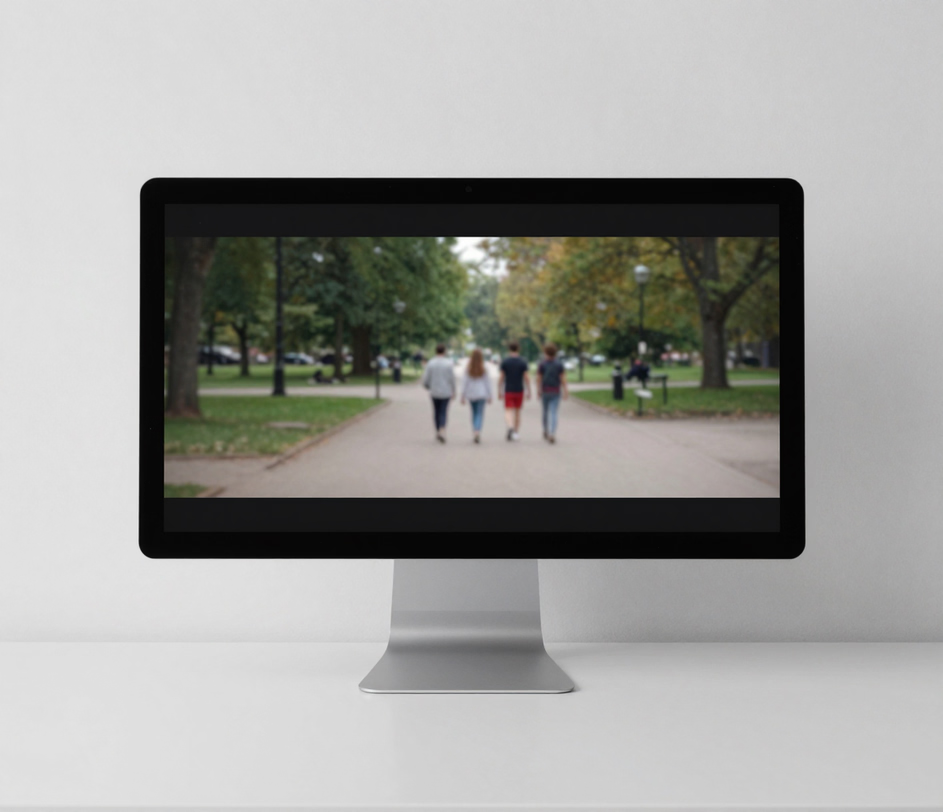
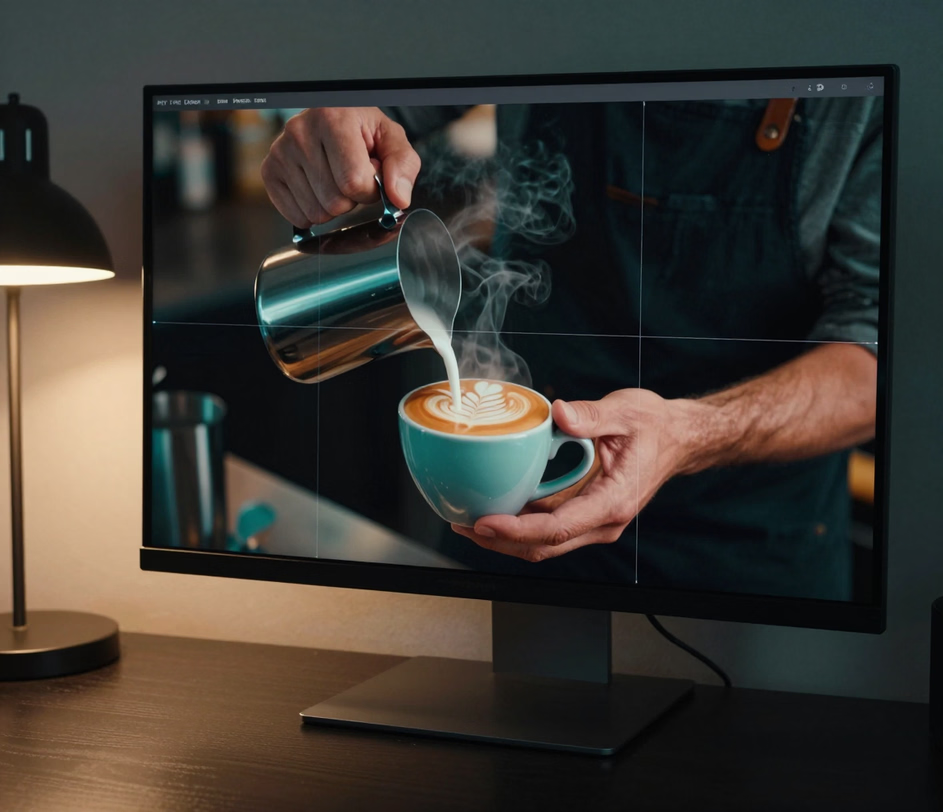
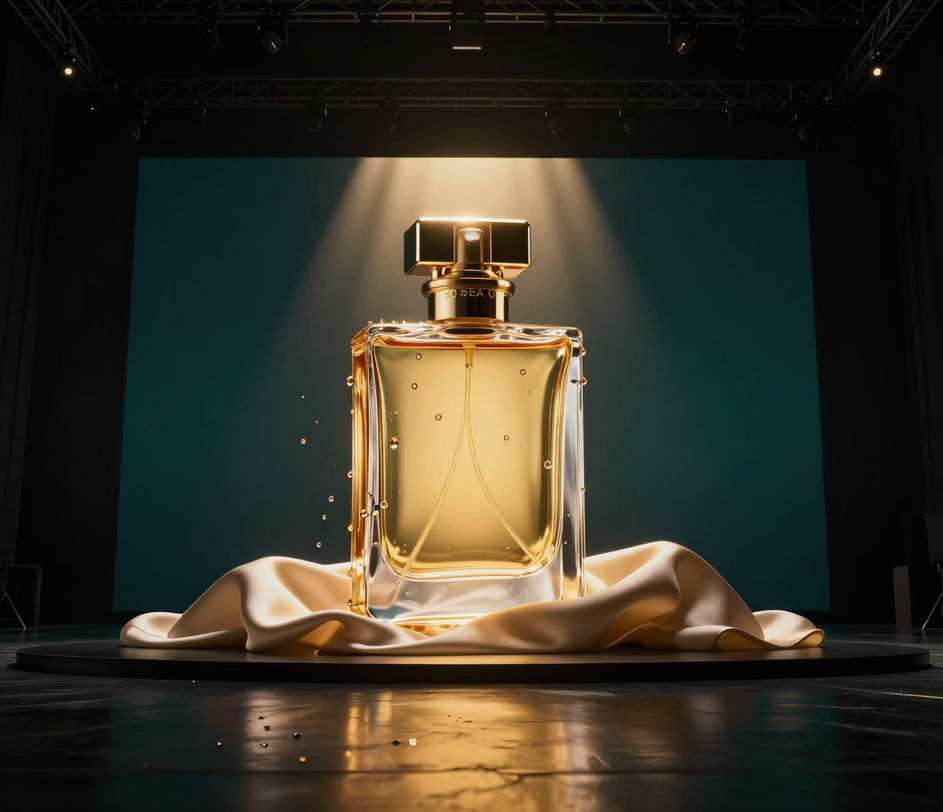
Built for quality, speed, and creative flexibility.

The ai video to video engine applies artistic and cinematic styles to your existing clips. Describe the look you want — anime, cinematic noir, watercolor, or photorealistic — and the tool re-renders every frame of your 3-10 second clip while preserving the original motion and timing. Your output looks like a produced piece rather than a filtered overlay.

The video to video AI detects foreground subjects and swaps the background behind them. Type the new setting into the prompt and a 3-10 second talking-head clip filmed in a messy office becomes a clean studio or an outdoor scene in one pass, with motion, framing, and lip movement kept intact.

The video to video converter preserves the original soundtrack by default — the dialogue, music, and effects of your 3-10 second clip stay locked to the action while the visuals are transformed. Toggle it off in one click when you need a silent clip for a new voiceover or music bed.

Pick the engine that matches the task. The Standard engine restyles MP4, MOV, WebM, and M4V clips in seconds, Pro sharpens motion and detail from MP4 or MOV, and the Master engine outputs up to 4K for ads, intros, and polished campaigns.

Every transformation starts with a text prompt, giving you the same creative control as text-to-image generation. Attach one style reference image to lock the look, refine the wording between runs, and regenerate until the clip matches your vision — no timeline editing required.

Five scenarios where transforming existing videos saves hours of production work.

Performance marketers upload a single 3-10 second hero ad, apply different visual styles with the ai video to video tool, and test multiple creative versions within 24 hours. Each variant looks distinct enough to avoid ad fatigue while maintaining brand consistency across campaigns.

Content teams take one 3-10 second clip and restyle it per channel — a bold, high-energy look for TikTok, a cleaner edit for LinkedIn — by rerunning the video to video converter with a different prompt. Reusing the same source footage keeps production lean while each version matches its platform's tone.

Corporate trainers update aging onboarding videos by uploading old footage to the online video to video converter and applying a modern visual style. The narration and pacing stay intact while the visuals feel current — no studio booking, no reshoots, and a turnaround of under five minutes per clip.

Companies with video assets recorded by different teams or agencies use the video to video AI to unify the visual tone across the entire library. One shared prompt and reference image applied to every clip ensures a cohesive look across three publishing surfaces — the company website, YouTube channel, and internal portal.

Global brands adapt video style and tone for local markets without producing separate shoots. The video to video generator applies region-appropriate color grading, background swaps, and visual treatments so the same 3-10 second base footage resonates with viewers in different cultural contexts.

No complex editing software. Everything runs in the browser.

Drag and drop or browse to select the clip you want to transform. The video to video converter accepts MP4, MOV, WebM, or M4V clips of 3-10 seconds, up to 95MB. The tool analyzes the footage and identifies scenes, subjects, and backgrounds automatically.

Describe the transformation in a text prompt — cinematic, animated, vintage, or a scene of your own. Optionally attach a style reference image, then pick the engine tier that matches your goal. The ai video to video engine processes every frame while preserving motion and timing.

The video to video generator renders your transformed clip and opens it in the Arui.AI canvas, where you can preview the result, download the MP4, or refine the prompt and run it again. Outputs are platform-ready — upload directly to social media, embed on your site, or archive for later use.

Clear answers — no jargon, no fine print.
Upload a 3-10 second clip, describe the new style in one sentence, and download a fully re-rendered video — no timeline, no plugins, no editing skills required.
Upload a clip and let AI reimagine it.

Other tools from Arui.AI for your video production workflow.

Type a prompt and receive a short video clip generated from scratch — no existing footage required.
Try Now
Upload a still photo and let AI add natural motion, turning any image into a shareable video clip.
Try Now
Paste a written script and the AI engine produces a complete video with scenes, transitions, and voiceover.
Try Now
