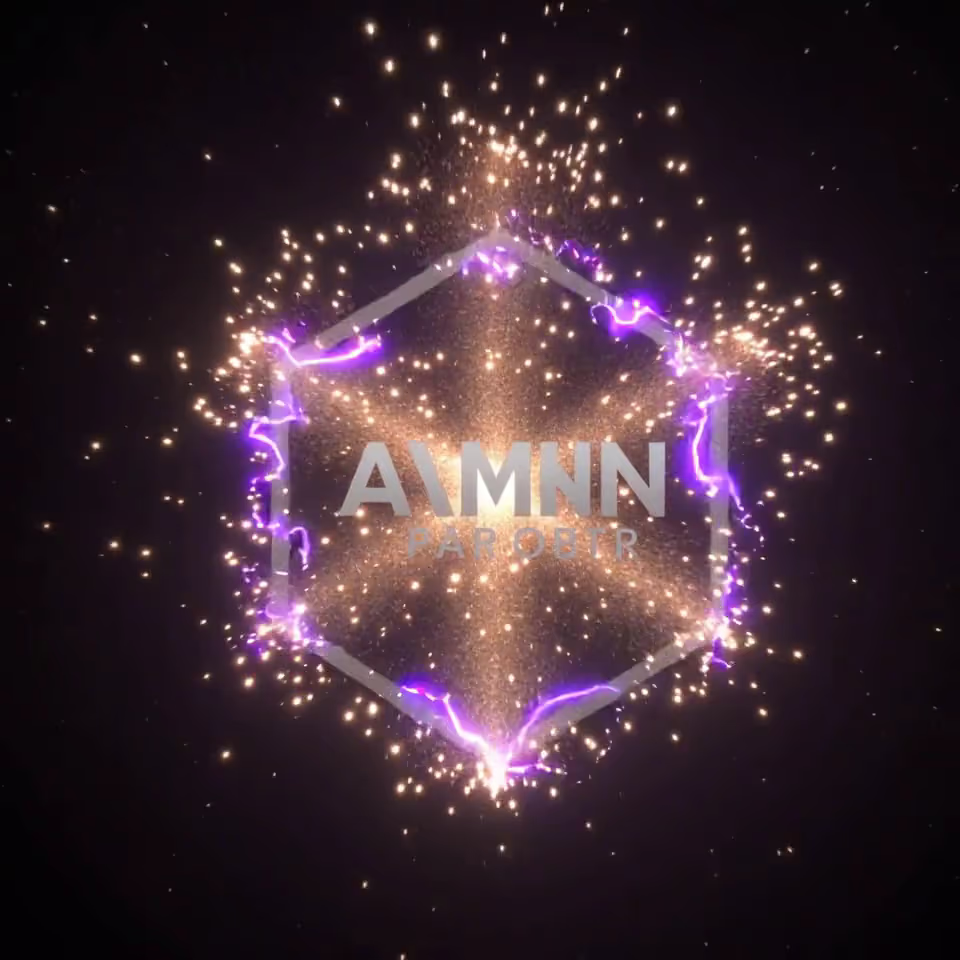
Arui.AI is a logo video maker that transforms any logo into an animated video clip. Upload your logo file, select an animation style, and the tool produces a polished logo intro video — ready to embed in YouTube uploads, corporate presentations, or social media posts.

No editing timeline. Upload, customize, download.

Select a PNG, SVG, or JPG file of your logo. The logo video maker accepts transparent backgrounds and prepares the design for animation in a single upload.

Browse the five preview animations — cinematic reveal, particle burst, smoke reveal, neon glow, and elegant 3D — and select the one that fits your brand. Add a custom prompt describing your brand colors and mood to create logo video output that matches your project requirements.

Once rendering finishes, preview the animated logo video in-browser. When it looks right, download the MP4 file and drop it into your video editor, upload it to YouTube, or share it on social media.

Straight answers — no design jargon.
Turn any static logo into a polished animated intro — five reveal styles, rendered in one to two minutes, no editing timeline required.
Upload your logo, choose an animation, and download a branded video clip.
Other tools from Arui.AI for your video production workflow.

Generate branded video intros with custom text, music, and motion graphics — powered by AI.
Try Now
Turn a product description into a polished video advertisement formatted for YouTube, Facebook, or TikTok.
Try Now
Design a professional logo from a text prompt with AI-powered layout, icon, and color generation.
Try Now
Three tiers of the logo video maker, from quick silent clips to cinematic logo animations with matched AI audio.

No timeline editing or motion-design software. Get an animated logo video from one upload.

Choose from five reveal styles — cinematic reveal, particle burst, smoke reveal, neon glow, and elegant 3D. The logo animator applies each effect to your uploaded logo and renders a short clip that matches your brand tone — no keyframe adjustments needed.

The 3d logo video maker generates depth and rotation effects around your logo. Upload a flat PNG or SVG, and the tool constructs a three-dimensional animation — one of five built-in reveal styles — that adds visual weight to video intros, product demos, and channel openings.

Standard and Pro render five-second logo clips for everyday use, while Master delivers a six-second 1080p animated logo video. Each render is tuned for its purpose — from a quick social bumper to a full-resolution broadcast intro.

Pro and Master tiers add matched AI audio to your logo reveal video — tones and texture that fit the animation. Toggle sound on or off per render, from 280 credits on Pro to 600 on Master.

The video logo generator follows your words. Describe brand colors, lighting, and mood in the custom prompt — for example, a navy and gold palette with a slow light sweep — and every animated logo for youtube clip stays visually cohesive with your identity, across all five reveal effects.

Five types of creators who turn logos into animated video clips.

Creators upload their channel logo and get a five-second animated logo for youtube intro that plays before each video. The clip becomes a recognizable signature that viewers associate with the channel — boosting recall and watch-time metrics.

Marketing teams use the logo video maker to create logo reveal video clips for corporate presentations, webinars, and investor decks. Each clip renders in one to two minutes, and the short animated logo at the opening sets a professional tone before the content begins.

Designers who create logo for youtube channels and other clients add an animated logo video as a bonus deliverable. Built from the same five reveal effects, the video logo design showcases the logo in motion, giving clients a ready-to-use intro they can drop into promotional content immediately.

Mobile and desktop app teams use the logo intro video maker to generate a branded five-second loading animation. The short clip plays during app startup, reinforcing the brand each time a user opens the application.

Social teams attach a five-second animated youtube logo bumper to the start of every post — Reels, Shorts, and Stories. Consistent branding across platforms makes the company recognizable even when the content format changes.