Arui.AI is an AI product background generator that creates professional-grade backdrops for product photos. Upload your item, describe the setting you need — a clean white studio, a marble countertop, a rustic wooden surface — and download a finished product background in seconds.

Three tiers tuned for product fidelity, lighting realism, and output sizes — compare resolution, credit cost, and scene presets before you generate.

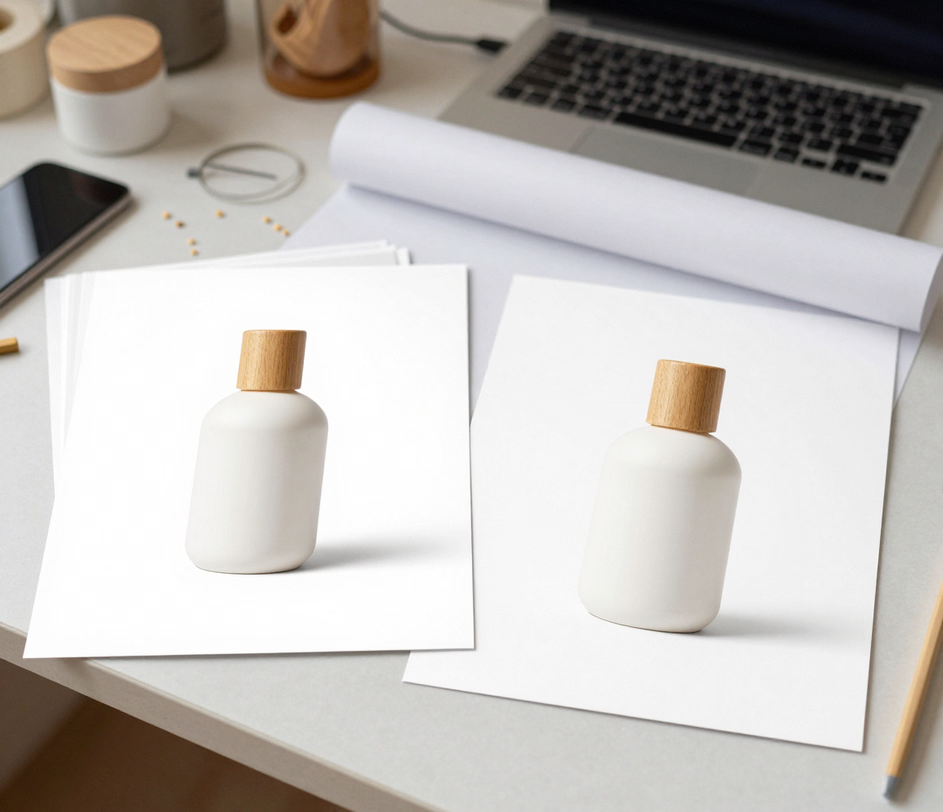
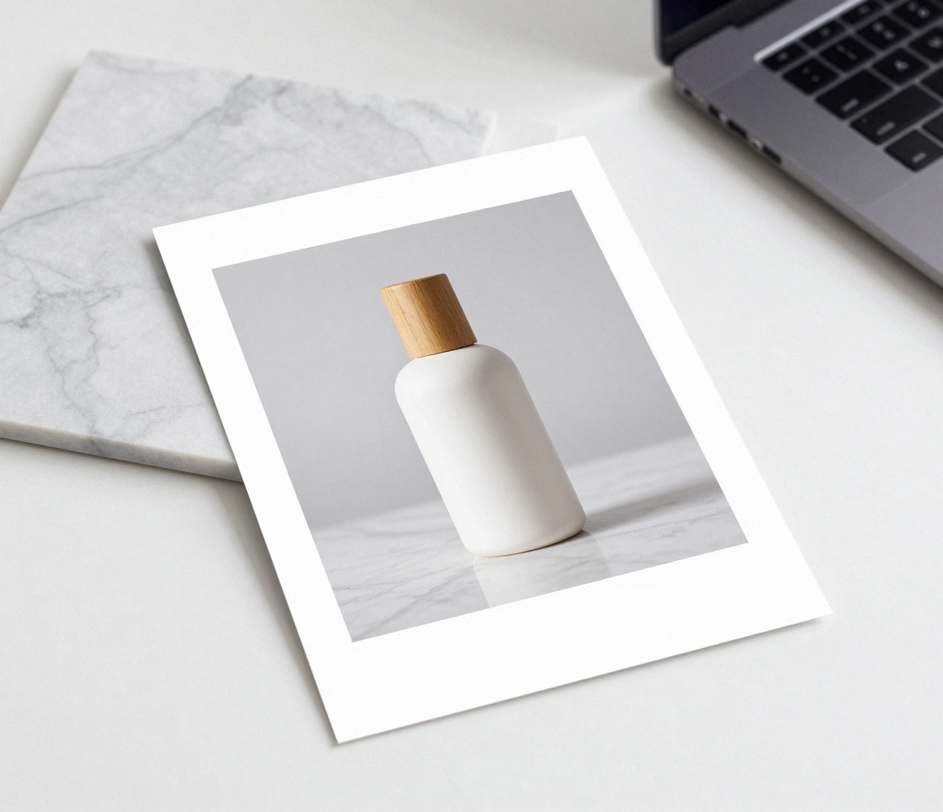
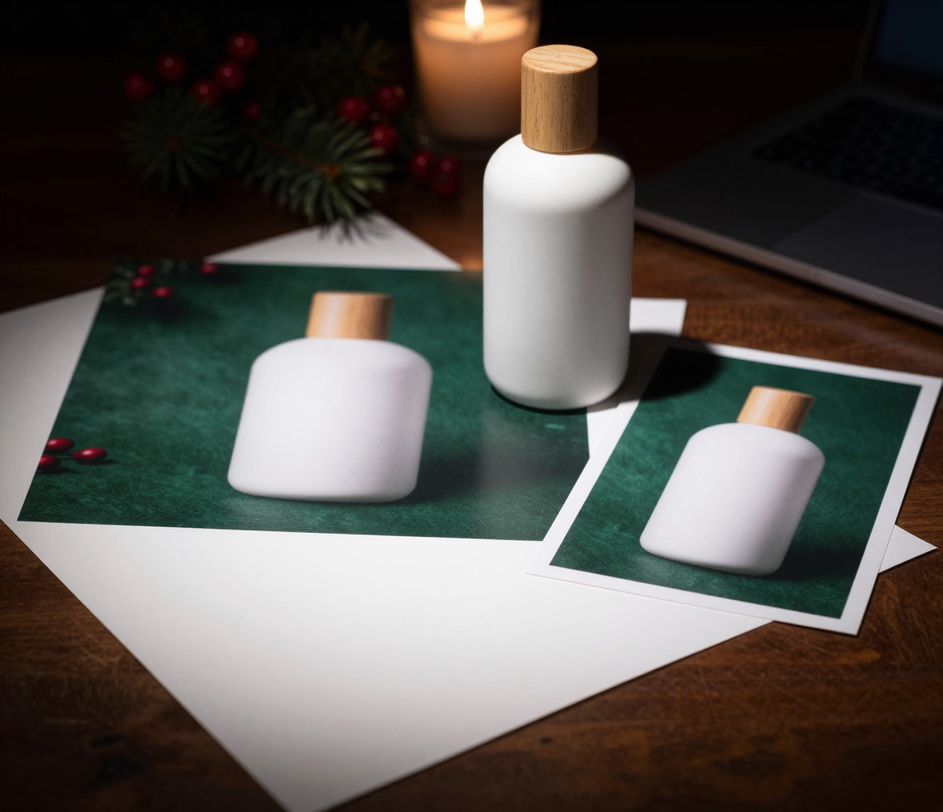
Built for sellers, designers, and marketers who need studio results without the studio overhead.

Type a short description of the product photography background you want — white marble with soft shadows, light oak wood with natural grain, bright seamless white — and the AI renders a matching backdrop. No photo editing skills needed. The background maker ai interprets conversational language and translates it into a production-ready image.

White backgrounds remain the standard for e-commerce marketplaces. The AI produces a crisp, evenly lit white product background that meets the strict requirements of Amazon, eBay, Shopify, and other platforms. No manual clipping, no gray edges, no uneven lighting — a pure white backdrop every time.

A product mockup background that works on Amazon may not suit an Instagram shop. Generate product background hd options across styles: minimalist studio white, lifestyle settings, flat-lay surfaces, seasonal themes, and editorial layouts. One product, multiple backdrops, each tuned for the channel where it appears.

Every generated product background hd renders at high resolution, suitable for web listings, social media posts, and print catalogs. The AI maintains sharp detail and accurate color reproduction, so the product image background looks consistent across a website, a mobile app, and a printed lookbook.

Access the product background ai tool from any modern browser. No Photoshop, no Lightroom, no desktop applications. Upload your photo, describe the backdrop, and download the result. The entire workflow runs on cloud servers, so you can produce professional product photo backgrounds from a laptop, tablet, or phone.

Five real scenarios where a generated product backdrop outperforms a physical one.

Online sellers use the AI to create consistent product photography backgrounds across their entire catalog. A skincare brand generates a clean white background for every bottle; a jewelry maker produces a soft marble backdrop for each ring. Uniform backgrounds build trust and make category pages look cohesive, which directly affects conversion rates.

Instagram, TikTok, and Pinterest favor lifestyle imagery over plain studio shots. The AI produces a product background design that places items in context — a coffee bag on a rustic kitchen counter, a watch on a leather desk pad — without booking a styled set or hiring a prop stylist.

Designers and agencies generate a product mockup background to showcase packaging, labels, or branding in a realistic environment. Present a beer label on a frosted glass table, a cosmetic jar on a rose-petal surface, or a sneaker on concrete — all from a single product photo and a text description.

Marketers refresh product visuals for holidays and promotions without reshooting. Generate a background for selling items during Black Friday with dark dramatic tones, switch to warm pastel settings for spring, or add festive textures for the winter season. The product shoot background updates instantly to match the campaign mood.

Platforms like Amazon require a pure white product photography background for the main listing image. The AI delivers that baseline, then lets you create lifestyle variations for A/B testing. Compare a seamless white against a lifestyle setting and let conversion data decide which backdrop performs better.

No photo studio, no props, no post-processing. Everything runs in your browser.

Select a clear image of the item you want to photograph. A straight-on shot with even lighting works best, but the AI handles a range of angles and conditions. The tool accepts JPG, PNG, and WebP formats.

Type a short prompt — white studio backdrop, marble surface with soft natural light, wooden table with autumn leaves. The more specific the description, the closer the AI matches your vision. You can also specify the mood: clean and minimal, warm and rustic, bright and airy.

Click generate and the AI composites your product onto the new backdrop in under twenty seconds. Review the result, download the finished image, and upload it to your marketplace, website, or social media account. Need a different style? Adjust the prompt and generate again.

Direct answers to common questions — no jargon, no fine print.
Daily credits refresh in your account every morning. Upload a product photo, describe the setting, and let the AI build the backdrop.
Upload a product photo to generate your first studio backdrop.

Additional AI-powered tools from Arui.AI that pair well with product background generation.

Strip the existing backdrop from any photo and export a clean, transparent PNG. Perfect prep step before generating a new product background.
Try Now
Describe any scene in words and the AI generates a matching image from scratch — no source photo needed.
Try Now
Soften or blur the background of any photo for a professional depth-of-field effect. Perfect for product and portrait shots.
Try Now
