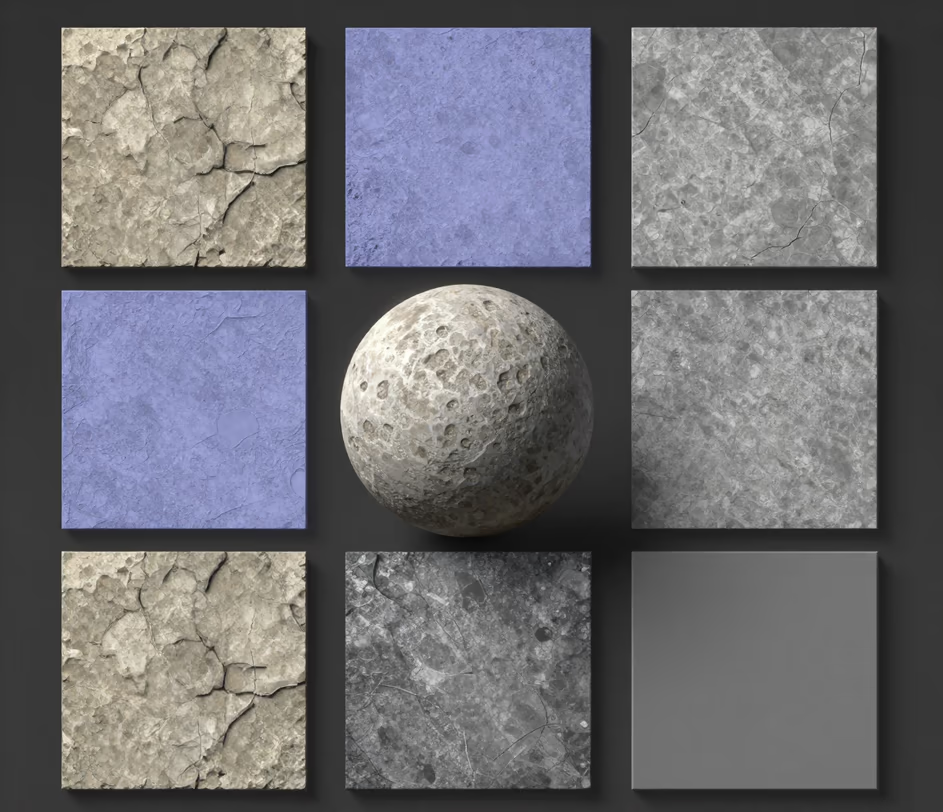
Arui.AI is an AI texture generator that turns text prompts into seamless, tileable PBR texture sets — basecolor, normal, roughness, metalness, and height maps — ready for game engines and 3D software in seconds per material.

Two tiers of the texture AI generator, from fast 1024px material sets to seamless 4K engine-ready output.

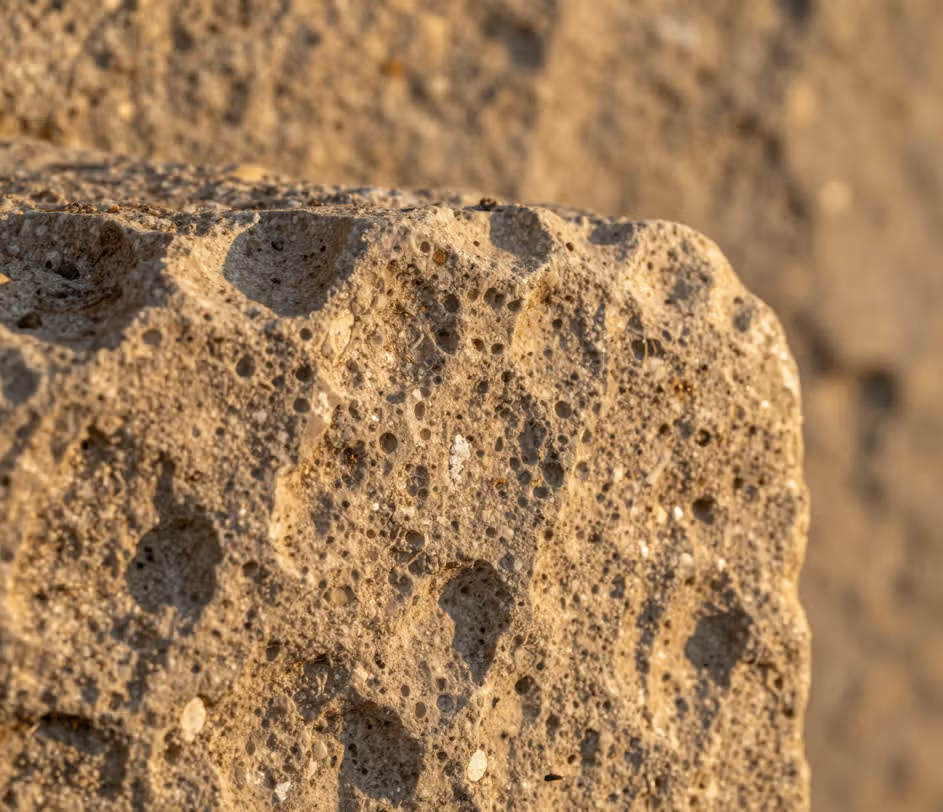
Accuracy, speed, and a complete PBR pipeline — from one text prompt to engine-ready output.

The pbr texture generator produces five maps per generation — basecolor, normal, roughness, metalness, and height. Traditional workflows require authoring each map individually, which takes 30 to 90 minutes per material. Arui.AI generates the full set in a single pass, with physically consistent values across every channel.

The normal map generator reconstructs tangent-space normals with sub-pixel precision directly from your text description. Output resolution reaches 4096 × 4096 pixels on the Pro tier, exceeding the standard used in AAA game production. Designers who currently spend 20 to 40 minutes manually converting images to normal maps in Photoshop or GIMP can produce equivalent results in a single generation pass.

Every texture the seamless texture generator ai produces tiles perfectly along all four edges — tileable in both directions by default. The model removes boundary artifacts during generation rather than requiring post-process offset blending in an image editor. Game environments that need 50 to 200 unique tiling materials can be populated in a single work session instead of a full production week.

The bump map generator creates grayscale displacement maps that add surface relief without increasing polygon count. Height maps export at matching resolution to the base color, ensuring consistent detail across all PBR channels. This eliminates the separate Photoshop-to-engine workflow that traditionally takes 15 to 25 minutes per map.

Real scenarios where AI-generated textures replace manual authoring and stock libraries.

Environment artists at game studios populate levels with 50 to 200 unique materials — stone walls, metal panels, wood floors, and foliage surfaces. The ai texture generator produces each set in seconds, compared to 30 to 90 minutes in Substance Designer. A level that previously required a full week of texture work can be surfaced in a single afternoon.
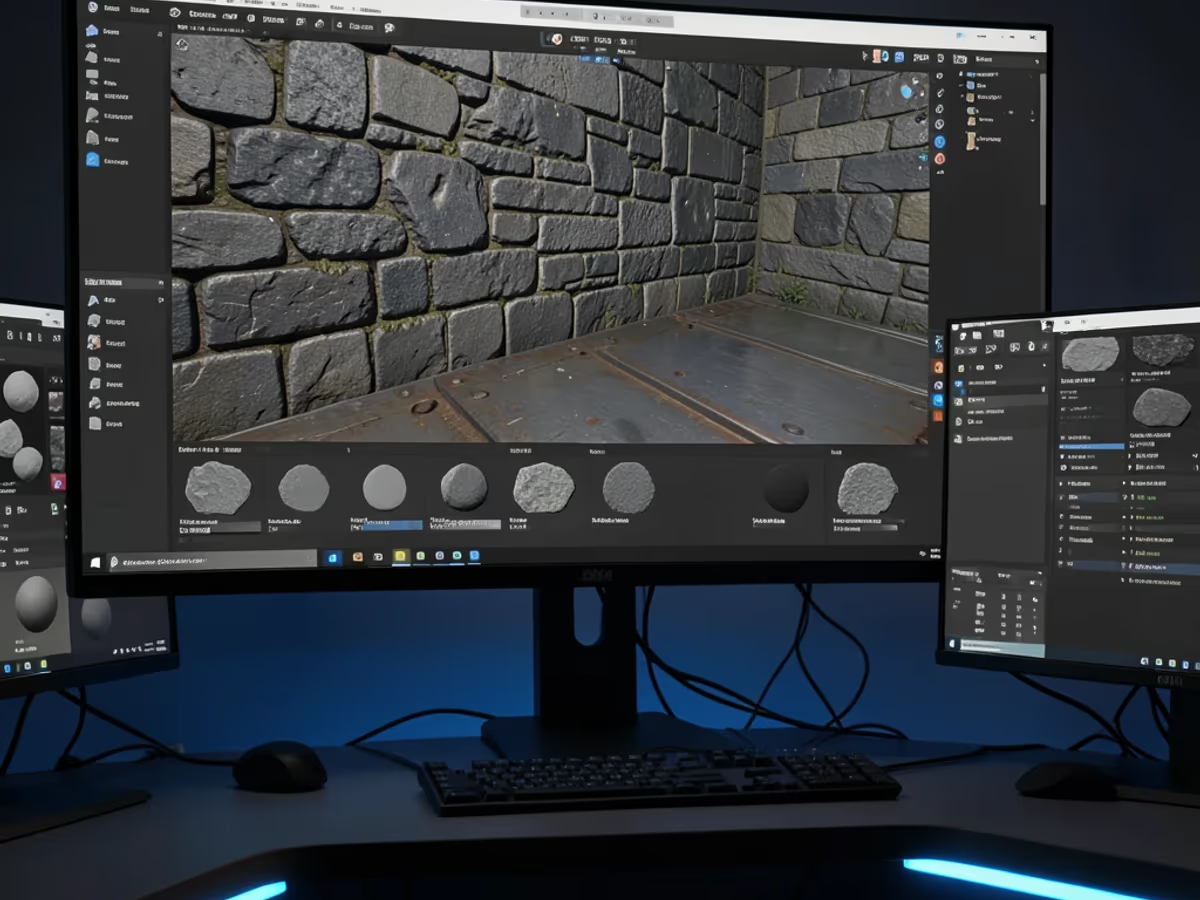
Archviz artists need photorealistic materials for flooring, countertops, facades, and landscaping. The texture generator produces seamless PBR materials from text descriptions that respond correctly to global illumination. A project requiring 30 to 50 unique surfaces can be textured in under two hours instead of the typical two to three days of manual work.

Industrial designers create normal map and bump map textures for product renders — leather grain on a bag, brushed metal on electronics, fabric weave on furniture. The bump map generator produces these displacement maps from a short text prompt, adding tactile realism without increasing the 3D model's polygon count.

3D printing specialists apply height map textures to model surfaces before printing to add embossed patterns, engravings, and surface reliefs. The height map texture output from Arui.AI provides grayscale displacement data at up to 4096 × 4096 resolution, compatible with Blender, ZBrush, and direct slicer displacement. Preparing surface textures that once took 20 to 40 minutes per model now takes a single generation pass.

No node graphs, no manual sculpting. Describe, generate, and download.

Type a text prompt describing the material you need — weathered stone walls, brushed metal, leather grain, or painted concrete. The ai texture generator needs no reference photo, no node graph, and no manual authoring.

Click the generate button and the model outputs five PBR maps in seconds — basecolor, normal, roughness, metalness, and height — with channel values that respond predictably to engine lighting.

Download the complete texture set as individual PNG files. Import into Unity, Unreal Engine, Blender, or any 3D software — every map in the set shares identical dimensions, so PBR channels align pixel-perfectly with no manual resizing.

Direct answers — no jargon, no hidden terms.
Describe any surface and download a complete, engine-ready material set.
Daily credits reset every morning. Describe a surface and download a complete texture set in seconds.

Other AI-powered tools from Arui.AI for image creation and material generation.

Describe any scene and the AI generates a striking picture in under thirty seconds — useful for storyboards, concept art, and visual references.
Try Now
Create repeating patterns and surface designs with AI — ideal for textiles, wallpapers, and product packaging.
Try Now
