Arui.AI is an AI text to speech generator that turns written scripts into natural, human-sounding narration. Paste up to 3,000 characters, add emotion tags like laugh or sigh, and download a finished voice track in roughly fifteen to thirty seconds — no microphone, no recording booth, no retakes.

Pick how much text you need per clip — the same natural narrator voice and emotion tags are available at every package, so you only pay for the characters you actually generate.


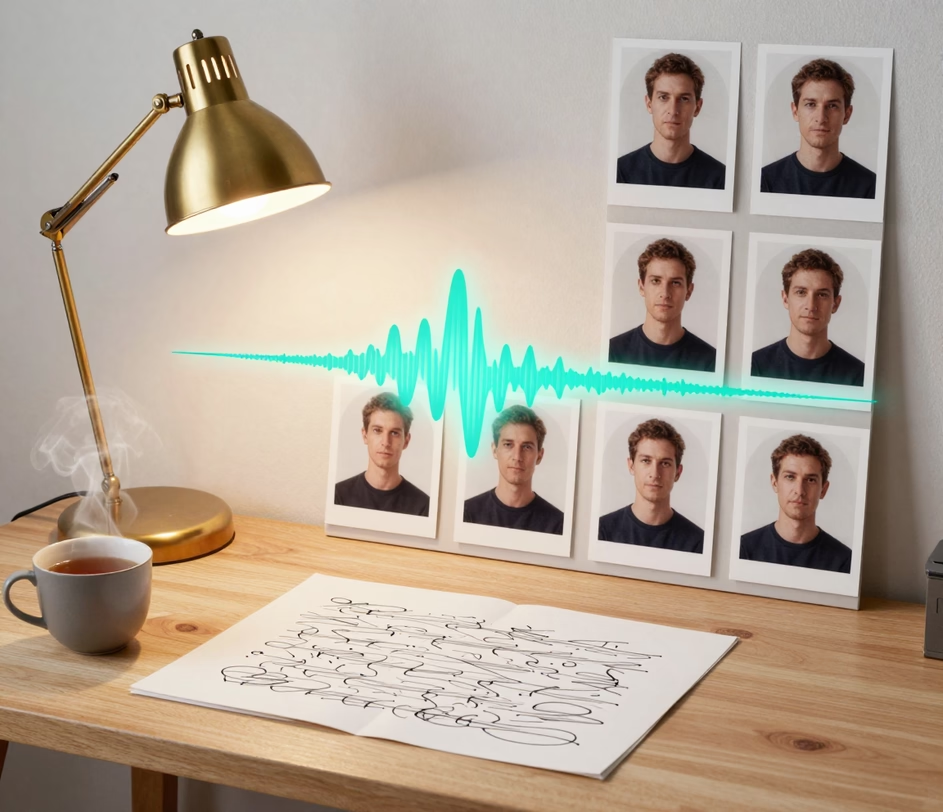
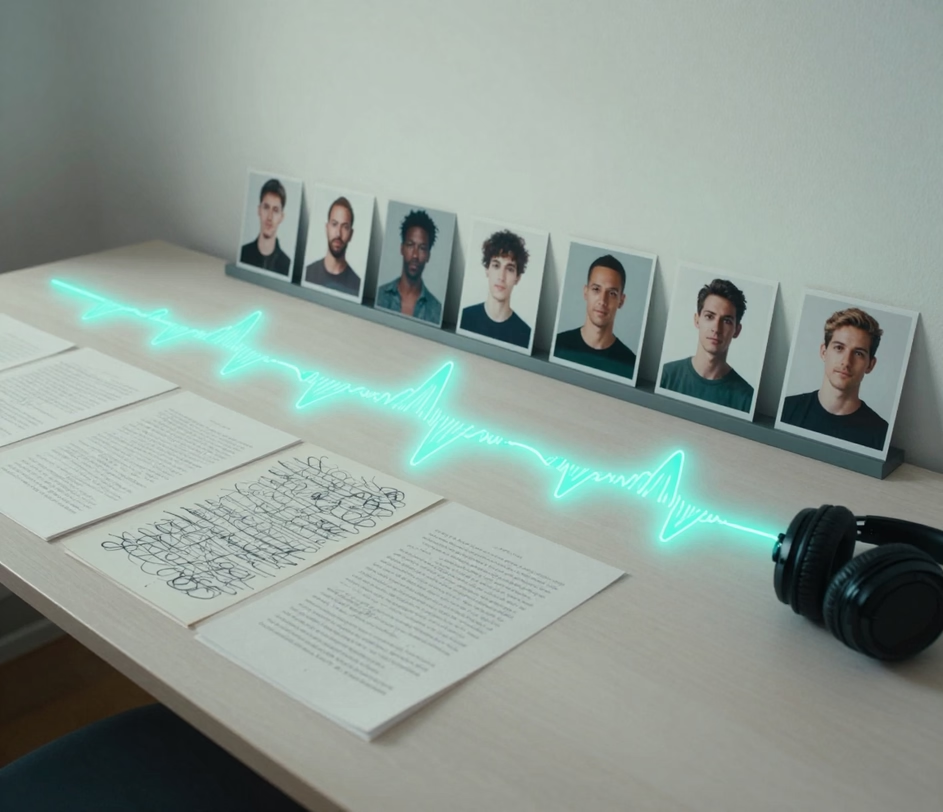
Built for video narrators, podcast producers, and course creators who write scripts — not book studio time.

The engine models real speech rhythm — pauses, emphasis, and breath — instead of flat robotic delivery. A 1,000-character script reads like a voice actor recorded it in a treated booth, which is why listeners stay through a full three-minute clip instead of skipping.

Paste a full blog post, a video chapter, or a complete course lesson. Three length packages cover scripts of 1,000, 2,000, and 3,000 characters — so a three-minute narration never needs to be split across multiple generations or stitched back together by hand.

Type tags like laugh, sigh, cough, or groan directly into your script and the voice performs them at the exact spot. A tutorial narration stays calm while a story insert can chuckle or sigh — no separate editing pass, no sound-effect library.

Typical scripts render in fifteen to thirty seconds, and the finished audio lands in your dashboard as a downloadable file. Recording the same one-minute narration yourself takes about thirty minutes including retakes, noise cleanup, and level matching.

You pay by the package, not by the second: 12 credits for 1,000 characters, 24 for 2,000, and 38 for 3,000 — with a built-in discount at the largest package. The cost shows before you generate, so a full course of forty lessons can be budgeted in advance.

Five real scenarios where turning a written script into narration solves a production problem.

Creators who publish daily need narration for faceless channels, explainer videos, and product demos. Paste a 1,000-character script, generate in about thirty seconds, and drop the audio straight into the edit — a workflow that sustains a five-video-per-week schedule without ever recording.

Indie podcasters draft segment intros, sponsor reads, and listener-question recaps as text, then convert them to audio between episodes. A 2,000-character package covers a two-minute opening monologue, produced in the time it takes to refill coffee.

Course builders narrate slide decks and written lessons without renting a studio. A ten-lesson module with 3,000 characters per lesson costs 380 credits total and is voiced in under ten minutes of combined generation time.

Newsletter authors and bloggers turn written posts into listenable audio editions — a text to voice conversion that keeps every sentence intact. Readers who prefer audio get the same article as a three-minute clip generated from the exact text — no abridged summary, no altered wording.

Marketing and enablement teams voice onboarding walkthroughs, release notes, and training snippets. Instead of chasing a colleague with a good voice across time zones, they paste the script and get consistent narration for every update — roughly thirty seconds per clip.

The entire process runs in your browser. No downloads, no audio engineering background.

Type or paste the text you want spoken — a video script, an article, a lesson. Up to 3,000 characters per generation. Add optional emotion tags like laugh or sigh exactly where you want them performed.

Choose 1,000, 2,000, or 3,000 characters to match your script. The credit cost updates instantly — 12, 24, or 38 credits — so you always know the price before generating.

Hit generate and wait roughly fifteen to thirty seconds. Preview the narration, adjust punctuation or emotion tags if a line feels off, regenerate, then download the finished audio file into your editor.

Direct answers — no jargon, no fine print.
Paste up to 3,000 characters, add emotion tags, and download natural narration in about thirty seconds.
Subscription plans include credits for text to speech generation

Other AI-powered audio tools from Arui.AI — each built for a different voice task.

Turn scripts into spoken dialogue with hand-picked character voices across 24 languages.
Try Now
Transform a recorded voice into a different style while keeping the original timing.
Try Now
Turn written lyrics into rap vocals with studio-grade flow and delivery.
Try Now
