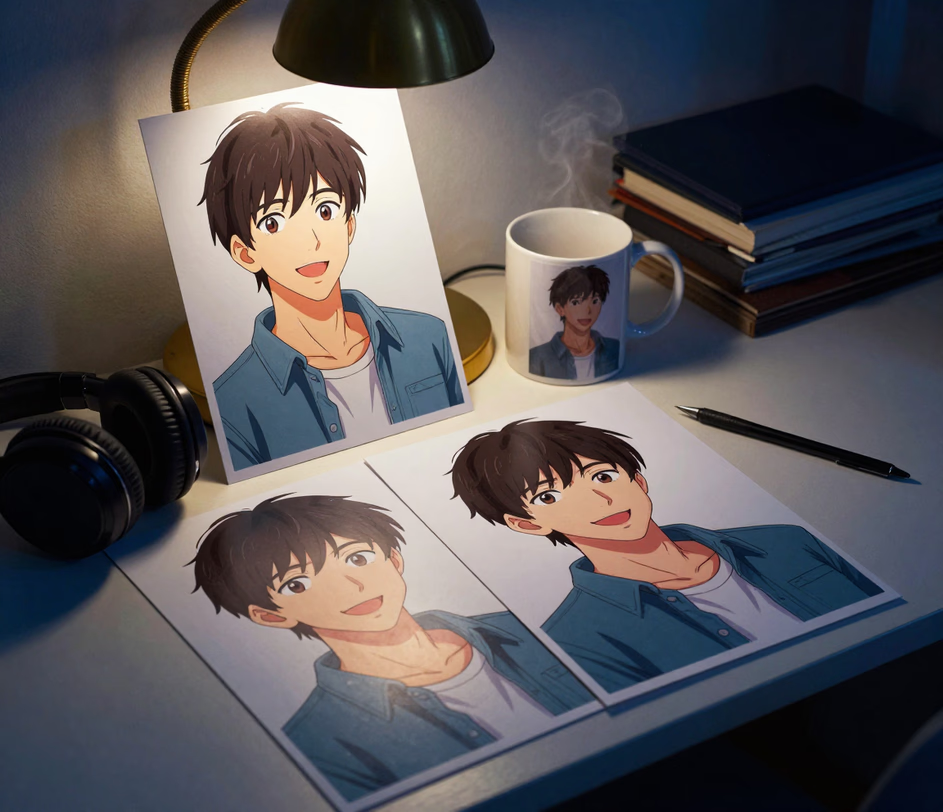
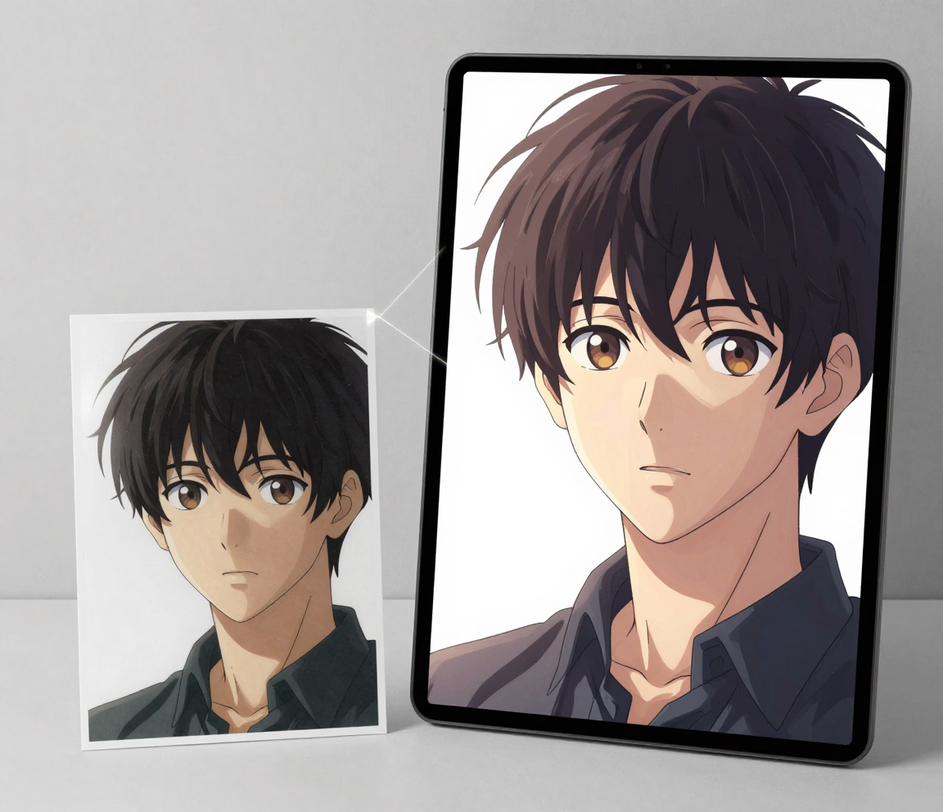
Arui.AI is a photo to animation tool that turns any still image into an anime-style version of you in under 60 seconds. Upload a portrait, a landscape shot, or an illustration and keep the subject clearly recognizable — no timeline editing, no drawing skills, no animation software needed.

Three tiers tuned for different projects, resolutions, and budgets — compare output size, credit cost, and aspect ratio support before you generate.

Built for anyone who wants a stylized anime look, not just drawing experts.

A fresh batch of credits lands in your account each morning and resets automatically — a Standard render costs just 18 credits. Spend them on several photos side by side, compare different anime sub-styles in one sitting, and keep the render you like best. A paid tier lifts the daily cap and removes watermarks from downloads.

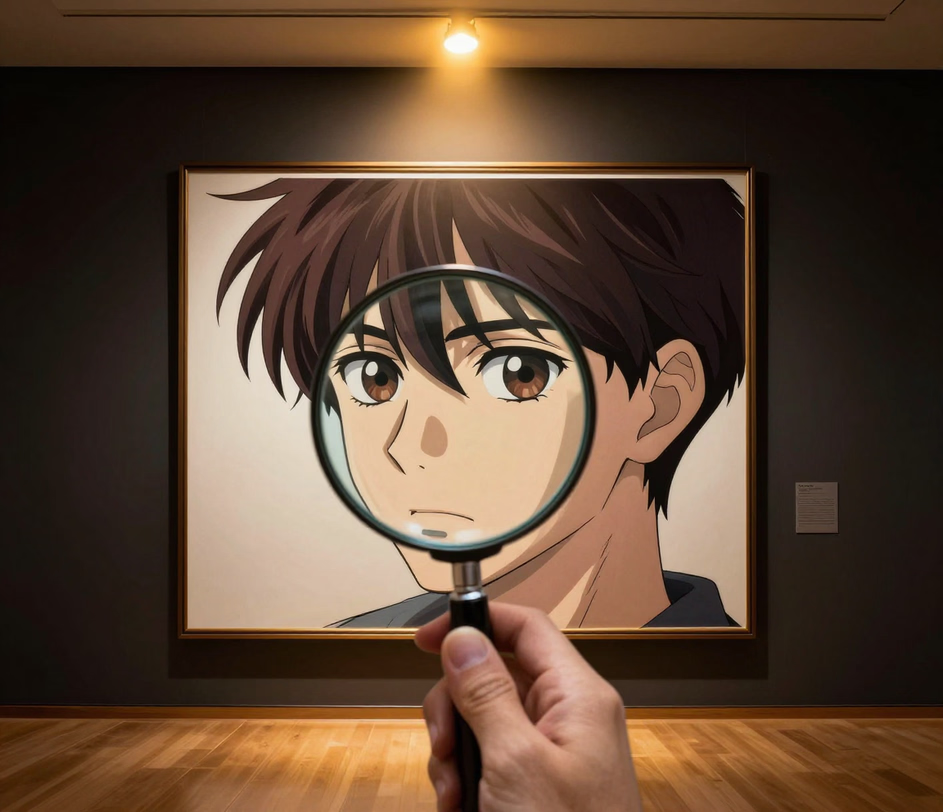
Upload a portrait and the AI redraws it in clean line art with vibrant color while keeping the face clearly recognizable. The model reads the subject's features — expression, hairstyle, proportions — and carries them into the anime version in roughly thirty seconds, so friends still know it is you at a glance. You never touch a brush or layer editor.

Steer the look with plain words: ask for chibi proportions, shoujo-manga eyes, or a watercolor palette and the same photo renders in a completely different sub-style. Four aspect ratio presets (1:1, 3:4, 4:5, 9:16) cover avatars, posts, and prints without separate tools for each look.

Every render exports as a standard PNG or JPEG image — up to 4096px on the Master tier. Drop it into social media profiles, website banners, presentation decks, or messaging apps — no format conversion, no codec troubleshooting. The file displays everywhere.

The complete workflow runs in your browser. No desktop application, no plugins, no special hardware requirements. Open the page, upload your image, type a few style words, and let the AI handle the rest — from upload to download in about thirty seconds.

Five real situations where uploading a photo beats opening animation software.

Content creators and marketing teams restyle photos to stand out in crowded feeds. Upload a product shot, a travel photo, or a behind-the-scenes image, and the AI renders an anime version that catches the eye as users scroll. The finished image downloads ready for Instagram profiles, TikTok icons, and YouTube thumbnails — no design software required.

Families digitize vintage photographs and use the tool to redraw them in anime style — a grandmother's smile kept in clean line art, a parent's familiar expression carried into vibrant color, a group portrait of up to five faces (Master tier) reimagined as a manga panel. These stylized memories make meaningful gifts for relatives.

E-commerce managers upload flat product images and receive anime-styled visuals that give listings a distinctive illustrated identity. Stylized product visuals increase engagement compared to plain stock photos, and the AI generates each one in about thirty seconds rather than the hours a hand-drawn illustration would take.

Teachers and instructional designers restyle photos of scientific specimens, historical artifacts, and geographical formations into engaging illustrations in seconds. A still volcano photo becomes a clean-line anime diagram with bold lava coloring. Students retain more information when study materials gain a distinctive visual style.

Digital artists and illustrators upload their still artwork and use the tool to reinterpret a flat canvas in anime style. A painted ocean gains crisp cel-shaded waves; a sketch of a bird gets bold ink outlines. These stylized pieces stand out in online portfolios and social media galleries, with 4K output on the Master tier for print-ready quality.

Everything happens in your browser — no downloads, no setup required.

Open the tool and drag in the image file from your computer, or click to browse and select it. Portraits, landscapes, objects, and illustrations all work. The AI reads the subject's features to determine how to carry them into the anime version.

Type a few words about the look you want. Chibi proportions for a playful avatar, shoujo-manga eyes for a classic look, a watercolor palette for something softer. The AI applies your direction to the photo, and each phrasing produces a different sub-style — no menus to learn.

Hit the generate button and give it a moment — a typical render finishes in roughly thirty seconds. Check the preview at full size. If the result is not quite right, adjust your wording and generate again — iterating takes seconds. Happy with the result? Download the image file and drop it into your project.

Straightforward answers in plain language.
Upload a photo, describe your look, and walk away with a finished anime-style render in under a minute.
Upload a photo, pick a style, and walk away with a finished anime-style render.

If this photo to animation tool caught your attention, these related tools might too.

Type a scene description in words and the AI generates an animated video clip — no image upload needed, just your imagination.
Try Now
Upload a still image and receive a cinematic video clip with camera movement, scene transitions, and visual storytelling.
Try Now
Describe any visual idea in words and receive a high-quality image in seconds — choose styles, adjust tones, and download.
Try Now
