Arui.AI is an AI text to animation tool that turns written descriptions into animated video clips. Type what you want to see — a character waving, a logo spinning, clouds drifting — and the AI produces a short animated video from your words. No timeline, no keyframes, no animation software installed.

Honest answers in plain language.
Describe the scene, pick an art style, and let the AI text to animation generator render it — from a 150-credit 720p anime draft to a 1080p master clip with audio.
Write a scene, choose a look, and walk away with an animation file.

If this text to animation tool caught your eye, these adjacent tools might too.

Upload a still image and watch the AI add natural motion — turn portraits, landscapes, and illustrations into animated loops.
Try Now
Describe a cinematic scene in words and receive a polished video clip — cameras and editing timelines not included, because they are not needed.
Try Now
Describe any visual idea in words and receive a high-quality image in seconds — choose styles, adjust tones, and download.
Try Now
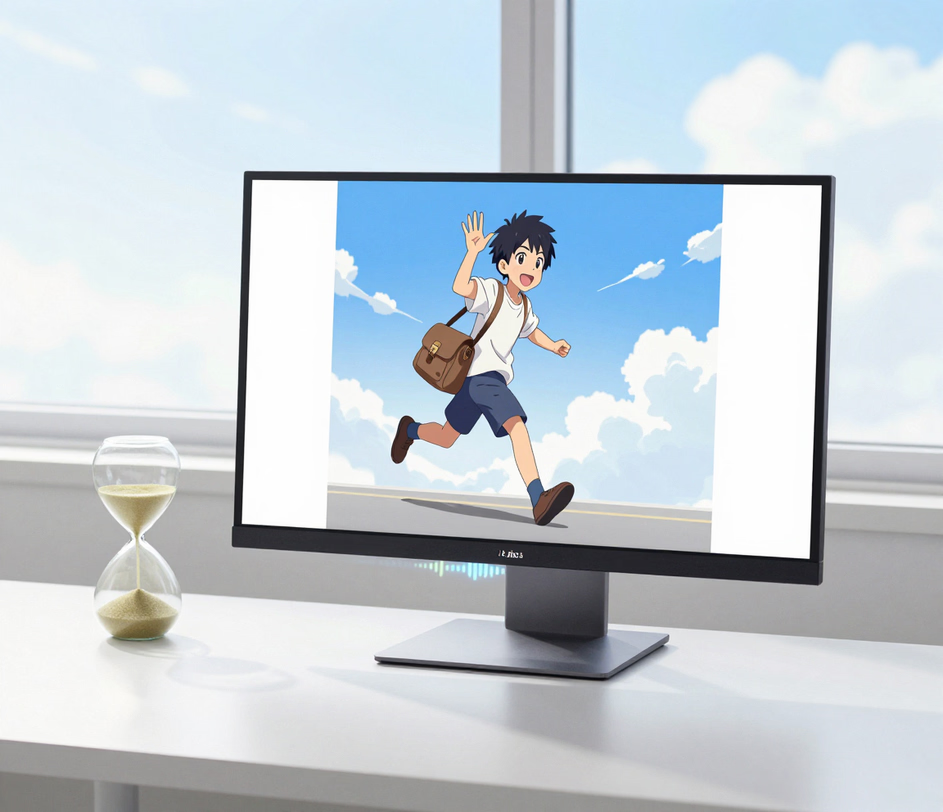
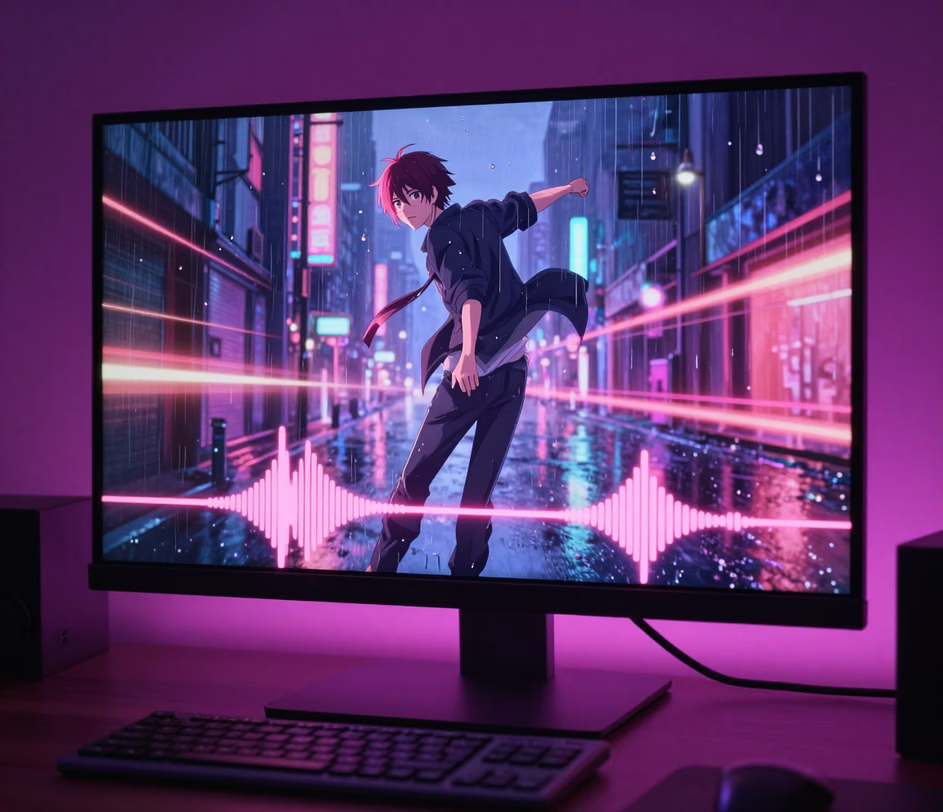
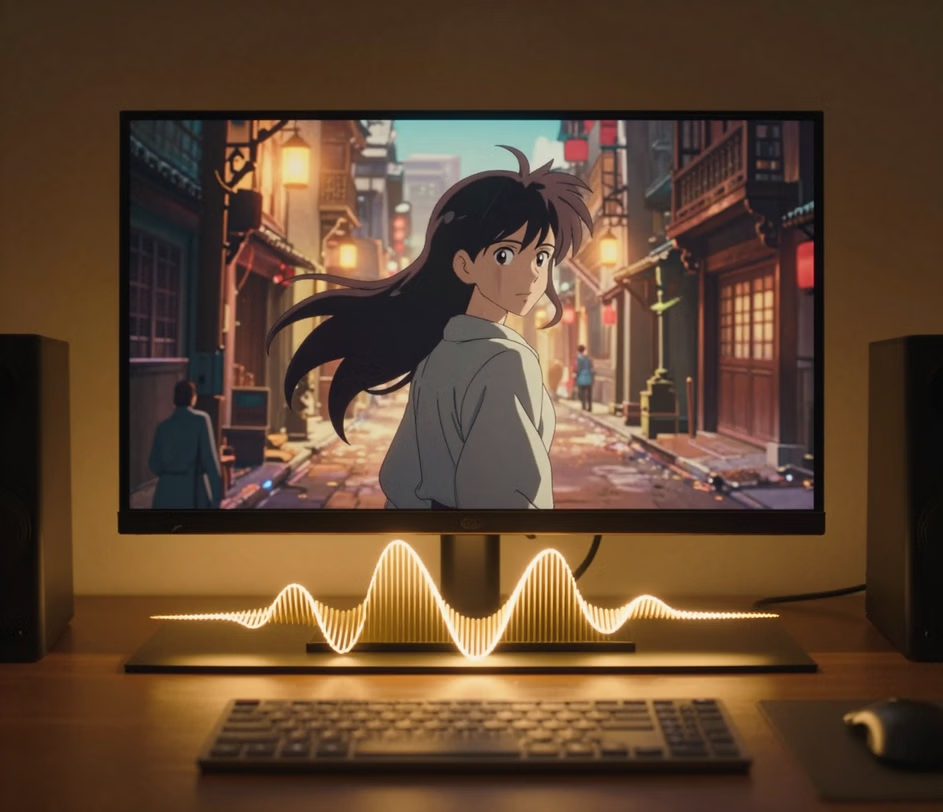
Three engines of the AI text to animation tool, from quick 720p anime drafts to a 1080p master with audio — flat credits per clip, never per frame.

Five practical situations where typing a sentence beats opening animation software.

Marketing teams and solo creators turn text prompts into eye-catching animated clips for Instagram Reels, TikTok, and YouTube Shorts. Describe the motion you want — a product spinning, text sliding into frame, confetti falling — and download a ready-to-post video in under a minute. No design software, no freelancer, no waiting.

Product managers and startup founders create animated video from text to pitch ideas before investing in full production. Type a scene-by-scene description of your product walkthrough, and the AI generates rough animated clips you can stitch together into a concept video. Stakeholders see the vision in minutes instead of a weeks-long animation budget.

Teachers and instructional designers describe processes — water cycling through clouds, electrons orbiting a nucleus, tectonic plates shifting — and receive five-second animated clips that make abstract concepts visible. The text to animation video AI approach turns any lesson plan into a visual demonstration students actually remember.

Brand designers type descriptions of how a logo should appear on screen — fade in from center, sweep in from the left, bounce and settle — and the AI renders a polished five-second logo animation. The same tool creates animated headers, lower-thirds, and transition elements that keep brand identity consistent across video content.

Film and video teams use the text to animated video workflow to block out scenes before shooting. Describe camera moves, character blocking, and object choreography in plain words, and the AI returns a rough animated version in about a minute. Directors share these previsualizations with crew members so everyone understands the intended motion before a single frame is captured on set.

